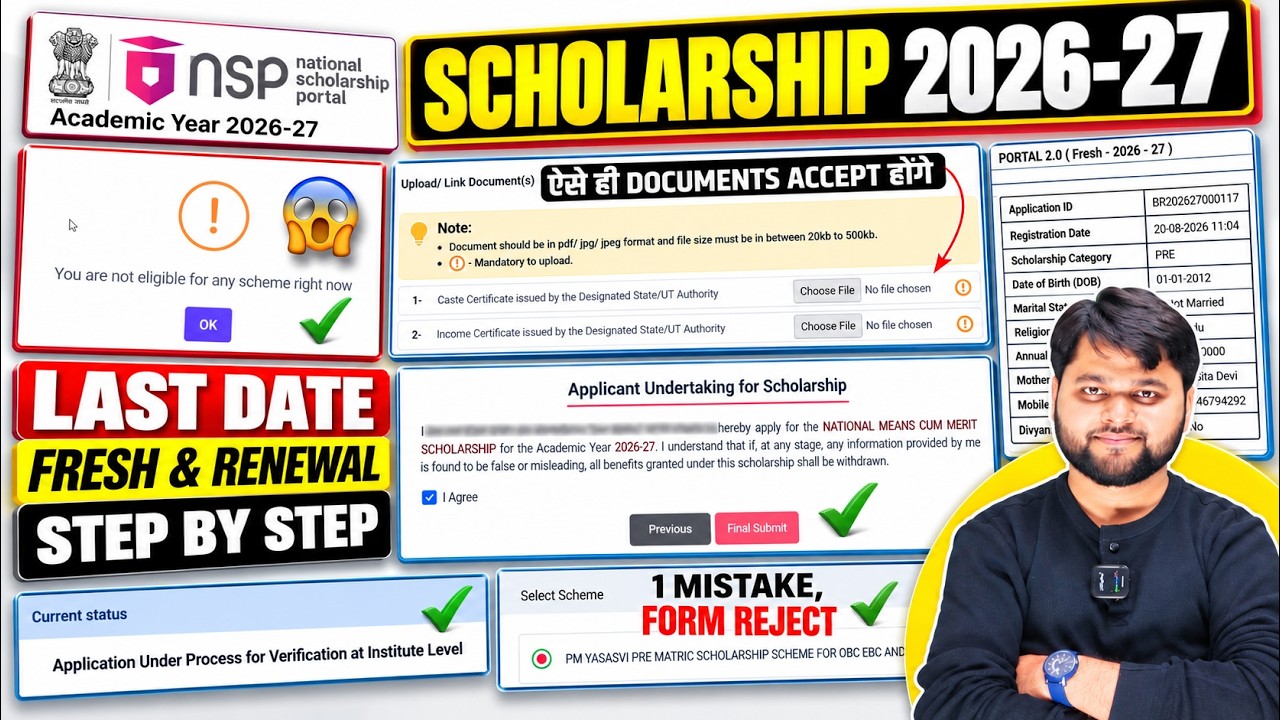
NSP Scholarship 2026-27 Apply Online | Form Fill Up & How to Apply
Introduction
If you are searching for NSP Scholarship 2026-27 Apply Online, this guide explains the complete process from One Time Registration (OTR) to final application submission and institute verification.
The National Scholarship Portal (NSP) is open for Academic Year 2026-27, and the official portal confirms that OTR is required to apply for scholarships. OTR is a unique 14-digit number that remains applicable throughout a student’s academic career.
In this article, you will learn how to apply NSP Scholarship 2026-27, how to complete OTR, how to select your institute and scheme, how to upload documents, how to submit the application and what to do if you face problems while filling the form.
Important: NSP does not have one common closing date for every scholarship. The opening and closing dates depend on the individual scheme. For example, several 2026-27 schemes currently show student application deadlines of 31 October 2026, while some schemes have earlier deadlines. Always check your particular scheme on NSP before applying.
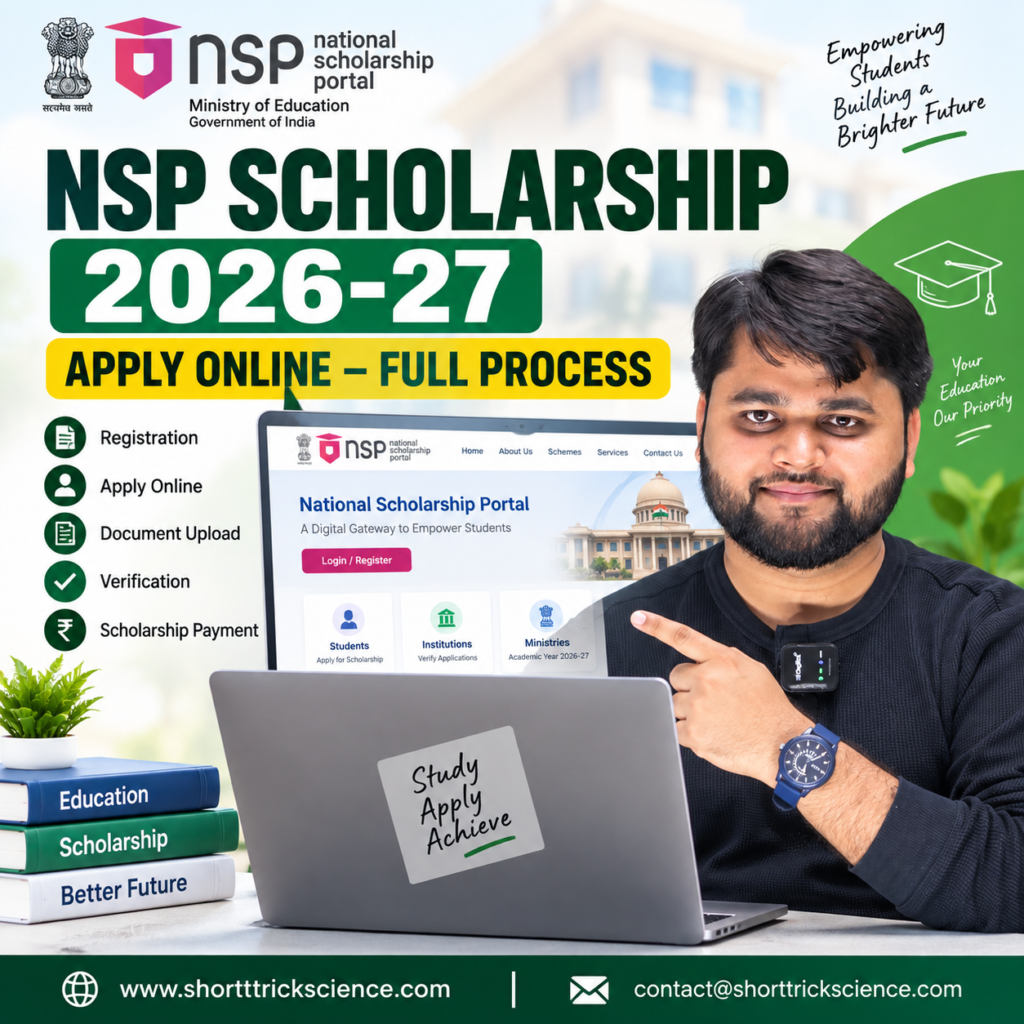
How to Apply NSP Scholarship 2026-27 Online?
The NSP Scholarship 2026-27 apply online process generally starts with OTR for students who do not already have an OTR number.
The official NSP portal confirms that OTR is mandatory for scholarship applications from AY 2024-25 onward. Students can use their OTR ID and password to access Fresh and Renewal applications.
Step 1: Complete OTR
For a new applicant, first complete One Time Registration.
The process described in the supplied video includes:
- Open the NSP OTR application.
- Select Register if you are registering for the first time.
- Read and accept the required declarations.
- Enter the registered mobile number.
- Complete the OTP verification.
- Complete Aadhaar-based e-KYC.
- Enter the reference number received during the process.
- Complete the required OTP/captcha steps.
- Proceed with Aadhaar face authentication.
- Complete face authentication successfully.
- Your OTR number will then be generated.
The supplied video specifically demonstrates the use of the NSP OTR application together with the Aadhaar Face RD application and explains the face-authentication process.
The official NSP portal also confirms that the NSP OTR App is available and that OTR can be generated using Aadhaar or Aadhaar Enrolment ID (EID).
Is OTR required for NSP Scholarship 2026-27?
Yes. The official NSP student page states that OTR is mandatory to avail scholarships and is required for applying through NSP.
NSP Scholarship 2026-27 Quick Summary
| Particular | Details |
|---|---|
| Academic Year | 2026-27 |
| Portal | National Scholarship Portal |
| OTR | Mandatory |
| OTR Type | Unique 14-digit number |
| Application Types | Fresh and Renewal |
| Application Mode | Online |
| Login | OTR ID + Password |
| Scheme Selection | Depends on eligibility |
| Institute Verification | Required |
| Further Verification | Depends on scheme |
| Payment | Scholarship is processed according to the applicable scheme and verification process |
The official NSP portal currently identifies Academic Year 2026-27 and provides separate scheme timelines, so students should check their specific scheme rather than assuming one deadline applies to all scholarships.
NSP Scholarship Form Fill Up 2026 – Fresh Application Process
After completing OTR, visit the National Scholarship Portal and choose the student login/application option.
The official student portal provides an Apply For Scholarship option where students can log in using their OTR ID and password to fill or check Fresh and Renewal applications.
1. Login With OTR
Enter:
- OTR ID
- Password
- Captcha, where required
After successful login, first-time applicants can proceed with the Fresh application.
2. Choose Fresh Application
If you are applying for the first time, select the Fresh application option.
Read the consent/declaration carefully before proceeding.
3. Select Your State
Choose the appropriate state as required in the application.
Be careful here because the state required for the institute selection may relate to the location of your college/institute, not simply where you currently live.
4. Select the Appropriate Scheme
The next important step is scheme selection.
NSP hosts multiple scholarships from different ministries and departments. Eligibility, application dates and verification timelines differ by scheme. The official Schemes on NSP page should therefore be checked before selecting a scholarship.
5. Fill Basic Details
Check all pre-filled information carefully.
If any information is editable, correct it only where appropriate and make sure it matches your official documents.
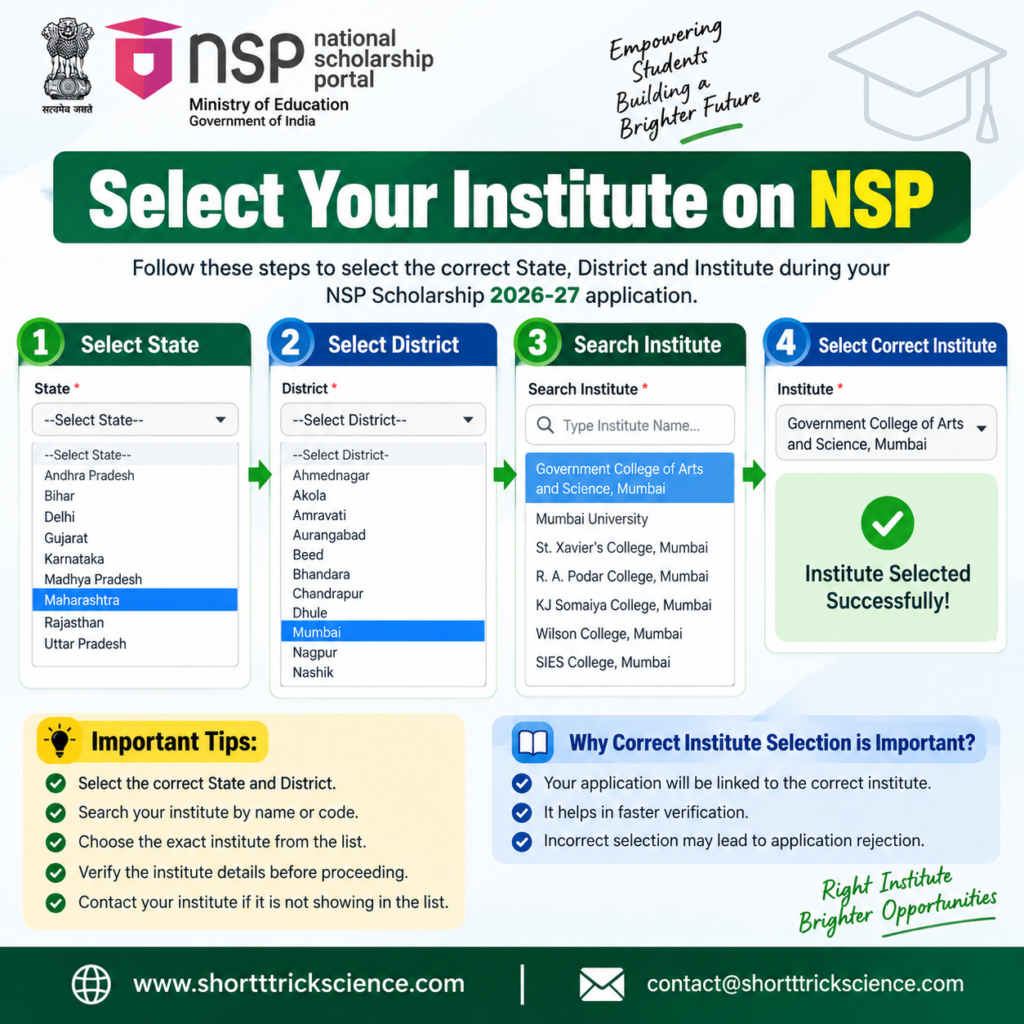
6. Select Your Institute
This is one of the areas where students can make mistakes.
According to the supplied video, the process involves selecting the institute’s state, district and institute name. If several institutions appear in the search results, students should carefully identify their own institute, including the appropriate code/details where applicable.
Do not randomly select an institute simply because the name looks similar.
NSP Scholarship 2026-27 Form Filling – Academic Details and Documents
After basic information and institute selection, students need to complete their academic details.
The exact fields displayed can vary according to the scholarship scheme and eligibility criteria.
Academic Details
Depending on the application, students may need to provide information such as:
- Current class/course
- Previous class or examination
- Previous examination percentage
- Roll number
- Semester details
- Course start date
- Hostel information
- Other scheme-specific information
The supplied video also discusses entering CGPA/percentage carefully and checking the applicable conversion rule. Students should follow the conversion method prescribed by their institution and the NSP/application instructions rather than assuming that every college uses the same formula.
Upload the Required Documents
The document section may differ depending on the scholarship.
Commonly requested documents can include applicable academic records, certificates and other supporting documents.
Do not upload a random document just because the portal displays an upload box. Read the document description and upload the correct file.
For renewal applications, pay particular attention to the last examination passed requirement. The supplied video demonstrates checking whether the uploaded marksheet corresponds to the required examination.
Save Your Application as Draft
If you cannot complete the entire application at one time, use the available save/draft option where provided.
This is useful because you can return later instead of starting the application again.
NSP Scholarship 2026-27 Step-by-Step Process
| Step | What You Need to Do |
|---|---|
| 1 | Visit the official NSP portal |
| 2 | Complete OTR if you are a new applicant |
| 3 | Complete Aadhaar/e-KYC and required authentication |
| 4 | Log in using OTR ID and password |
| 5 | Select Fresh or Renewal application |
| 6 | Read and accept the consent/declaration |
| 7 | Select required state/application details |
| 8 | Select the eligible scholarship scheme |
| 9 | Check basic details |
| 10 | Select the correct institute |
| 11 | Fill academic details |
| 12 | Enter applicable course/hostel/other details |
| 13 | Upload required documents |
| 14 | Review the entire application |
| 15 | Submit the application |
| 16 | Print/download the submitted application if required |
| 17 | Submit required documents to the institute/nodal officer if instructed |
| 18 | Track verification/status regularly |
Final Submission and NSP Application Verification
Filling the application is not necessarily the end of the process.
Before final submission, check every section carefully.
Pay special attention to:
- Name
- Aadhaar-related information
- Date of birth
- Institute
- Course
- Academic details
- Bank details
- Category
- Income information
- Uploaded documents
- Scheme selection
Once you are satisfied that everything is correct, proceed with final submission.
The supplied video shows the application moving to a status such as “Application Under Process for Verification with Institute Nodal Officer” after submission. It also explains that students should print the application and follow their institute’s instructions for signatures, stamps and supporting documents where required.
Do Not Ignore Institute Verification
Students sometimes assume that submitting the online form means the scholarship process is finished.
That is not necessarily the case.
The application may go through further verification levels depending on the particular scholarship scheme. The official NSP scheme listings show separate student, defective-application, institute and nodal-officer verification timelines for many schemes.
Therefore, keep checking your application status after submission.
For readers who prefer a quick walkthrough, this video explains the full process step by step
NSP Scholarship 2026-27 Common Problems and How to Fix Them
Students can face problems at different stages of the application.
Some problems relate to OTR or authentication, while others occur during institute selection, document upload or final submission.
Institute Not Showing
If your college/institute does not appear in the search results, do not select an unrelated institution.
Check:
- State
- District
- Institute name
- Search spelling
- Institute details/code
You can also check whether the institute is registered on NSP. The official portal provides a facility to search NSP-registered institutes.
Face Authentication Problem
If face authentication fails, check the app requirements and your Aadhaar authentication status.
The official NSP portal currently notes that students experiencing error 904 during face authentication should update the UIDAI AadhaarFaceRD application. It also warns that Aadhaar biometric locking can affect authentication.
Wrong Document Uploaded
Do not ignore an incorrect document.
Go back to the relevant section if editing is still permitted and replace it with the correct document according to the application’s requirement.
Application Not Finally Submitted
Simply filling or saving an application is different from successfully completing final submission.
Always check the application status after submitting.
Renewal Application Issue
Renewal students should check whether their previous application and current academic details are correctly reflected.
Do not assume that the Fresh application process and Renewal process will show exactly the same fields.
NSP Scholarship Problems vs Solutions
| Problem | What You Should Check |
|---|---|
| OTR not generated | Check registration, OTP, Aadhaar/e-KYC and authentication steps |
| Face authentication failed | Check face-authentication conditions and Aadhaar biometric status |
| Institute not showing | Check institute state, district, name and registered institute details |
| Wrong academic percentage | Verify your marksheet and applicable conversion rule |
| Wrong document uploaded | Replace it if editing is available and upload the correct document |
| Application saved but not submitted | Log in again and check whether final submission is completed |
| Renewal details incorrect | Review the renewal application and required academic information |
| Application under institute verification | Follow your institute’s verification/document-submission instructions |
| Unsure about deadline | Check the individual scholarship’s official NSP timeline |
| Payment not received | Check application/verification status and the relevant payment-tracking facility |
Visit the official National Scholarship Portal
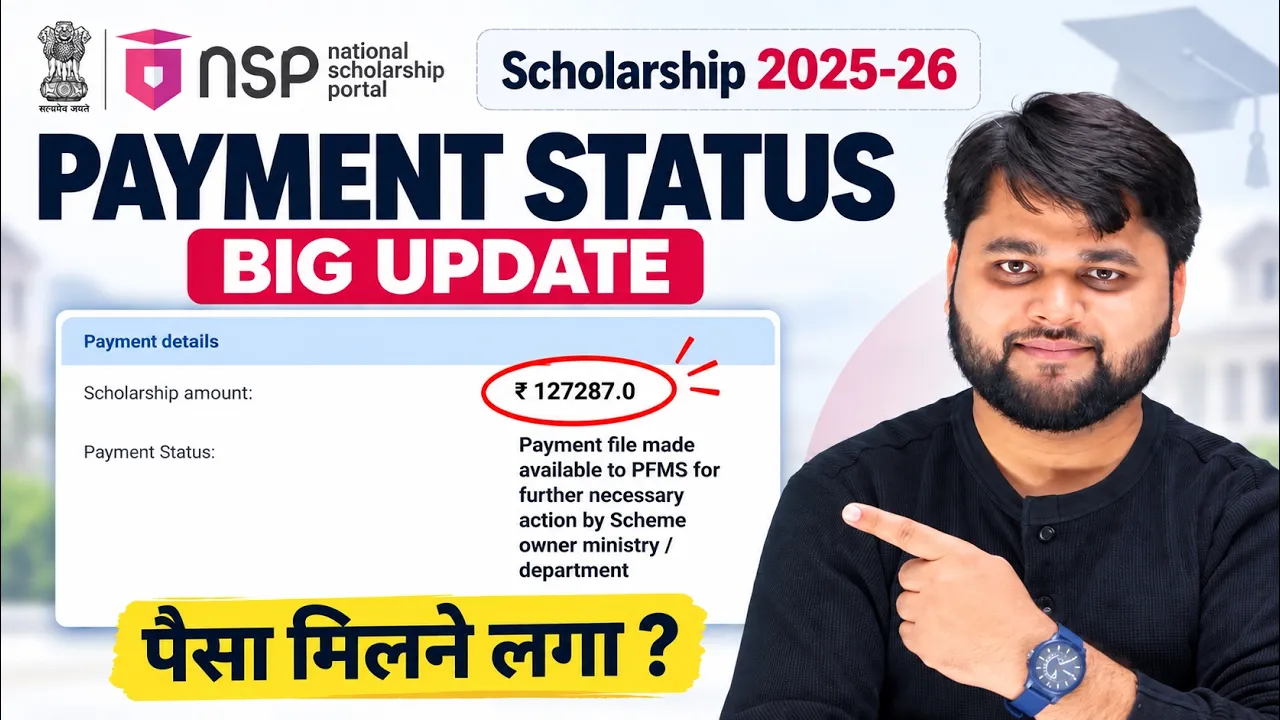
NSP Scholarship 2025-26 Payment Update: File Sent to PFMS
How to apply NSP Scholarship 2026-27?
To apply for an NSP Scholarship 2026-27, first complete the required OTR, log in to the National Scholarship Portal with your OTR ID and password, select the eligible scheme, fill in basic and academic details, choose your institute, upload required documents, review the form and complete final submission.
FAQ: NSP Scholarship 2026-27 Apply Online
How to apply NSP Scholarship 2026-27?
First complete OTR if required, then log in to the official NSP portal using your OTR ID and password. Select the applicable scholarship, complete the form, upload documents and submit it.
Is OTR mandatory for NSP Scholarship 2026-27?
Yes. The official NSP student portal states that OTR is mandatory to avail scholarships and is required for applying through NSP.
What is the NSP Scholarship 2026-27 apply online date?
The NSP portal opened Academic Year 2026-27 from 1 June 2026, but individual scholarship schemes have different opening and closing dates. Students should check the specific scheme timeline.
How to fill NSP Scholarship form 2026?
Log in through the NSP student portal, select Fresh or Renewal as applicable, choose the relevant scheme, complete basic and academic information, select your institute, upload required documents and complete final submission.
Can I apply for NSP Scholarship from my mobile?
Yes. The supplied walkthrough demonstrates the OTR process using a mobile phone, including the required authentication applications. The official NSP portal also provides the NSP OTR App.
What should I do if my college is not showing on NSP?
First check the selected state, district and institute name. Search carefully and verify the institute details. The NSP public section also provides a facility to find institutes registered on NSP.
What happens after submitting the NSP application?
The application may proceed to institute and other verification stages depending on the scheme. Students should regularly check their NSP application status and follow instructions from their institute or nodal officer.
What if my NSP face authentication fails?
Check the Aadhaar authentication requirements and the relevant applications. NSP currently advises users facing error 904 to update the UIDAI AadhaarFaceRD app and notes that locked Aadhaar biometrics can cause authentication failures.
Conclusion
Applying for the NSP Scholarship 2026-27 is much easier when you complete each stage carefully instead of rushing through the form. Start with OTR if required, select the correct scholarship and institute, enter accurate academic information, upload the right documents and make sure the application is finally submitted.
Most importantly, do not stop after filling the form. Check your application status regularly and follow your institute’s instructions for verification or document submission.
For the latest scheme-specific dates and official instructions, always check the National Scholarship Portal before applying.
If you are stuck at OTR, institute selection, document upload, final submission or verification, identify the exact stage first. Solving the specific problem is usually much easier than repeatedly submitting the entire application.