National Scholarship Portal Renewal 2026-27: Latest Rules & Verification Process
Introduction
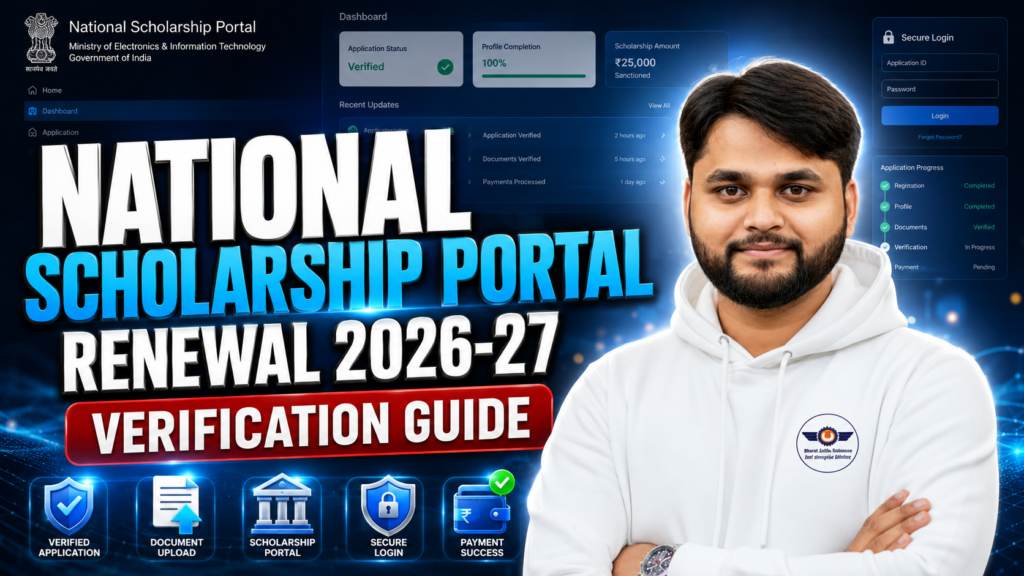
The National Scholarship Portal Renewal 2026-27: Latest Rules & Verification Process is now one of the most searched topics among scholarship students because many renewal candidates are facing issues related to login, document upload, verification, and payment status. Students who already received scholarship benefits in previous sessions can now renew their applications through the official NSP portal without filling the entire form again.
In this guide, you will learn the complete renewal process step by step, including eligibility, document upload rules, verification stages, common errors, payment-related updates, and important tips to avoid rejection. Whether you are applying under Central Sector Scheme, PMS Scholarship, Minority Scholarship, or Disability Scholarship, this article covers everything in a simple and practical way.
National Scholarship Portal Renewal 2026-27: Who Can Apply?
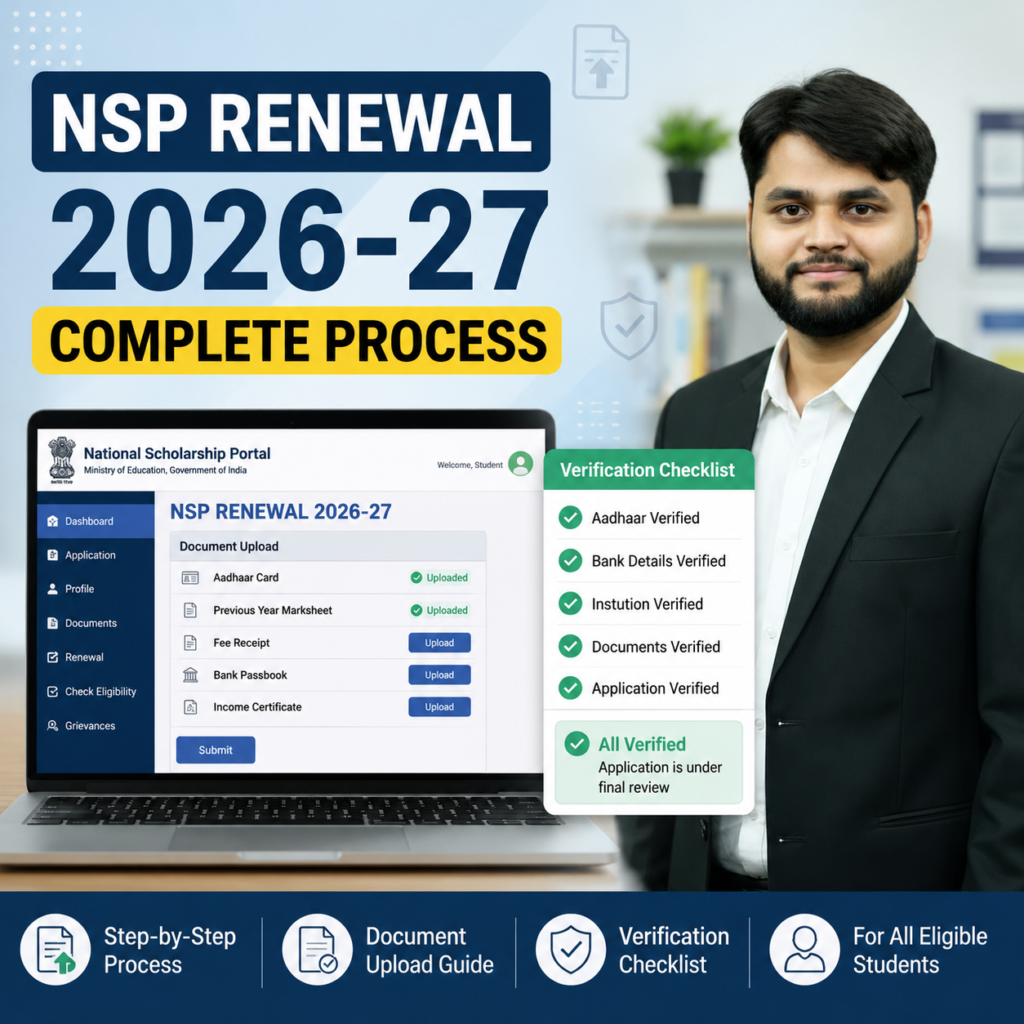
Students can apply for NSP renewal only if they already received scholarship approval or were selected in the previous academic session. Renewal is mainly available for candidates whose applications were successfully verified earlier.
The renewal option usually appears automatically after login through OTR ID and password. If the option is not visible immediately, students should wait for portal updates because scheme-wise activation happens gradually.
Eligible students include:
- Central Sector Scheme students
- PMS scholarship beneficiaries
- Disability scholarship students
- Minority scholarship students
- State and central scholarship renewal candidates
One important point is that students must continue in the next academic year without breaking eligibility conditions like attendance, academic performance, or institution validity.
Table 1
| Feature | Details |
|---|---|
| Renewal Eligibility | Previous scholarship selected students |
| Login Requirement | OTR ID & Password |
| Required Document | Previous year marksheet |
| File Format | PDF preferred |
| File Size | Under 200 KB |
| Verification Needed | Institute + Nodal Verification |
| Payment Condition | Successful final verification |
| Official Portal | NSP Scholarship Portal |
Latest NSP Renewal Rules for 2026-27
The government has made a few important process-related changes for the national scholarship portal 2026-27 renewal process. Students should carefully follow these rules to avoid rejection or delayed payment.
1. OTR-Based Login Mandatory
Students must use their One Time Registration (OTR) credentials for login. Old application IDs alone may not work properly.
2. Correct Academic Details Required
Students must update:
- Current course year
- Roll number
- Section
- Class start date
- Previous year percentage
Even small mistakes in academic details may create verification issues later.
3. Percentage Conversion Rule
If your institution provides CGPA, convert it into percentage using your university formula. Many students multiply CGPA by 9.5 where applicable.
4. Hostel Status Must Match Documents
If you select “Hosteller,” valid hostel proof may be required during verification.
5. Final Submission is Mandatory
Many students save drafts but forget final submission. Draft applications are not considered for payment processing.
Step-by-Step NSP Renewal Application Process
Students should carefully follow the complete process without skipping any step.
Step 1: Visit Official NSP Portal
Open the official NSP student portal and click on “Apply for Scholarship.”
Step 2: Login Using OTR ID
Enter:
- OTR ID
- Password
- Captcha code
Step 3: Open Renewal Application
After login, click on:
- My Application
- Renewal Application
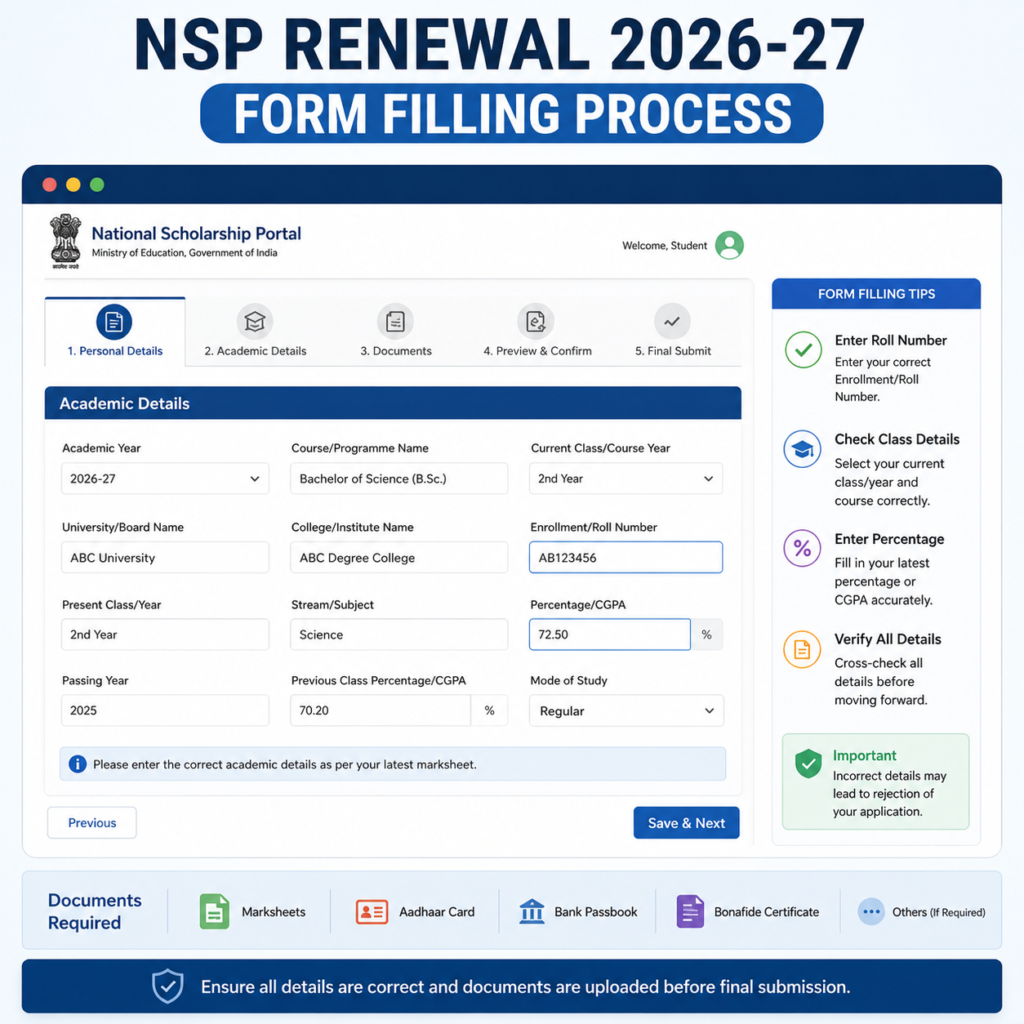
Step 4: Update Academic Details
Fill:
- Current year details
- Roll number
- Section
- Percentage
- Class start date
Step 5: Upload Documents
Upload the required previous year marksheet in PDF format.
Step 6: Check Undertaking
Verify all entered information carefully.
Step 7: Final Submit
Tick declaration checkbox and submit the application finally.
| Step | Process | Important Tip |
|---|---|---|
| 1 | Login with OTR | Use correct password |
| 2 | Open renewal section | Renewal option appears automatically |
| 3 | Fill academic details | Match college records |
| 4 | Upload marksheet | Keep PDF under 200 KB |
| 5 | Save & Next | Avoid refreshing page |
| 6 | Verify undertaking | Recheck all details |
| 7 | Final Submit | Do not leave in draft |
Common NSP Renewal Errors and How to Fix Them
Many students face technical problems during the national scholarship portal 2026-27 renewal process. Most issues are temporary and can be solved easily.
Invalid File Format Error
This usually happens because:
- File size is too large
- File name contains special characters
- Poor scan quality
- Unsupported format
Best Solution
- Rename file simply
- Use PDF format
- Keep file size between 180 KB to 190 KB
- Use proper scanner apps
Renewal Option Not Showing
Students should wait for scheme activation updates because all schemes are not enabled together.
Save & Next Not Working
Sometimes NSP servers face heavy traffic. Try:
- Different browser
- Desktop mode
- Night-time login
- Clearing cache
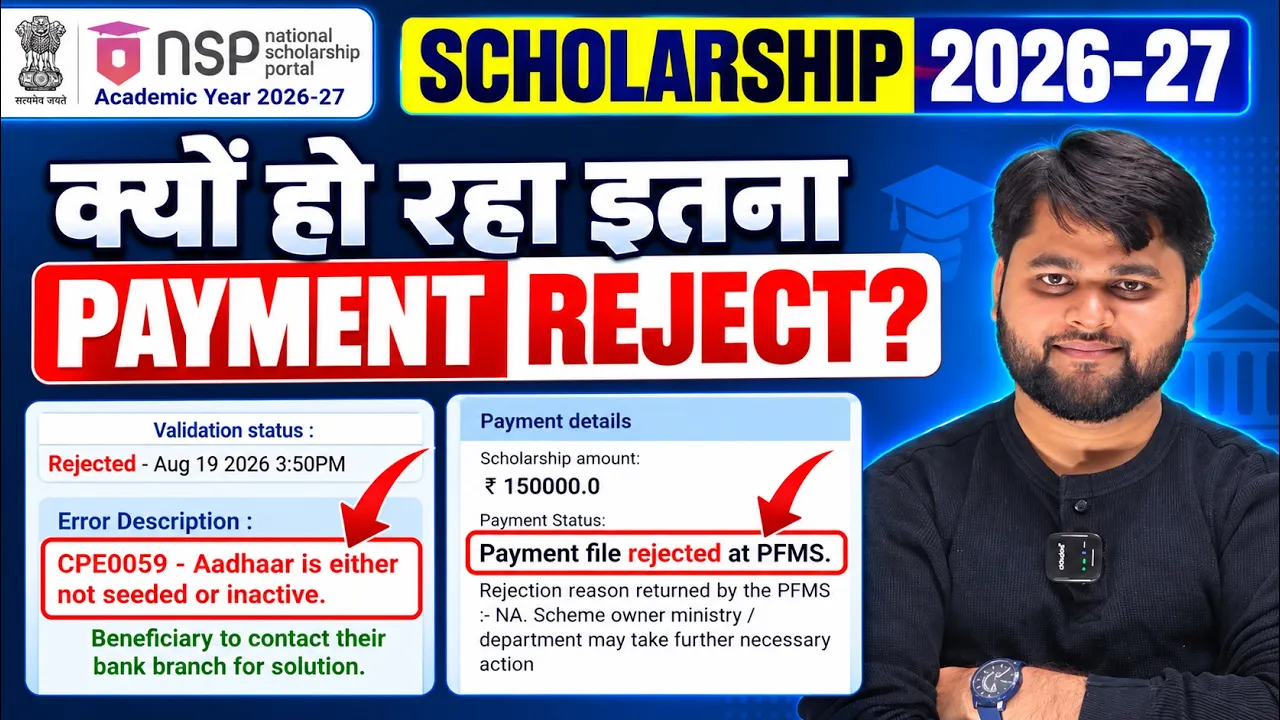
Payment Delay Issues
Payment is processed only after:
- Institute verification
- State nodal approval
- Final ministry processing
For readers who prefer a quick walkthrough, this video explains the full process step by step.
Why Video Should Appear Here:
At this point, users already understand the written process and are ready for visual guidance. A video tutorial increases trust, improves session duration, and helps students complete the form correctly.
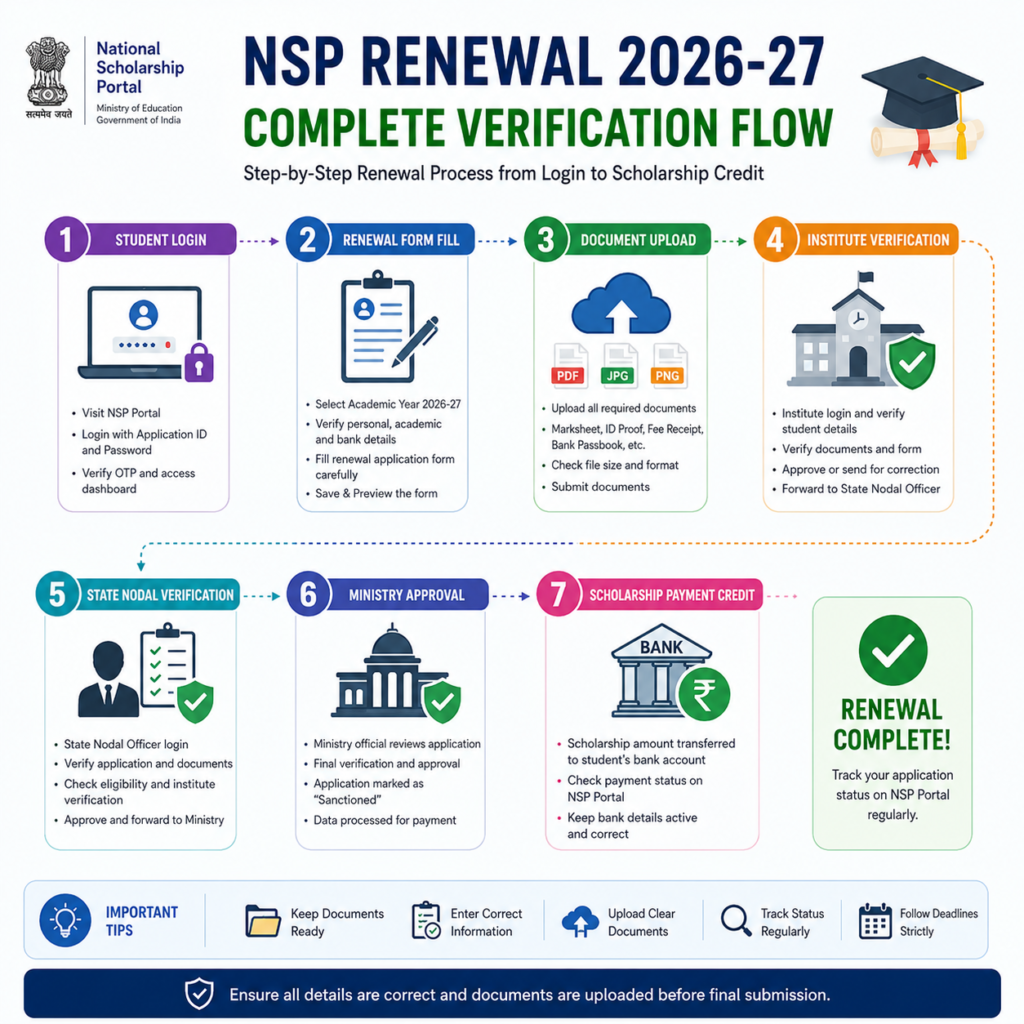
NSP Verification Process and Payment Update 2026-27
The verification process is one of the most important stages in scholarship approval. Even correctly filled forms may get delayed if verification is incomplete.
The process generally includes:
- Institute Verification
- District/State Nodal Verification
- Ministry-Level Approval
- PFMS Payment Processing
Students should regularly monitor their application status from the portal dashboard.
Table 3
| Problem | Possible Reason | Solution |
|---|---|---|
| Renewal option missing | Scheme not activated | Wait for portal update |
| Invalid file format | Wrong PDF or large size | Compress and rename file |
| Save & Next error | NSP server issue | Retry later |
| Payment pending | Verification incomplete | Check status regularly |
| Login failed | Incorrect OTR/password | Reset password |
| Document rejected | Poor scan quality | Upload clear PDF |
Students should always apply through the official NSP student portal.
Official Portal:
National Scholarship Portal Student Login
What is the NSP Renewal Process for 2026-27?
The NSP Renewal 2026-27 process allows previous scholarship beneficiaries to continue their scholarship by updating academic details, uploading marksheets, completing verification, and submitting the application through the official National Scholarship Portal.
FAQ
Who can apply for NSP renewal 2026-27?
Students who received scholarship approval or selection in the previous academic year can apply for renewal.
Is OTR ID compulsory for NSP renewal?
Yes, OTR-based login is now mandatory for most NSP scholarship services.
What documents are required for renewal?
Usually, students need previous year marksheet, updated academic details, and sometimes hostel proof.
Why is my NSP document upload failing?
The issue may happen because of large file size, wrong format, poor scan quality, or temporary NSP server errors.
What is the preferred file format for NSP renewal?
PDF format is generally the safest option for uploading scholarship documents.
How can I check NSP payment status?
Students can check payment and verification updates through their NSP dashboard and PFMS tracking system.
Conclusion
The National Scholarship Portal Renewal 2026-27 process is simple if students carefully follow each step and avoid common mistakes during document upload and verification. Most renewal problems happen because of incorrect file formats, incomplete academic details, or server-related issues. Instead of panicking, students should regularly check the portal, upload properly scanned PDFs, and complete final submission carefully.
If your renewal application is verified successfully, your scholarship payment process becomes much smoother. Always rely on the official NSP portal for updates and keep tracking your application status regularly.