
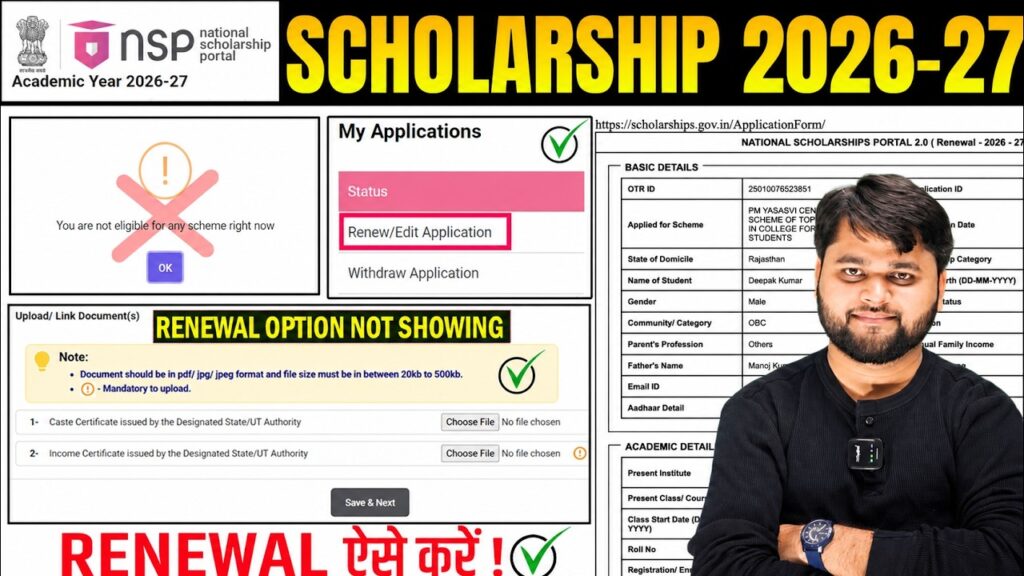
NSP Scholarship 2026-27 Apply Renewal Option Not Showing | Complete Solution Guide
Introduction
Many students are currently facing the issue of “NSP Scholarship 2026-27 Apply Renewal Option Not Showing” while logging into the National Scholarship Portal. Instead of seeing the renewal option, they are only getting the Fresh Application option, which is creating confusion among scholarship beneficiaries.
If your NSP Scholarship Renewal Option Not Showing issue is preventing you from submitting your renewal application, don’t panic. In most cases, this happens due to scheme activation delays, academic record mismatches, application mistakes, or portal-side technical issues.
In this article, we will explain why the renewal option is missing, how to check your eligibility, what mistakes students commonly make, and the exact steps to resolve the problem successfully.
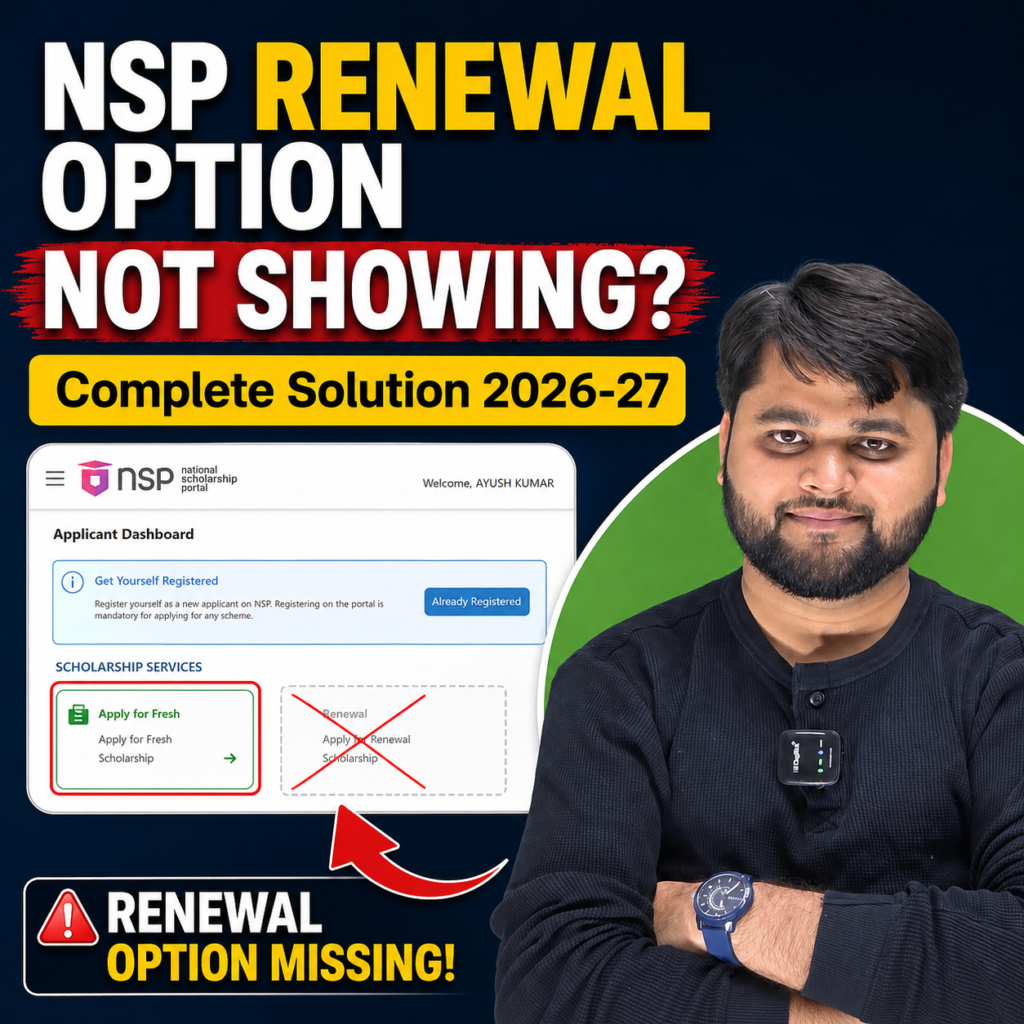
Why Is NSP Scholarship 2026-27 Renewal Option Not Showing?
The renewal option may not appear for several reasons. Most students assume there is a portal problem, but often the issue is related to eligibility verification, course details, or scheme activation.
Some scholarship schemes for 2026-27 are still not fully activated on NSP. Until the concerned ministry opens renewal applications, eligible students may temporarily see only the Fresh Application option.
Another common reason is that students mistakenly start a Fresh Application instead of waiting for the renewal option.
The NSP Scholarship 2026-27 renewal option may not appear because the scholarship scheme is not yet active, academic details are incorrect, the course duration has ended, or a technical issue exists on the portal. Students should verify eligibility, avoid submitting fresh applications, and contact NSP Helpdesk if the issue continues.
Quick Summary
| Issue | Possible Reason | Solution |
|---|---|---|
| Renewal option missing | Scheme not activated | Wait for official activation |
| Only Fresh option visible | Renewal not released yet | Do not submit fresh application |
| Not eligible message | Wrong academic details | Verify previous year information |
| Application already submitted | Wrong application type selected | Withdraw incorrect application |
| Portal error | Technical glitch | Contact NSP Helpdesk |
| Final year completed | Course duration ended | Renewal not applicable |
Check These Conditions Before Looking for Renewal Option
Before assuming there is a portal problem, verify the following:
1. Your Previous Scholarship Status
You should have received or been approved for the scholarship in the previous academic year.
2. Course Duration
If your course has already been completed, renewal may not be available.
3. Correct Academic Progression
Your current year should match the next academic year of your course.
4. Scheme Availability
Some NSP schemes open later than others due to pending academic sessions and examination results.
5. Previous Application Details
Incorrect course year information in earlier applications can affect renewal eligibility.
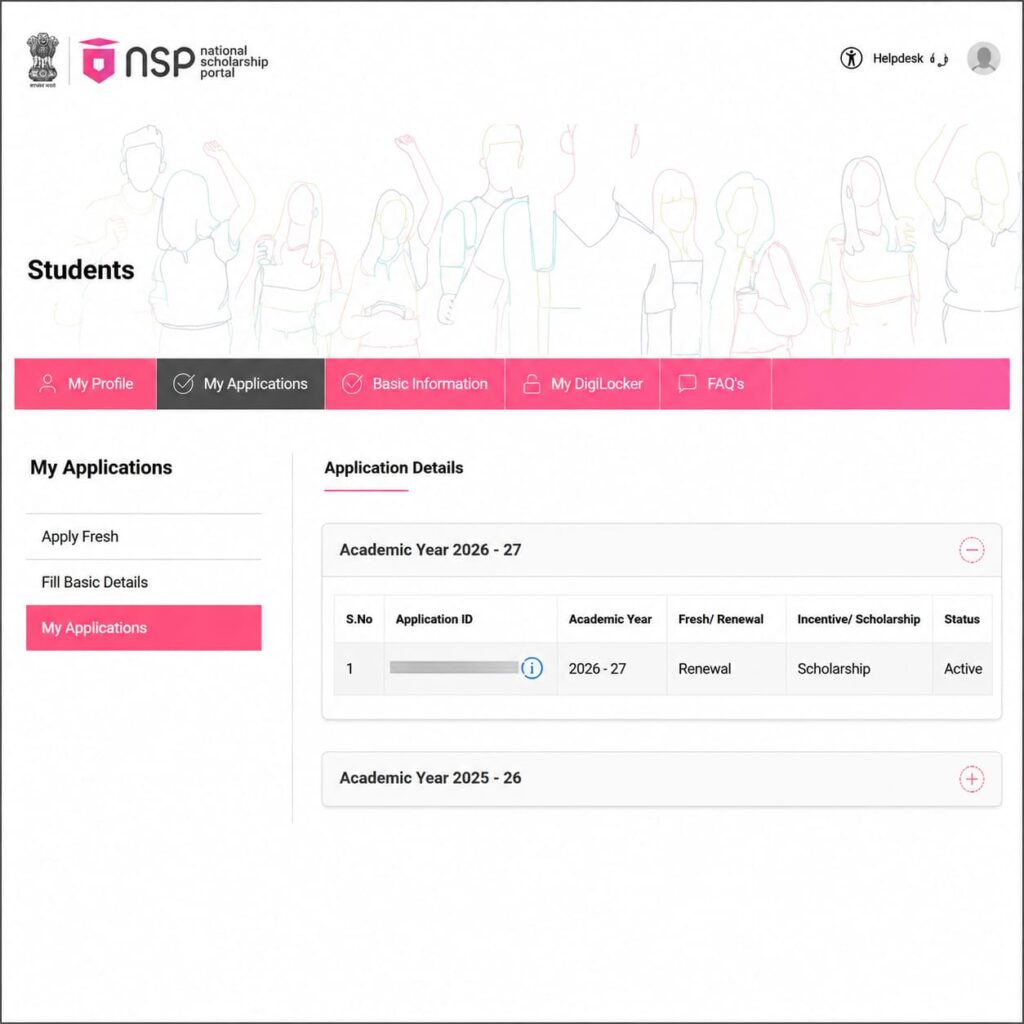
What To Do If You Accidentally Applied Through Fresh Application?
Many students click “Apply for Fresh” because the renewal option is not visible.
If you are actually a renewal candidate, this can create eligibility issues.
In such situations:
- Open “My Applications”
- Check whether a fresh application has been created
- Verify your scholarship category
- Withdraw the incorrect application if necessary
- Wait for the renewal option to become available
Students should avoid submitting incorrect fresh applications simply because the renewal option is temporarily unavailable.
Step-by-Step Solution Process
| Step | Action |
| Step 1 | Login to NSP Portal |
| Step 2 | Open My Applications |
| Step 3 | Check application type |
| Step 4 | Verify previous scholarship status |
| Step 5 | Confirm course duration and year |
| Step 6 | Check whether scheme is active |
| Step 7 | Withdraw incorrect fresh application if required |
| Step 8 | Take screenshots of the issue |
| Step 9 | Contact NSP Helpdesk |
| Step 10 | Wait for portal update and recheck |
How to Resolve NSP Renewal Option Not Showing Issue
If the renewal option still does not appear, follow these solutions.
Solution 1: Wait for Scheme Activation
Several ministries release renewal applications at different times. If your scholarship scheme is not yet active, the renewal option may remain unavailable.
Solution 2: Verify Academic Details
Ensure your previous year’s application contains correct:
- Course information
- Current year details
- Institution details
- Scholarship category
Solution 3: Withdraw Incorrect Fresh Application
If you mistakenly submitted a Fresh Application, withdraw it using the portal’s withdrawal feature and select the appropriate reason.
Solution 4: Contact NSP Helpdesk
If all details are correct and the issue persists, contact NSP support with:
- Application ID
- Registered Mobile Number
- Scholarship Scheme Name
- Screenshots of the issue
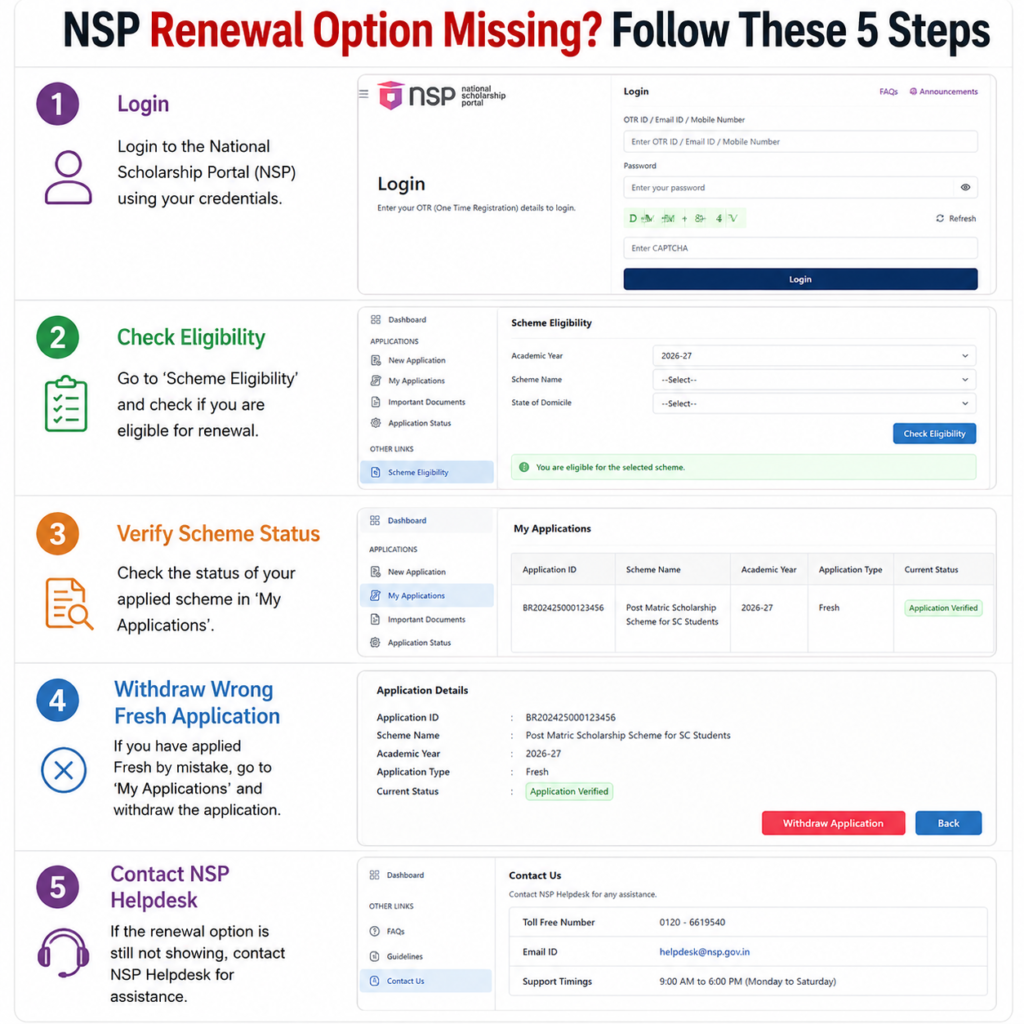
How to Resolve NSP Renewal Option Not Showing Issue
For readers who prefer a quick walkthrough, this video explains the full process step by step.
Latest Update on NSP Scholarship Renewal Option 2026-27
Based on recent student reports, many scholarship beneficiaries are currently seeing only the Fresh Application option even though they are eligible for renewal.
This does not automatically mean you are ineligible.
Several schemes are still being activated and updated on the portal. Students are advised not to rush into submitting fresh applications without confirming their eligibility status.
Regularly check the official NSP portal for updates regarding your scholarship scheme.
Common Problems vs Solutions
| Problem | Solution |
| Renewal option not visible | Wait for scheme activation |
| Fresh option only | Do not submit fresh application immediately |
| Not eligible message | Verify previous year data |
| Wrong application submitted | Withdraw application |
| Scheme unavailable | Check ministry schedule |
| Technical portal error | Contact NSP Helpdesk |
Check the official National Scholarship Portal
Official Link:
https://scholarships.gov.in/
Check Also: NSP Scholarship 2026-27 Renewal SMS: Apply Renewal Kaise Kare?
FAQs
Why is my NSP Scholarship renewal option not showing?
The most common reasons are scheme activation delays, incorrect academic details, completed course duration, or portal-related technical issues.
Can I apply as Fresh if the renewal option is missing?
No. Renewal candidates should avoid applying as Fresh unless officially instructed by NSP.
What should I do if I already submitted a Fresh Application?
Check your application status and withdraw the incorrect application if you are actually eligible for renewal.
Is NSP facing a technical issue in 2026-27?
Some students have reported renewal visibility issues, but many cases are related to eligibility and scheme activation rather than system errors.
How can I contact NSP Helpdesk?
You can contact the NSP Helpdesk through the official National Scholarship Portal support section and registered contact details.
Will the renewal option appear later?
Yes. If your scheme has not yet been activated, the renewal option may appear after the ministry opens renewal applications.
Conclusion
The NSP Scholarship 2026-27 Apply Renewal Option Not Showing issue is affecting many students, but in most cases it can be resolved by checking eligibility, verifying course details, avoiding incorrect fresh applications, and waiting for scheme activation.
Before taking any action, confirm that your scholarship scheme is open and your academic information is correct. If the issue continues despite meeting all requirements, contact NSP Helpdesk with proper screenshots and application details.
Patience is important because many NSP scholarship schemes are released in phases. Keep monitoring official updates and avoid making changes that could affect your eligibility.




2 Responses