
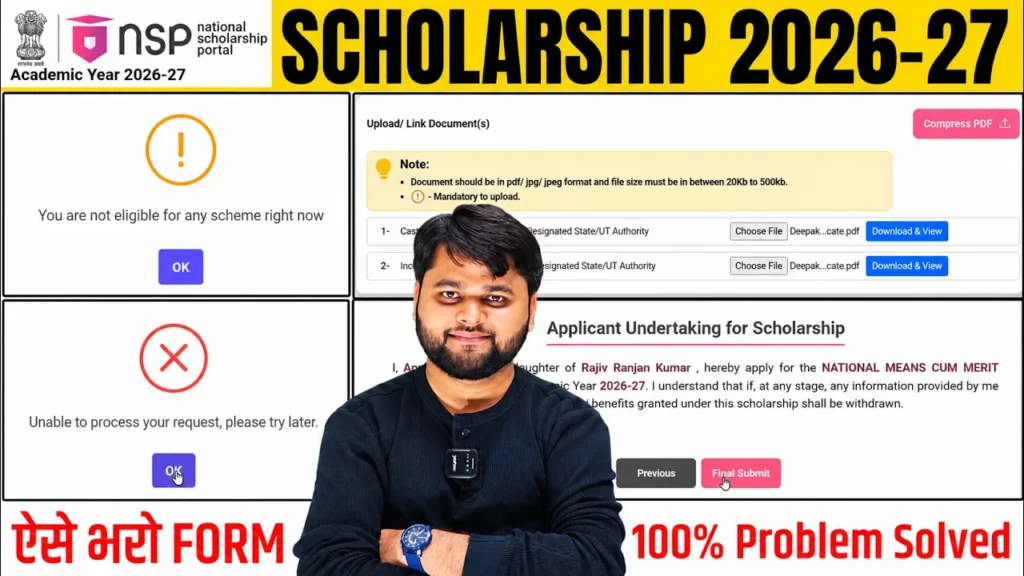
NSP Scholarship 2026-27 Apply Online: NMMS No Scheme Available Problem
Introduction
If you are trying NSP Scholarship 2026-27 Apply Online and the portal shows “No Scheme Available” or “You Are Not Eligible for Any Scheme Right Now”, do not immediately assume that your scholarship application is rejected.
This problem can appear when information entered in the application does not correctly match the academic year, previous academic details, competitive examination details, or other eligibility-related information. For NMMS students, correcting the relevant application details can make the scheme appear again.
The National Scholarship Portal is open for the 2026-27 academic year, and the official portal currently lists the National Means Cum Merit Scholarship (NMMS) as a merit-based scheme. For 2026-27, the student application window shown by NSP is 1 June 2026 to 31 August 2026.
This guide explains what the NSP No Scheme Available problem means, how to check your details, what to correct, and what to do if the final submission gives a technical error.
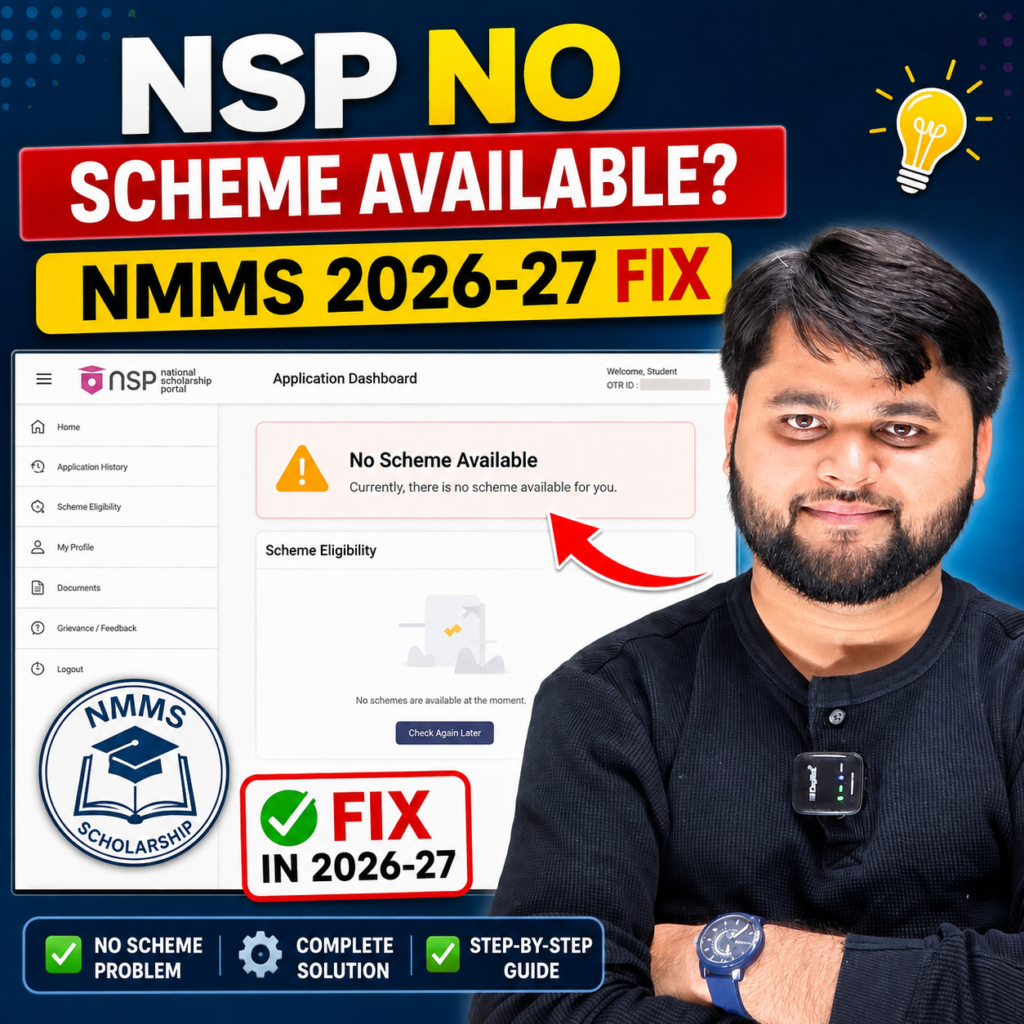
NSP No Scheme Available Problem in 2026-27: What Does It Mean?
The “No Scheme Available” message generally means that NSP is currently unable to identify an eligible scholarship scheme from the information available in your application.
For NMMS students, this does not automatically mean that the student has lost the scholarship.
The first thing to do is carefully review the application rather than withdrawing it repeatedly or creating unnecessary new applications.
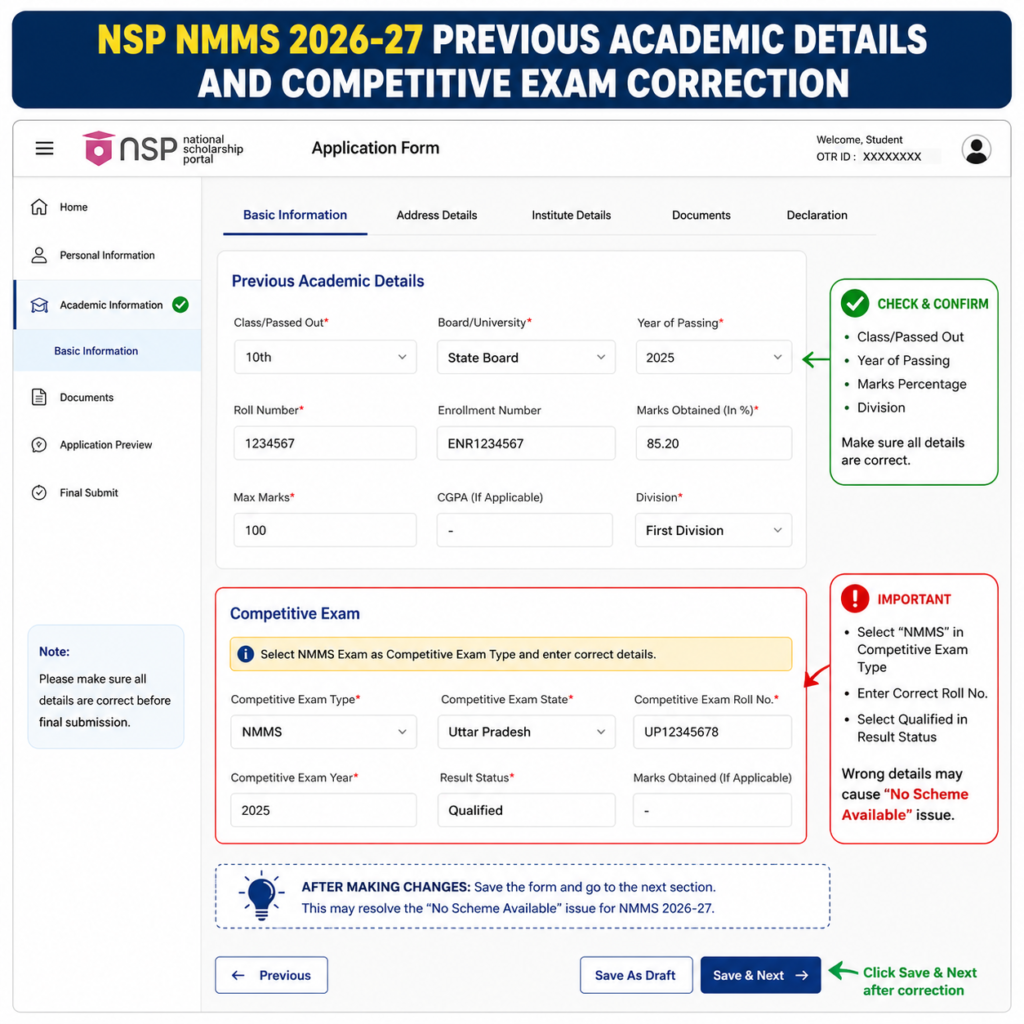
In the case covered by this guide, the important correction was related to the previous academic information and competitive examination year. Once the relevant details were corrected and the application was saved, the NMMS scheme became visible again.
The official NSP portal confirms that NMMS is available under the Department of School Education & Literacy for AY 2026-27.
Important point for NMMS applicants
When entering previous academic information, pay close attention to the passing year and academic session. Do not simply select the current year because it appears to be the newest option.
Your previous academic details should accurately reflect the qualification or academic year requested by the NSP form.
Quick Summary of the NSP NMMS Problem
| Item | Details |
|---|---|
| Academic Year | 2026-27 |
| Scholarship | National Means Cum Merit Scholarship (NMMS) |
| Common message | No Scheme Available |
| Another message | You Are Not Eligible for Any Scheme Right Now |
| First action | Review application details |
| Important fields | Previous academic details and competitive exam details |
| After correction | Save the application and check scheme eligibility again |
| Final step | Submit the application after all required details/documents are complete |
| Official portal | National Scholarship Portal |
The official NSP portal states that applications for AY 2026-27 are available from 1 June 2026, and NMMS is currently listed with a student application closing date of 31 August 2026.
How to Fix NSP “No Scheme Available” for NMMS 2026-27
If NMMS is not appearing in your application, start by opening the existing application instead of immediately starting another one.
The basic process is:
- Log in to the NSP student portal using your OTR credentials.
- Open My Applications.
- Find the relevant 2026-27 application.
- Select Proceed.
- Open Fill/Edit Application.
- If the portal displays “You Are Not Eligible for Any Scheme Right Now”, click OK.
- Go to Basic Information.
- Scroll down and review the academic information.
- Check the Previous Academic Details carefully.
- Review the Competitive Exam information if you are applying for NMMS.
- Correct inaccurate information according to your actual records.
- Save the information and proceed to the next section.
- Check whether the NMMS scheme appears again.
Why checking the previous academic year matters
One of the important lessons from the application example is that students can confuse the calendar year with the academic year or previous passing year requested by the form.
For example, if the form is asking for the previous passing year, simply entering the current academic year may not be appropriate.
Do not copy another student’s information. Enter the year that actually corresponds to your academic record.
Do not change genuine information just to make the scheme appear
This is extremely important.
The purpose of correcting the application is to make the information accurate, not to manipulate eligibility.
If you change your marks, passing year, examination information, category, income or other details incorrectly, the application can create problems during verification.
NSP Scholarship 2026-27 Online Apply: Step-by-Step NMMS Process
Once the NMMS scheme becomes visible again, the process does not end there.
You should carefully complete the remaining application sections, review uploaded documents, and perform the final submission.
The official NSP student portal confirms that an OTR is mandatory for scholarship applications and that the OTR is a unique number applicable throughout the student’s academic career on NSP.
Step 1: Login with OTR
Use your NSP OTR credentials to access the student dashboard.
If you have not completed OTR, complete that process first. NSP states that OTR is required for scholarship applications from AY 2024-25 onward.
Step 2: Open the Existing Application
Go to My Applications and locate the relevant application.
If the application has been withdrawn or requires editing, carefully check its current status before making changes.
Step 3: Edit the Application
Open Proceed → Fill/Edit Application.
If you see the No Scheme Available message, review the information discussed above.
Step 4: Check Previous Academic Details
Verify:
- Previous passing year
- Previous academic percentage/marks
- Academic qualification
- Other information requested by the form
The information should match your genuine academic records.
Step 5: Check Competitive Examination Details
For NMMS applicants, carefully verify the competitive examination information, including the relevant examination year and other details requested by NSP.
Step 6: Save the Changes
Use Save as Draft/Save as Next as provided by the portal and continue through the application.
Saving the corrected information is important because simply changing a field without properly saving and proceeding may not update the application.
Step 7: Check the Scheme Again
After the information has been saved, return to the relevant application stage and check whether NMMS is now displayed.
Step 8: Upload Required Documents
If the application asks for supporting documents, upload clear and valid documents in the required format.
Depending on the student’s case and scheme requirements, documents may include items such as income, caste/category or domicile-related certificates.
Do not assume that a document is unnecessary simply because the portal does not immediately mark it as mandatory. Always follow the requirements shown in your own application and the official scheme instructions.
Step 9: Review Everything
Before final submission, check:
- Personal details
- Academic information
- Bank details
- Aadhaar/OTR-related information
- Scheme selection
- Category information
- Documents
- Contact details
Step 10: Final Submit
After completing the application, accept the declaration and use the Final Submit option.
Do not consider the application complete merely because the form has been saved as a draft.
NSP NMMS Application Process
| Step | What to Do | What to Check |
| 1 | Login to NSP | OTR and password |
| 2 | Open My Applications | Correct 2026-27 application |
| 3 | Fill/Edit Application | Existing application details |
| 4 | Open Basic Information | Previous academic details |
| 5 | Review academic year | Correct passing year |
| 6 | Review competitive exam | NMMS examination details |
| 7 | Save changes | Ensure information is stored |
| 8 | Check scheme | NMMS should appear if eligible |
| 9 | Upload documents | Clear and valid documents |
| 10 | Review application | Check all fields |
| 11 | Final Submit | Complete submission |
| 12 | Save acknowledgement | Keep proof for future reference |
Why NMMS May Still Not Appear After Correcting the Details
Correcting the application can solve a data-related eligibility display issue, but it does not guarantee that every student’s NMMS scheme will appear.
There can be several reasons.
1. You may not meet the scheme eligibility conditions
The NMMS scheme is merit-based. Your application must satisfy the eligibility conditions specified by the scheme.
2. Your information may still contain an error
A single incorrect academic, examination, category or other eligibility-related field can affect the scheme shown by NSP.
3. The application may not have been saved correctly
If you edit information but leave the page without saving, the change may not be reflected.
4. Portal-side technical problems
Sometimes the application may show a temporary error even after the underlying details are correct.
5. Scheme availability and dates
Always check the current scheme status directly on NSP. The official 2026-27 scheme list currently shows NMMS open from 1 June 2026 through 31 August 2026 for student applications.
6. Application-specific eligibility
The NSP system determines available schemes according to the information associated with your application. Therefore, another student’s screen may show NMMS while yours does not.
Do not copy another applicant’s details simply because their application shows the scheme.
For readers who prefer a quick walkthrough, this video explains the full process step by step.
NSP No Scheme Available: Problem vs Solution
The following table gives a quick troubleshooting guide before you contact NSP or your institute.
Table 3: Problem vs Solution
| Problem | Possible Reason | What You Should Do |
| No Scheme Available | Eligibility information not matching | Review all relevant application details |
| NMMS not showing | Academic information may be incorrect | Check previous academic details |
| Wrong passing year | Calendar year confused with academic requirement | Enter the correct year based on your records |
| Competitive exam details incorrect | NMMS information does not match records | Verify and correct the details |
| Changes not reflected | Application not saved | Save and proceed again |
| Documents missing | Required documents not uploaded | Upload documents requested by your application |
| Final Submit not working | Temporary technical issue | Wait and try again later |
| Application remains incomplete | Draft saved but not submitted | Complete the Final Submit process |
| Scheme still unavailable | Eligibility may not be satisfied | Check official scheme requirements |
| Unsure about eligibility | Information is unclear | Consult your institute/official NSP guidance |
official National Scholarship Portal
UP Scholarship 2026-27 Apply Online: New Update & Good News
What should I do if NSP shows No Scheme Available for NMMS?
If NSP shows “No Scheme Available” for NMMS, first open your existing application and review the previous academic details and competitive examination information. Correct any inaccurate information, save the application, and check the scheme again. Do not enter false details simply to make NMMS appear.
FAQ
Why is NSP showing No Scheme Available for NMMS?
It can happen when the information in your application does not currently match an eligible scheme or when application details need correction. Review the academic and NMMS examination information carefully.
Is No Scheme Available the same as scholarship rejection?
No. The message itself does not necessarily mean that your scholarship has been rejected. It indicates that NSP is not currently showing an eligible scheme for the information in that application.
How can I fix No Scheme Available in NSP 2026-27?
Open your application, select the edit option, review the relevant academic and competitive examination details, correct inaccurate information, save the changes and check the available scheme again.
What should I enter as the previous passing year?
Enter the year that genuinely corresponds to the previous qualification or academic record requested by the NSP form. Do not select a year simply because it is the current year.
Can NMMS appear after correcting the application?
It can, if the issue was caused by incorrect or inconsistent application information and the student otherwise meets the scheme requirements. However, scheme visibility ultimately depends on NSP’s eligibility rules and application data.
Is OTR required for NSP Scholarship 2026-27?
Yes. NSP states that OTR is mandatory for scholarship applications and that the OTR number remains applicable throughout the student’s academic career on the portal.
Conclusion
The NSP Scholarship 2026-27 Apply Online process can become confusing when the portal suddenly displays “No Scheme Available”, especially for students applying for NMMS. The important thing is not to panic or change genuine information just to force a scheme to appear.
Start with your existing application. Carefully review the previous academic details and NMMS competitive examination information, save the corrections, and check the available schemes again. If NMMS appears, complete the remaining sections, upload the documents requested by your application and finish the Final Submit process.
Also keep an eye on the official NSP portal because scheme dates and instructions can change. For AY 2026-27, NSP currently lists NMMS as open for student applications until 31 August 2026.
If the details are correct but Final Submit temporarily fails, give the portal some time and try again later. Most importantly, always use information that matches your actual documents and academic records.



One Response