
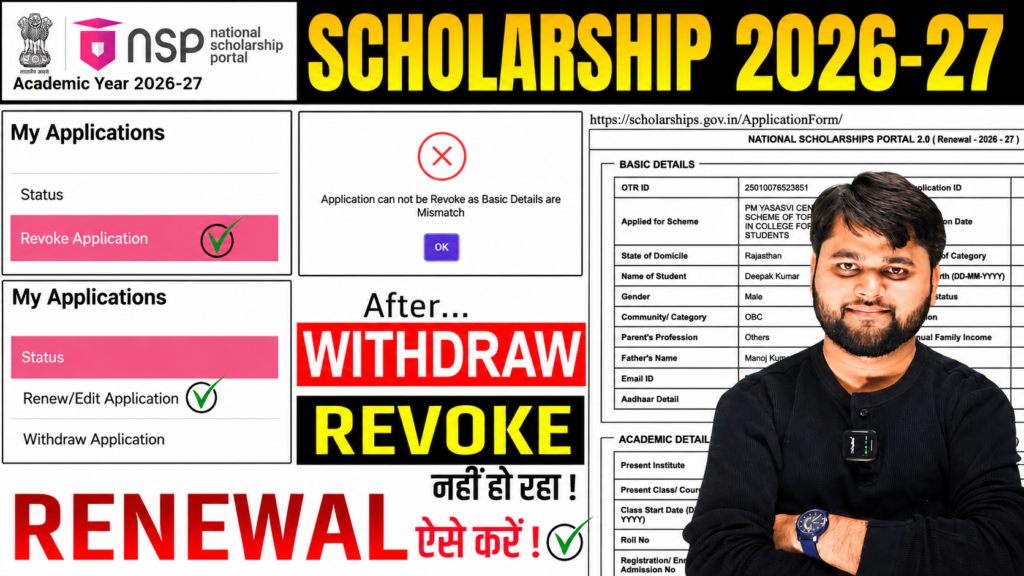
How to Withdraw NSP Scholarship 2026-27 Renewal | Application Cannot Revoke Basic Details Mismatch
Introduction
Many students applying for NSP Scholarship 2026-27 Renewal are facing a common problem after withdrawing their renewal application. When they try to revoke or restore the withdrawn application, the portal displays the error: “Application cannot be revoked as the basic details are mismatch.”
If you are searching for How to withdraw NSP Scholarship 2026-27 Renewal or looking for a solution to the revoke error, the short answer is this: the NSP system does not allow revocation if any basic information has been changed after the withdrawal request was submitted.
In this guide, you will learn why this error occurs, how to check your details, possible solutions, and what to do if the issue still remains unresolved.
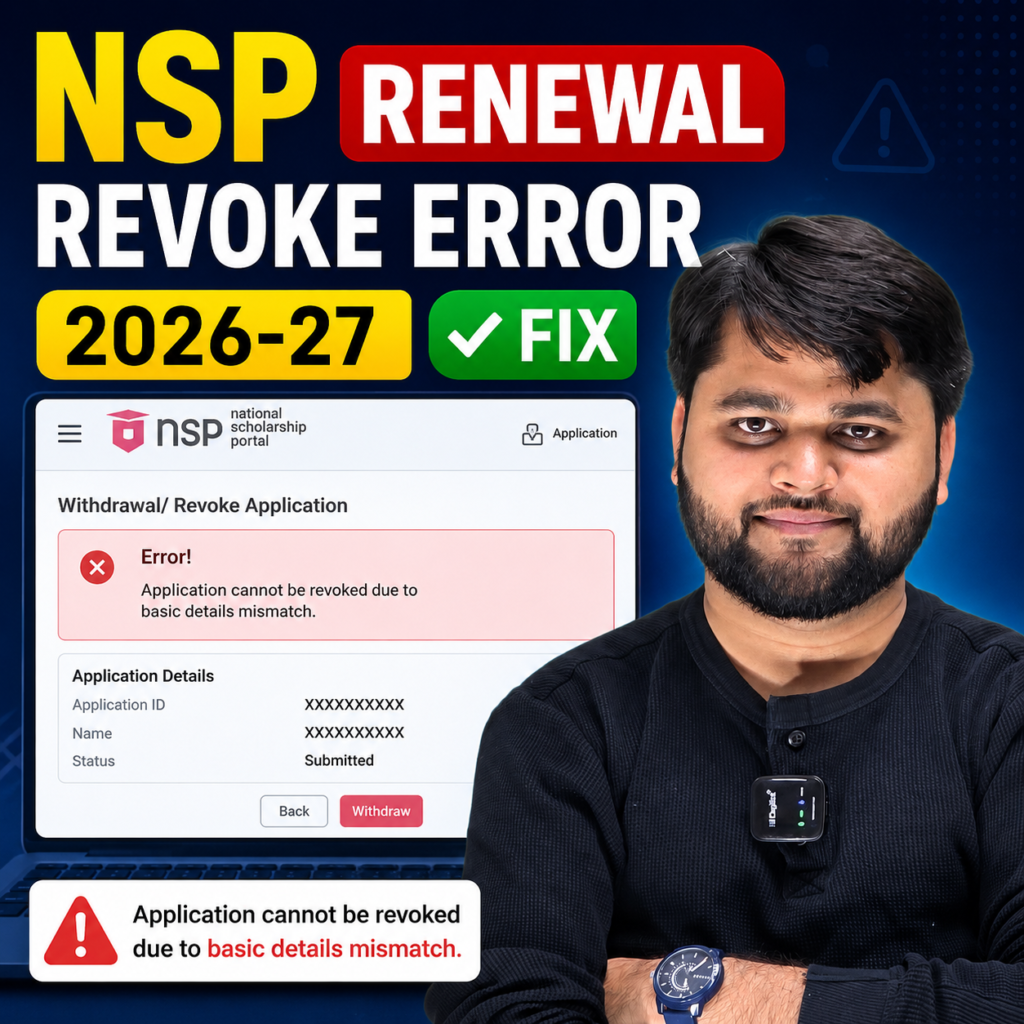
Why Is NSP Showing “Application Cannot Revoke Basic Details Mismatch”?
This error usually appears when a student withdraws their NSP renewal application and later tries to restore it.
According to the NSP system, if any basic profile information is modified after the withdrawal request, the portal treats the application data as different from the original submission. As a result, the revoke request fails.
Common fields that may trigger this mismatch include:
- Student name
- Gender
- Date of birth
- Scholarship category
- Mobile number
- OTR-linked information
- Profile details connected to previous applications
Even a small change can prevent successful revocation.
Quick Summary
| Topic | Details |
|---|---|
| Problem | Application cannot revoke due to basic details mismatch |
| Affected Students | NSP Renewal Applicants |
| Main Reason | Changes made after withdrawal request |
| Quick Fix | Restore all details exactly as before |
| Additional Step | Verify OTR profile information |
| Final Option | Contact Institute Nodal Officer or Ministry Support |
What Happens After You Withdraw an NSP Renewal Form?
When a student withdraws an NSP Scholarship renewal application, the system stores the application data at that moment.
If the student later:
- Updates profile information
- Changes personal details
- Modifies scholarship information
- Updates linked OTR records
the portal may detect differences between the withdrawn application and the current profile.
Because of this mismatch, the revoke function may stop working.
This is why many students searching for nsp scholarship 2026-27 renewal form withdraw and nsp withdraw application not showing are facing difficulties.
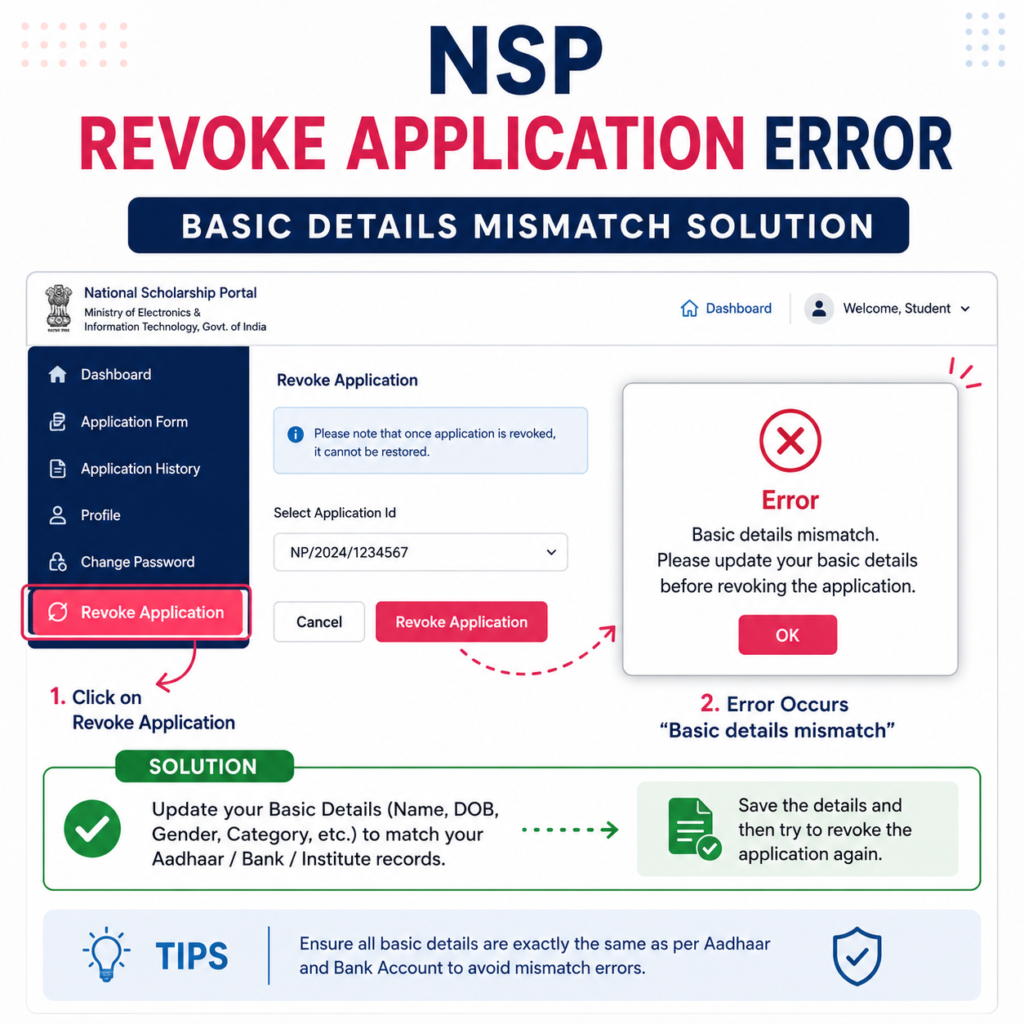
How to Fix NSP Scholarship Renewal Revoke Error Step by Step
Before contacting NSP support, carefully verify all your details.
The NSP “Application Cannot Revoke Basic Details Mismatch” error occurs when basic profile information is changed after withdrawing a renewal application. To fix it, compare your current details with the previously submitted renewal application and restore all information exactly as it was before attempting the revoke process again.
Step-by-Step Process
| Step | Action Required |
| Step 1 | Login to NSP Portal |
| Step 2 | Open Basic Information section |
| Step 3 | Verify Name, Gender and Date of Birth |
| Step 4 | Check Scholarship Category |
| Step 5 | Open My Profile section |
| Step 6 | Verify OTR-linked information |
| Step 7 | Check Mobile Number and Profile Details |
| Step 8 | Compare with previous year’s application copy |
| Step 9 | Save corrections |
| Step 10 | Try Revoke Application again |
Important Tip
If you still have the printed copy or PDF of your previous NSP application, use it as a reference. Every detail should match exactly.
What If All Details Match But the Error Still Appears?
Many students report that even after correcting all information, the revoke error continues.
This may happen because:
- Some historical data is not visible to students.
- Certain profile fields are locked internally.
- Academic session details may differ.
- Backend records may not match the current profile.
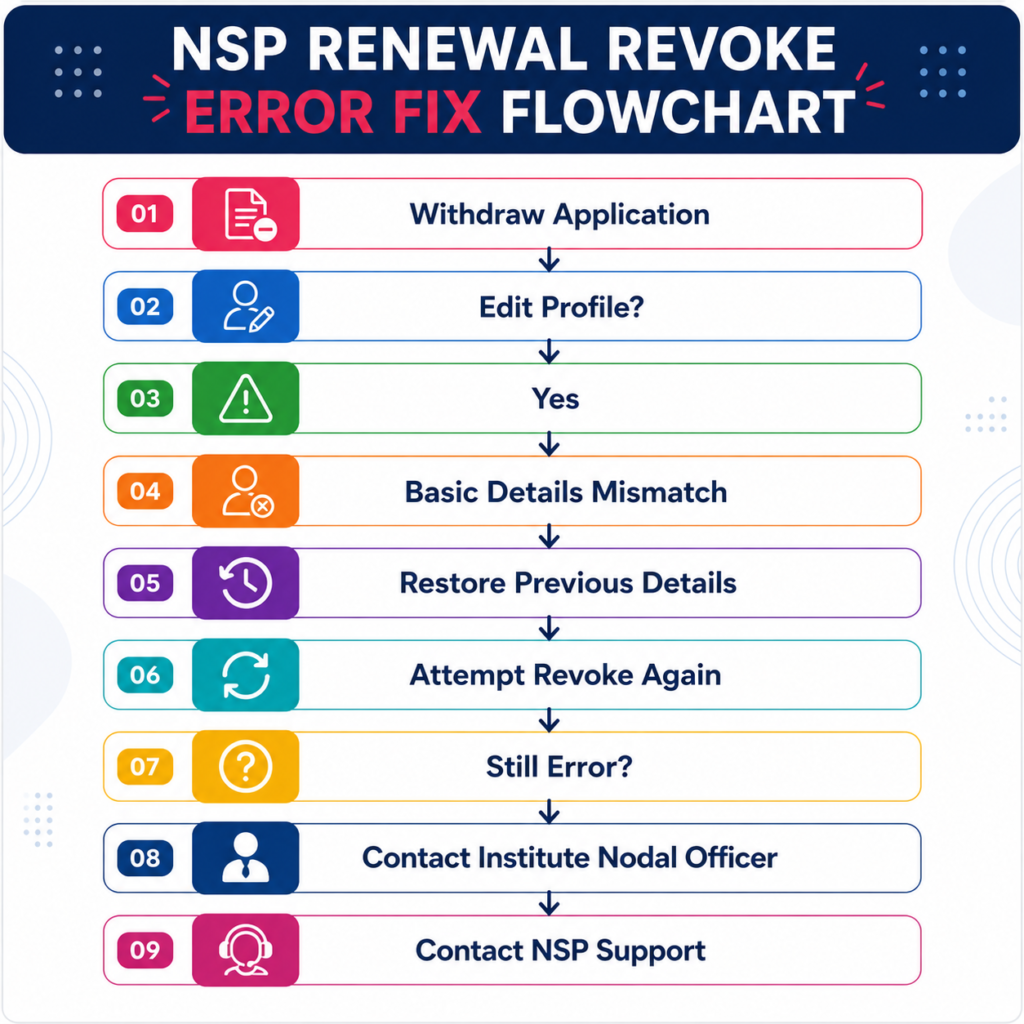
In such situations, students should contact their Institute Nodal Officer first.
If the issue cannot be resolved at the institute level, official NSP support may be required.
For readers who prefer a quick walkthrough, this video explains the full process step by step.
What If All Details Match But the Error Still Appears?
Common NSP Renewal Issues and Their Solutions
Students facing renewal problems often encounter multiple errors at the same time.
Problem vs Solution
| Problem | Possible Solution |
| Basic Details Mismatch | Restore previous application details |
| Revoke Option Not Working | Verify profile and OTR information |
| NSP Renewal Option Not Showing | Check eligibility and renewal status |
| Withdraw Application Not Showing | Refresh application status after login |
| Session Year Confusion | Verify academic year details carefully |
| Renewal Form Error | Contact Institute Nodal Officer |
Official National Scholarship Portal
Apply Here: https://scholarships.gov.in/
NSP Scholarship 2026-27 Apply Online Fresh: Complete Registration Guide
How to Fix NSP Renewal Revoke Error?
If NSP shows “Application Cannot Revoke Basic Details Mismatch,” compare your current profile details with the information submitted before withdrawal. Restore all fields exactly as they were, then try revoking the application again. If the error persists, contact your Institute Nodal Officer or NSP support.
FAQ
How to withdraw NSP Scholarship 2026-27 renewal application?
Login to your NSP account, open My Application, and select the withdrawal option if available.
Why is NSP showing Application Cannot Revoke Basic Details Mismatch?
The error appears when profile information is changed after the withdrawal request was submitted.
Can I restore a withdrawn NSP renewal application?
Yes, but only if the system allows revocation and all basic details match the original application data.
What should I do if NSP revoke application is not showing?
Check your application status, login again, and verify whether the application has already moved to another processing stage.
Why is the NSP scholarship renewal option not showing?
This may happen due to eligibility issues, incomplete previous verification, or system-side restrictions.
What is the NSP Scholarship 2026-27 renewal last date?
Students should regularly check the official NSP portal because renewal deadlines may change based on ministry notifications.
Conclusion
The How to Withdraw NSP Scholarship 2026-27 Renewal issue has become a major concern for many students, especially those facing the Application Cannot Revoke Basic Details Mismatch error. In most cases, the problem occurs because some profile information was modified after the withdrawal request.





One Response