
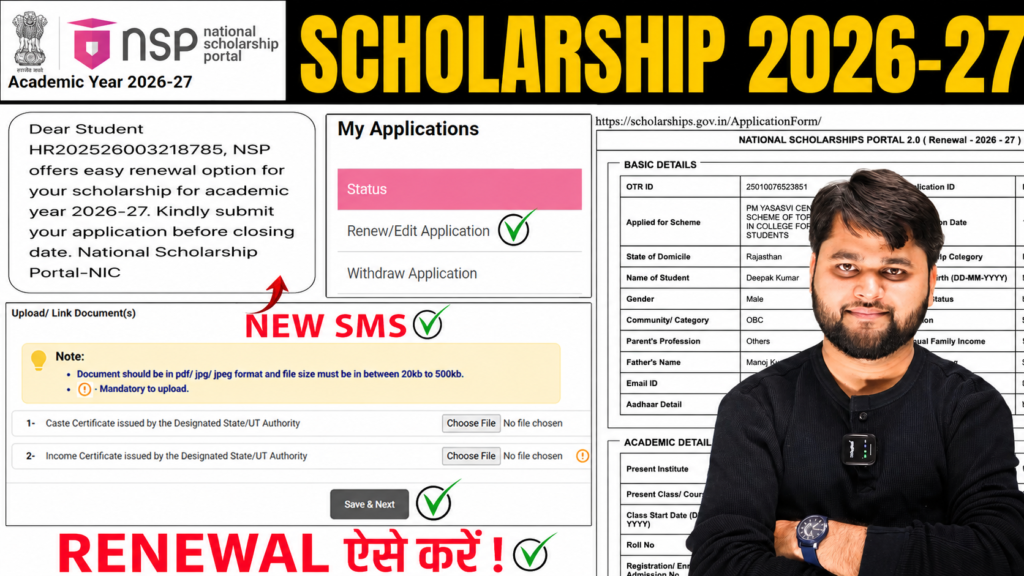
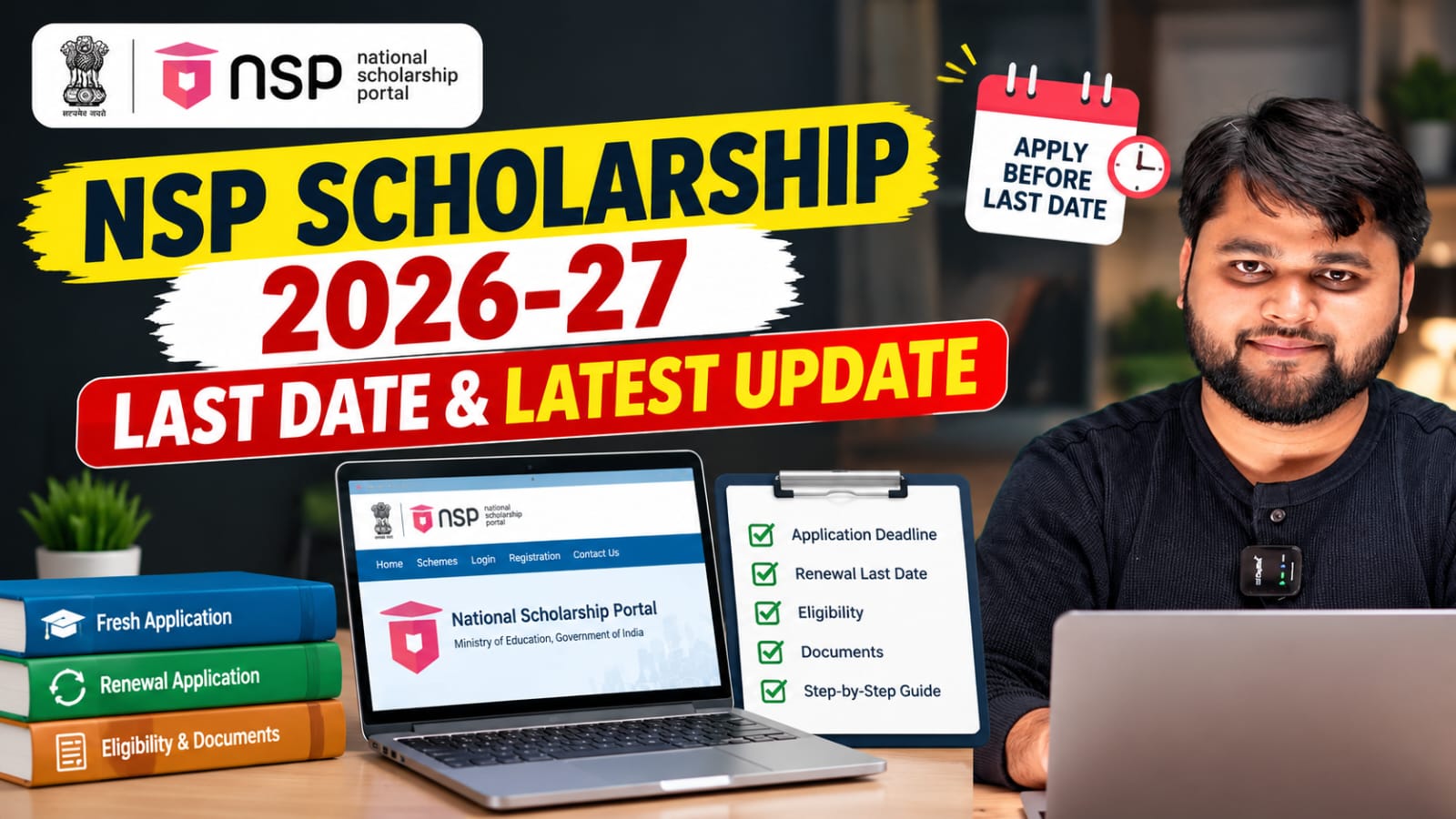
NSP Scholarship 2026-27 Renewal SMS | NSP Scholarship 2026-27 Apply Renewal Kaise Kare?
Introduction
Agar aapko NSP Scholarship 2026-27 Renewal SMS mila hai jisme likha hai ki aap Academic Year 2026-27 ke liye scholarship renewal apply kar sakte hain, to ghabrane ki zarurat nahi hai. Bahut se students ke paas ye SMS aa raha hai aur unke man me sawal hai ki NSP Scholarship 2026-27 Apply Renewal Kaise Kare, kya sabhi students eligible hain, aur agar portal par error aa raha hai to kya karna chahiye.
Is article me hum detail me samjhenge ki renewal SMS ka kya matlab hai, kaun apply kar sakta hai, step-by-step renewal process kya hai, aur common errors ka solution kya hai.
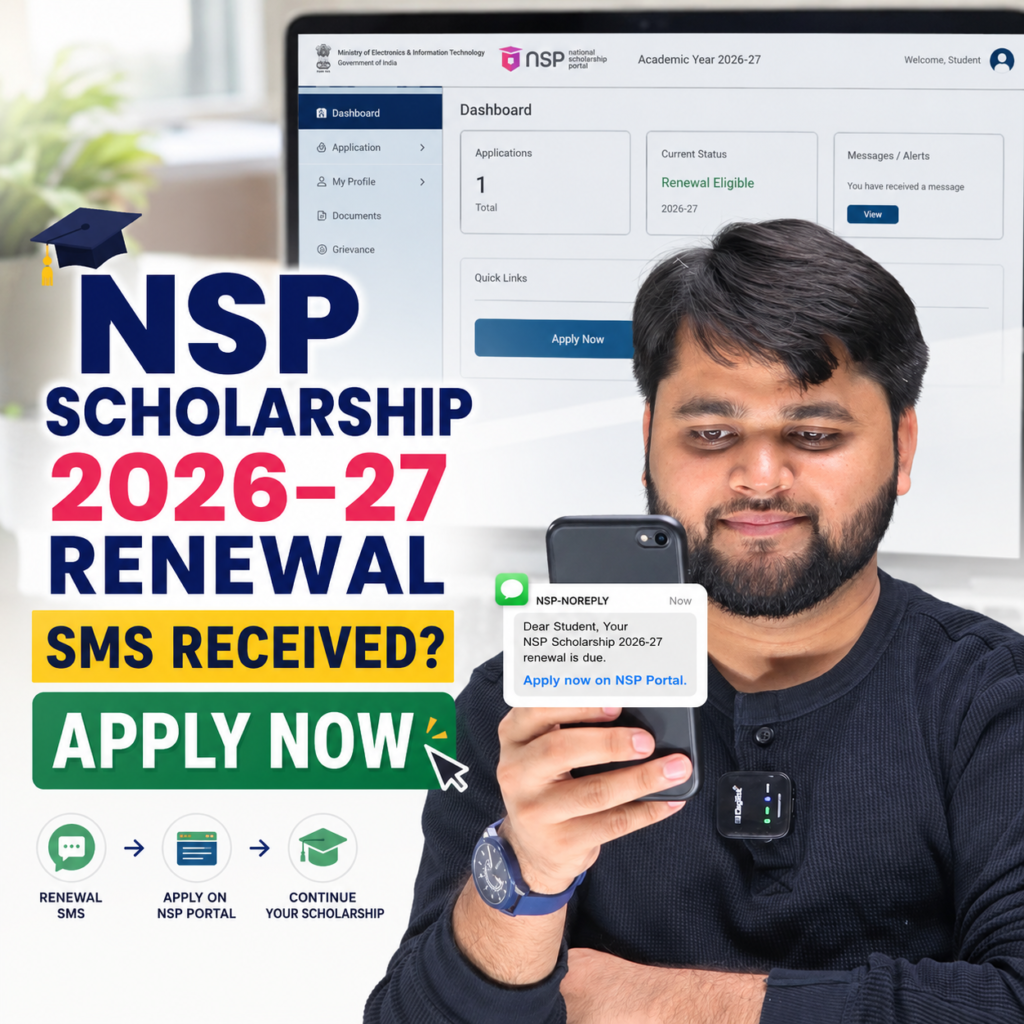
NSP Scholarship 2026-27 Renewal SMS Ka Matlab Kya Hai?
National Scholarship Portal ne kai students ko SMS bhejna shuru kiya hai jisme scholarship renewal ke liye application submit karne ka notification diya gaya hai.
Lekin ek important baat samajhna zaruri hai:
- Renewal SMS milna automatic scholarship approval nahi hai.
- Ye SMS kai eligible aur potential renewal candidates ko bheja ja sakta hai.
- Agar aapne 2025-26 me scholarship ke liye apply kiya tha, to aapko renewal option mil sakta hai.
- Kuch schemes abhi open nahi hui hain, isliye portal par temporary error dikh sakta hai.
NSP Scholarship 2026-27 Renewal SMS ka matlab hai ki National Scholarship Portal ne aapko renewal application submit karne ka notification diya hai. Agar aapki scholarship scheme renewal ke liye open hai aur aap eligible hain, to aap NSP portal par login karke renewal form submit kar sakte hain.
Quick Summary
| Topic | Details |
|---|---|
| SMS Received | Renewal notification |
| Renewal Mandatory? | Eligible students ke liye haan |
| Fresh Apply Karna Hai? | Nahi, agar renewal option available hai |
| Scheme Open Nahi Hai | Wait karna hoga |
| Portal Error | Temporary ho sakta hai |
| Official Platform | National Scholarship Portal |
| Academic Year | 2026-27 |
NSP Scholarship 2026-27 Apply Renewal Kaise Kare?
Agar aap renewal candidate hain to sabse pehle NSP portal par login karein aur apni profile check karein.
Bahut se students galti se “Apply for Fresh” par click kar dete hain. Agar aap pehle se scholarship beneficiary rahe hain aur renewal option available hai, to fresh application nahi bharni chahiye.
Renewal ke liye:
- NSP Portal login karein.
- Academic Year 2026-27 select karein.
- Renewal Application option open karein.
- Proceed par click karein.
- Renewal Edit Application select karein.
- Basic details verify karein.
- Required information update karein.
- Form submit karein.
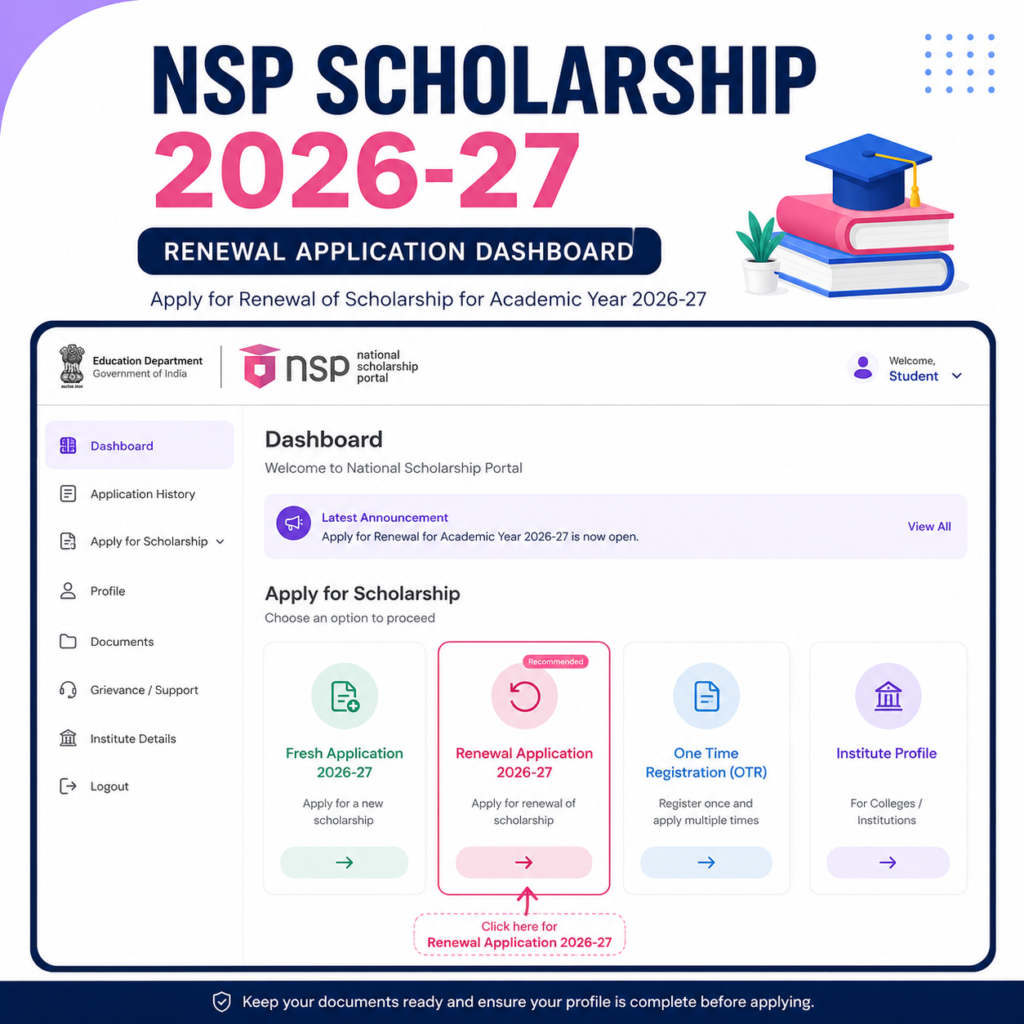
NSP Renewal 2026-27 Kaise Kare? Step-by-Step Process
Kai students ko process samajhne me confusion hoti hai. Neeche complete workflow diya gaya hai.
Step-by-Step Renewal Process
| Step | Action |
|---|---|
| Step 1 | NSP Portal par login karein |
| Step 2 | Application Status check karein |
| Step 3 | Renewal Application 2026-27 open karein |
| Step 4 | Proceed button par click karein |
| Step 5 | Renewal Edit Application select karein |
| Step 6 | Personal details verify karein |
| Step 7 | Academic details update karein |
| Step 8 | Documents verify karein |
| Step 9 | Preview check karein |
| Step 10 | Final Submit karein |
Important Note
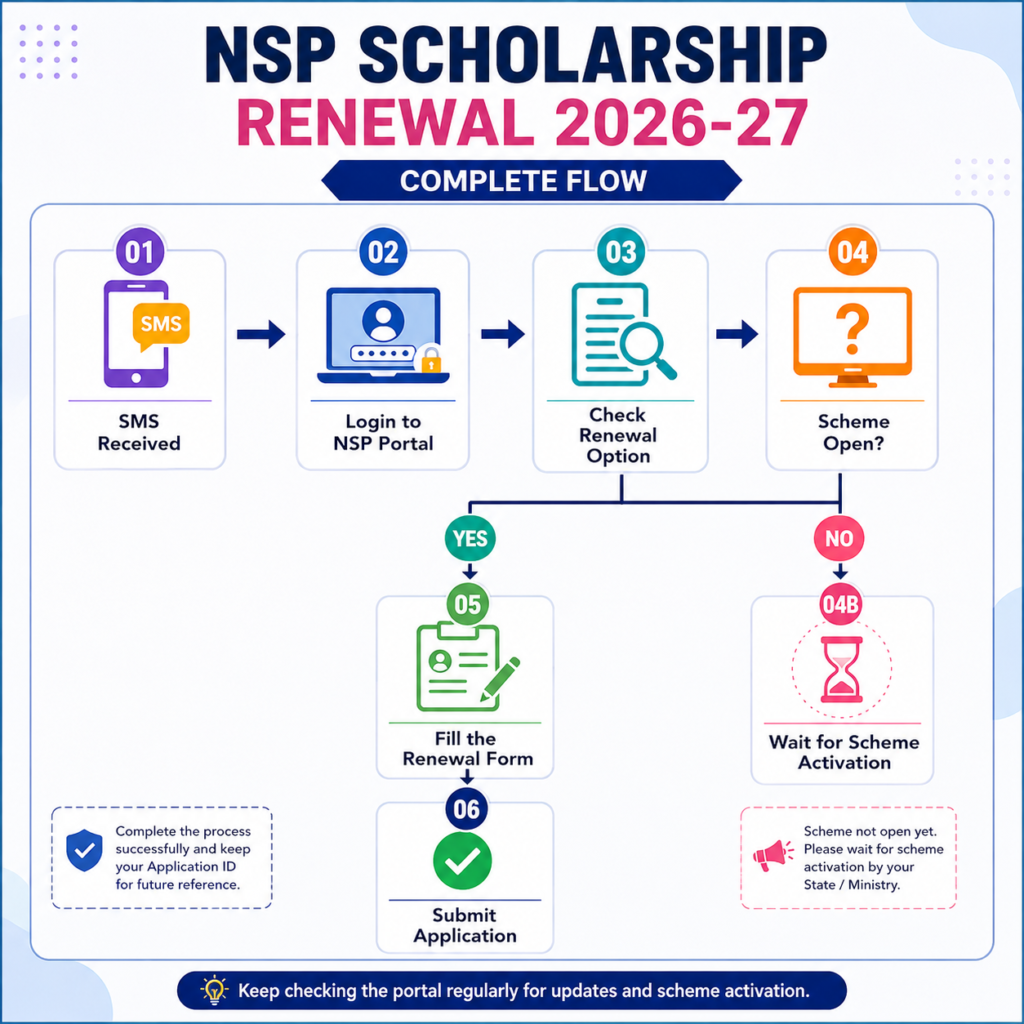
Agar aapki scholarship scheme abhi open nahi hui hai to system message dikha sakta hai:
“Scholarship scheme is not open for renewal submission.”
Is situation me application reject nahi hui hoti. Aapko sirf scheme open hone ka wait karna hota hai.
NSP Scholarship Renewal Form Me Error Kyu Aa Raha Hai?
Portal par kai students ko alag-alag errors dikh rahe hain. Iska matlab hamesha ye nahi hota ki aap ineligible hain.
Common reasons:
- Scheme abhi open nahi hui.
- Department ne renewal activate nahi kiya.
- Technical maintenance chal rahi hai.
- Profile update pending hai.
- Portal load issue hai.
NSP Scholarship Renewal Form Me Error Kyu Aa Raha Hai?
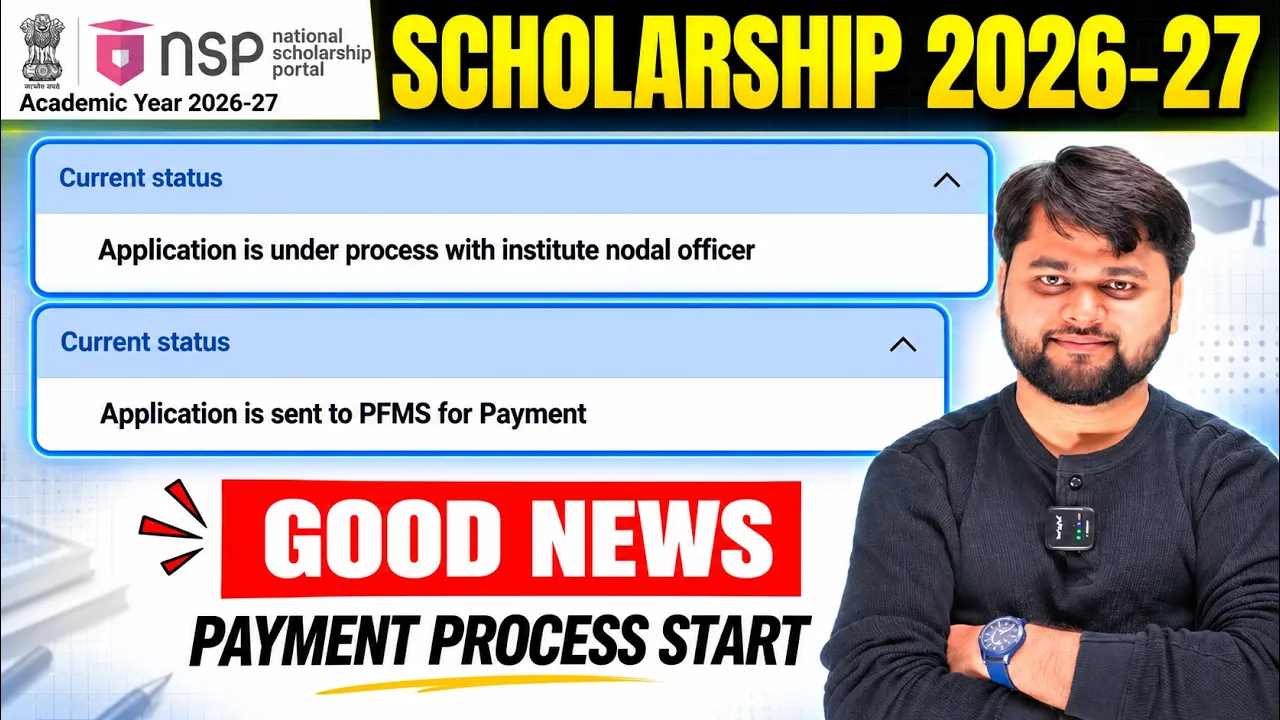
For readers who prefer a quick walkthrough, this video explains the full process step by step.
National Scholarship Renewal Apply Kaise Kare: Common Problems & Solutions
Renewal process ke dauran students ko kuch common issues face karne padte hain.
Problem vs Solution
| Problem | Solution |
|---|---|
| Renewal SMS mila | Portal login karke check karein |
| Renewal option nahi dikh raha | Scheme activation ka wait karein |
| Scheme not open error | Scholarship opening date ka wait karein |
| Fresh option dikh raha | Fresh apply na karein agar renewal eligible hain |
| Application submit nahi ho raha | Browser change karke try karein |
| Profile incomplete | Required details update karein |
| Technical error | Kuch samay baad retry karein |
Students ko latest renewal status aur official notifications verify karne ke liye National Scholarship Portal ki official website zarur check karni chahiye.
National Scholarship Portal Official Website
FAQ
NSP Scholarship 2026-27 Renewal SMS kyu aaya hai?
Ye renewal notification hai jo eligible ya potential renewal candidates ko bheja ja raha hai.
Kya SMS milne ke baad scholarship pakki ho jati hai?
Nahi. SMS sirf renewal application submit karne ki information deta hai.
NSP Scholarship renewal kaise kare?
Portal login karke Renewal Application option ke through form submit karein.
Agar scheme open nahi hai to kya karein?
Aapko wait karna hoga jab tak department scheme ko renewal ke liye activate nahi karta.
Kya renewal student fresh application bhar sakta hai?
Generally nahi. Renewal candidates ko renewal process hi follow karna chahiye.
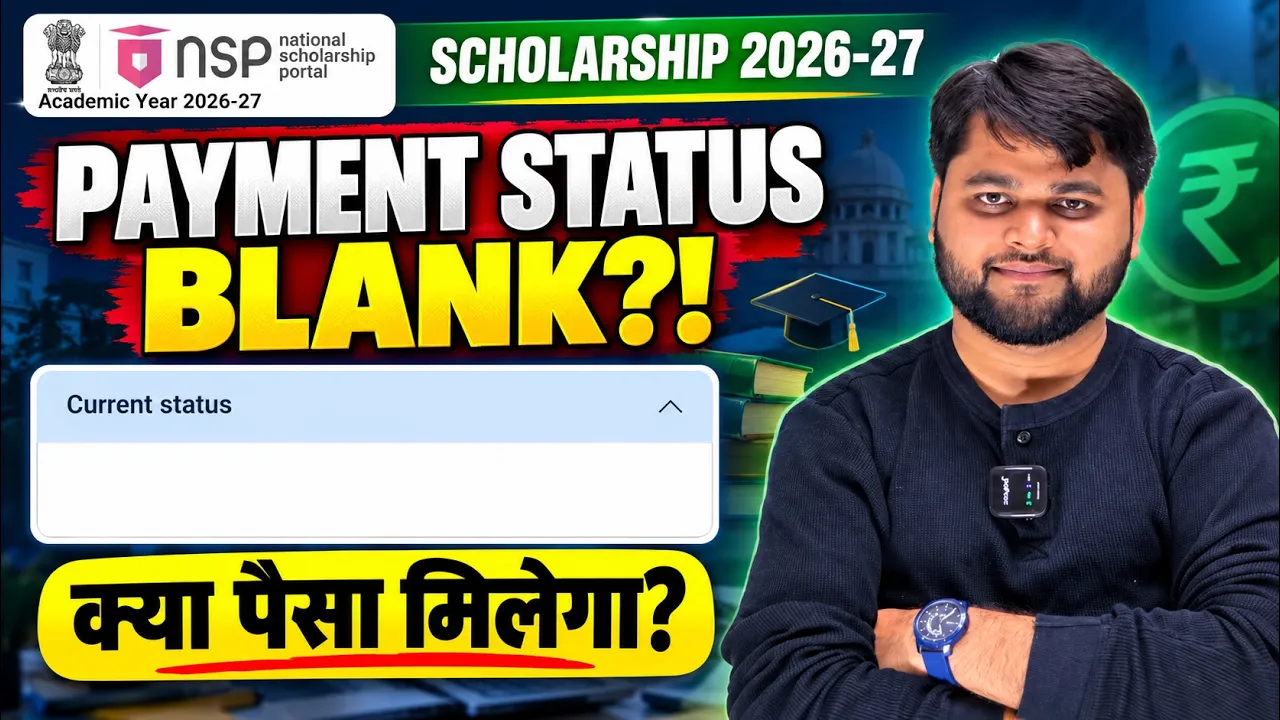
NSP portal par error aa raha hai, kya scholarship reject ho gayi?
Nahi. Kai baar technical ya scheme activation related errors temporary hote hain.
Conclusion
NSP Scholarship 2026-27 Renewal SMS milne par students ko panic karne ki zarurat nahi hai. Sabse pehle apni eligibility aur scholarship scheme status check karein. Agar renewal option available hai to NSP Scholarship 2026-27 Apply Renewal Kaise Kare wali process follow karke form submit karein. Agar scheme abhi open nahi hui hai ya portal par temporary error aa raha hai, to kuch samay wait karein aur official updates check karte rahein. Sahi process follow karne se aap renewal application successfully submit kar sakte hain.



2 Responses
Past time scholarship kiya pement nai aya mere sob friend ka aa gaya hai mera kiu nhi aaya please mera bhi sahiye