
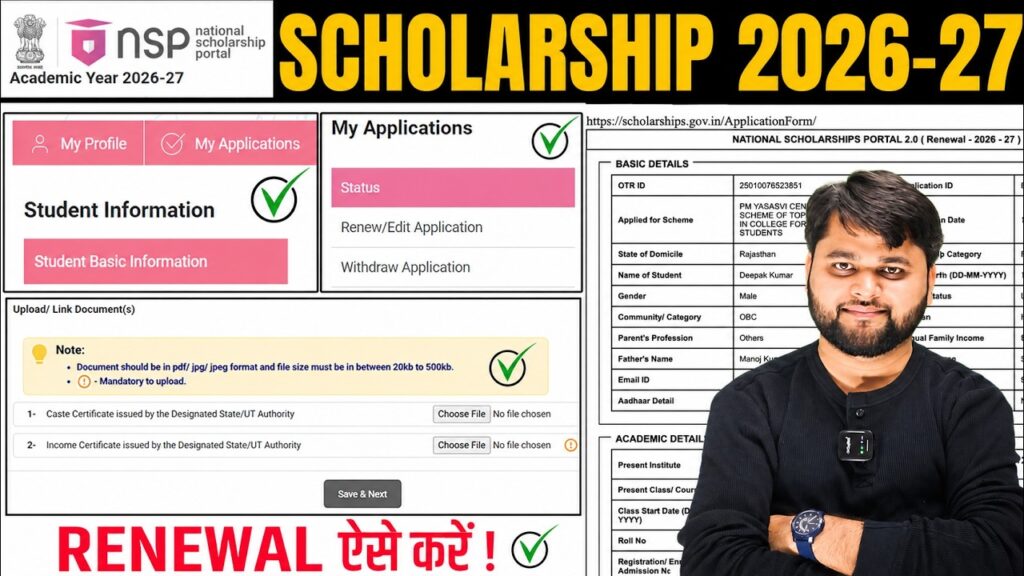
National Scholarship Portal 2026-27 Apply Renewal Kaise Kare | NSP Scholarship Renewal 2026-27
Introduction
If you are already receiving benefits through the National Scholarship Portal (NSP) and want to know National Scholarship Portal 2026-27 Apply Renewal Kaise Kare, this guide will help you complete the process correctly.
Many students are confused about the difference between the “Apply for Fresh” and “Renew/Edit Application” options on the portal. Choosing the wrong option can lead to application issues. In this article, you will learn the complete NSP Scholarship Renewal 2026-27 process, required documents, common mistakes to avoid, and what to do after submission.
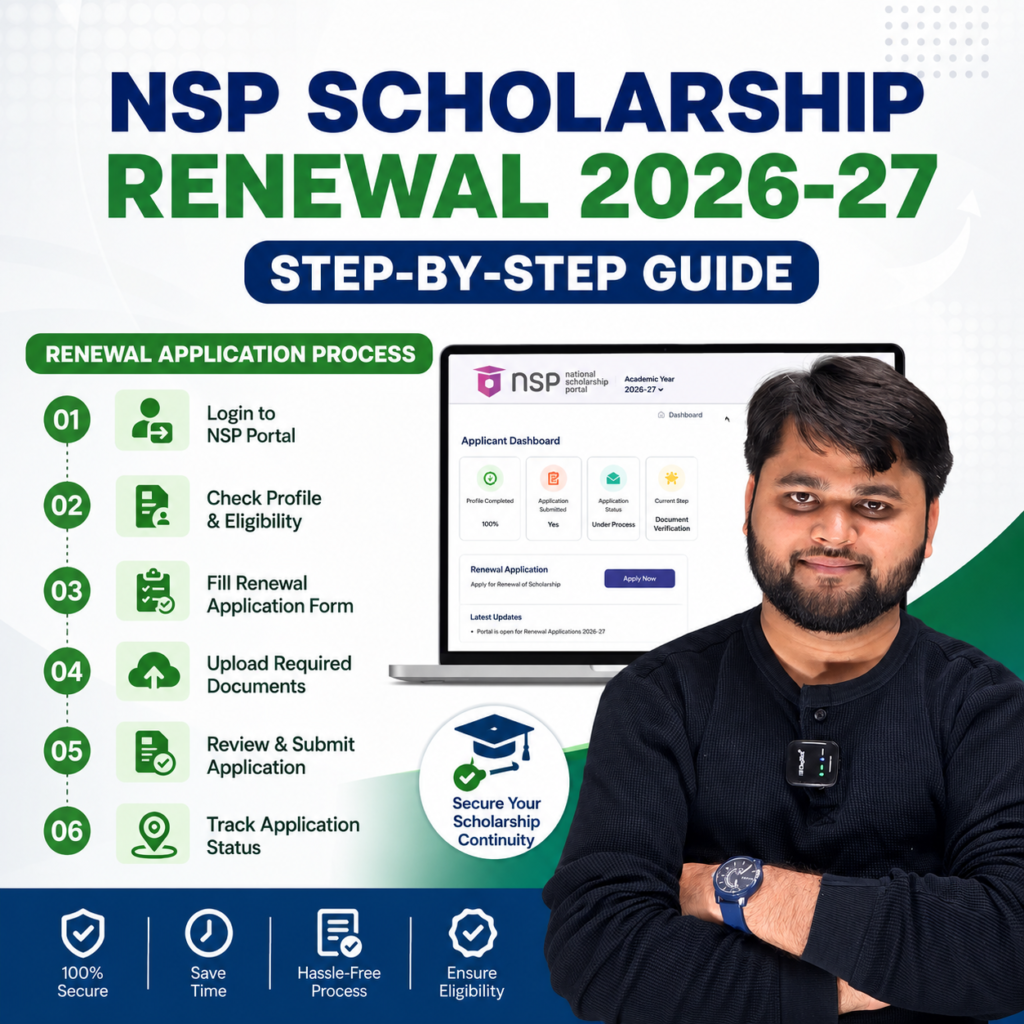
How to Apply for NSP Scholarship Renewal 2026-27?
Students who have already received an NSP scholarship must apply through the Renewal Application section rather than submitting a fresh application.
After logging in with your OTR credentials, go to the Renewal Candidate section and continue the renewal process.
NSP Scholarship Renewal 2026-27 Overview
| Details | Information |
|---|---|
| Portal | National Scholarship Portal |
| Application Type | Renewal |
| Login Method | OTR Login |
| Required Documents | Income Certificate, Category Certificate |
| Application Mode | Online |
| Final Step | Final Submission |
| Status After Submission | Verification by Institute |
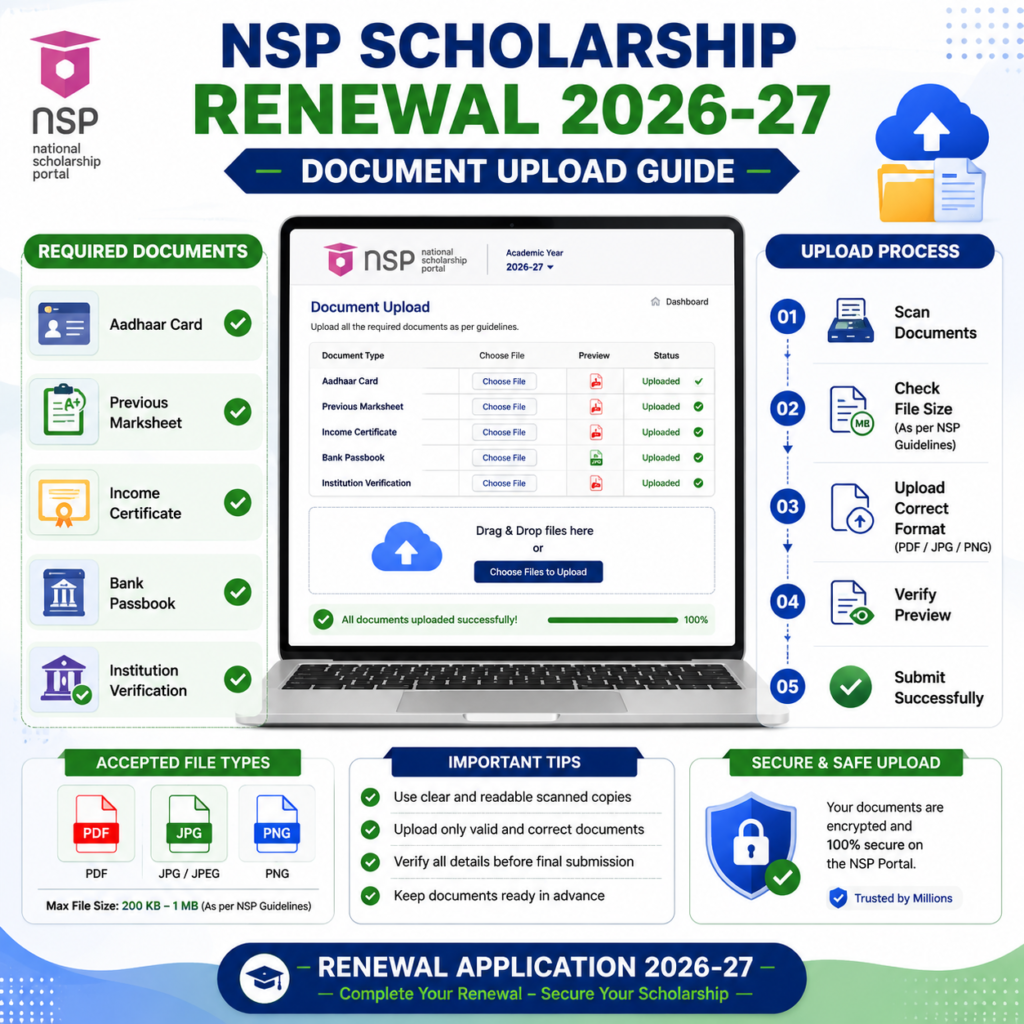
Documents Required for NSP Scholarship Renewal 2026-27
Before starting your renewal application, keep the following documents ready:
- Income Certificate
- Caste/Category Certificate (if applicable)
- Previous Scholarship Information
- Aadhaar-linked Mobile Number
- Academic Details
- Supporting Documents Required by the Scheme
Important File Upload Guidelines
- File format should be PDF.
- File size should be between 20 KB and 500 KB.
- Use clear and readable documents.
- Keep proper file names such as:
- Income_Certificate.pdf
- Caste_Certificate.pdf
Avoid uploading blurry or unclear documents, as they may lead to verification issues.
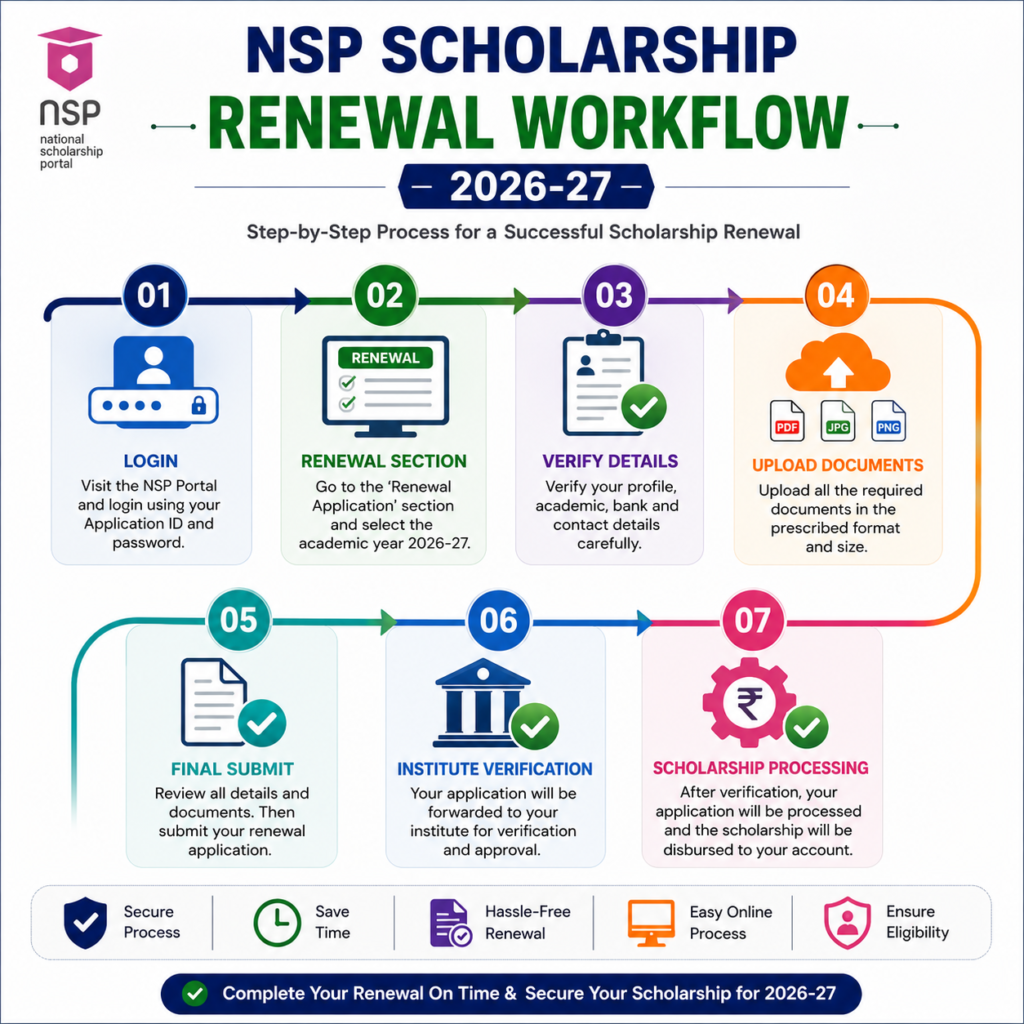
Step-by-Step Process to Apply for NSP Scholarship Renewal 2026-27
Follow these steps carefully:
NSP Scholarship Renewal Process
| Step | Action |
| 1 | Visit the NSP Portal |
| 2 | Login using OTR |
| 3 | Open your Dashboard |
| 4 | Select Renewal Candidate |
| 5 | Click Proceed |
| 6 | Choose Renew/Edit Application |
| 7 | Verify Basic Information |
| 8 | Click Save & Next |
| 9 | Upload Required Documents |
| 10 | Review Uploaded Files |
| 11 | Click Final Submit |
| 12 | Download and Print Application |
To apply for NSP Scholarship Renewal 2026-27, log in through OTR, select the Renewal Candidate option, choose Renew/Edit Application, verify your details, upload required documents, and complete the final submission. After submission, your application will move to the institute verification stage.
Common Mistake Students Make During NSP Renewal
One of the most common mistakes occurs when students see the “Apply for Fresh” option after updating their basic information.
Many students mistakenly click this option even though they are existing scholarship beneficiaries.
Correct Process
- Click Proceed
- Select Renew/Edit Application
- Upload required documents
- Complete Final Submission
Always use the Renewal option if you are already receiving an NSP scholarship.
What Happens After Final Submission?
After successfully submitting the application, your status may show:
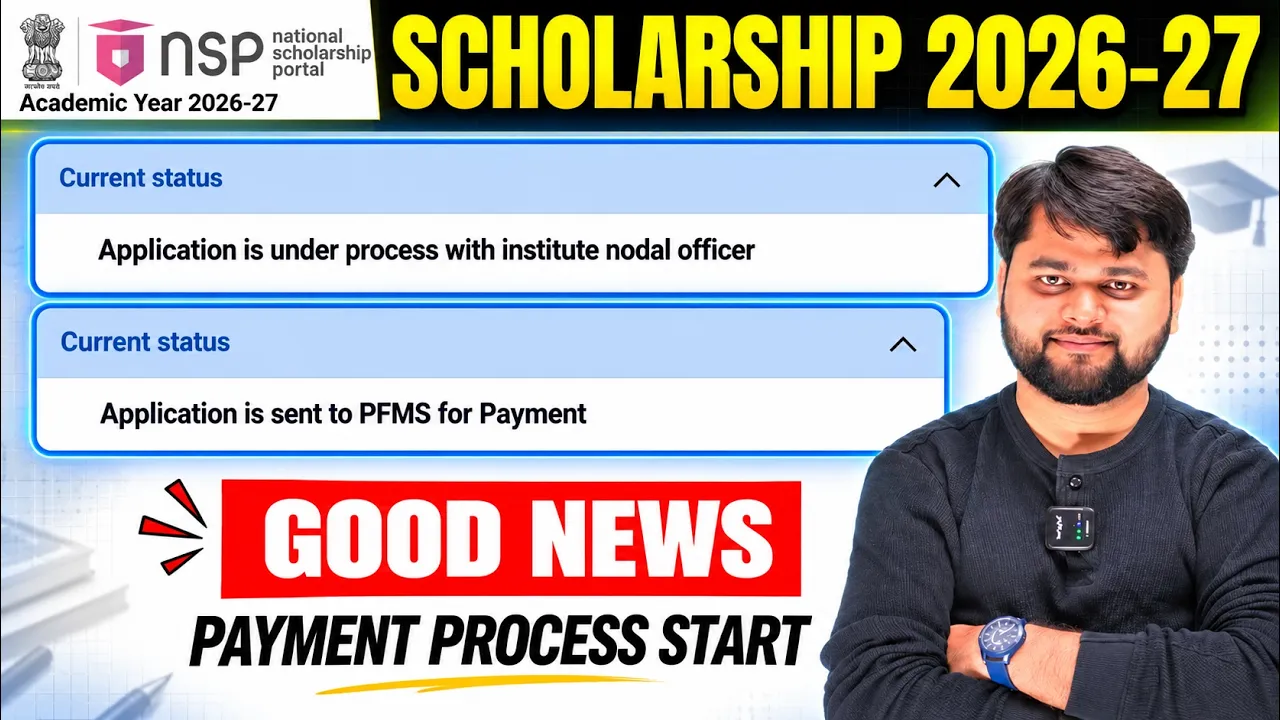
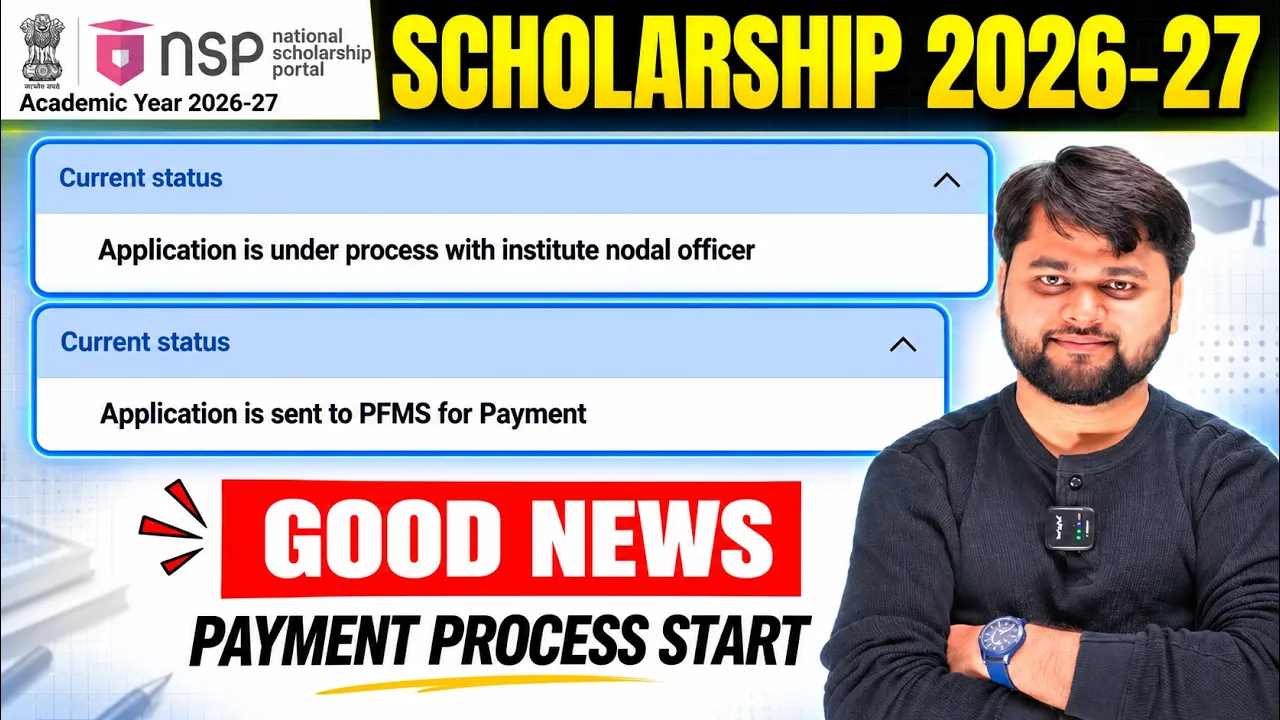
“Application Under Process for Verification with Institute Nodal Officer”
This means your renewal application has been submitted successfully and is waiting for institutional verification.
You should:
- Download the application PDF.
- Save a copy for future reference.
- Regularly check your application status
For readers who prefer a quick walkthrough, this video explains the full process step by step.
NSP Scholarship Renewal Problems and Solutions
Common Issues and Solutions
| Problem | Solution |
| Apply for Fresh option appears | Select Renew/Edit Application |
| Document upload failure | Check file size and format |
| Invalid PDF error | Recreate the PDF and upload again |
| Login issue | Verify OTR and OTP details |
| Final Submit not working | Refresh browser and try again |
| Verification Pending | Wait for institute verification |
National Scholarship Portal Official Website
FAQs
When did NSP Scholarship Renewal 2026-27 start?
The renewal process for the 2026-27 academic session has already started on the National Scholarship Portal.
What is the difference between Fresh and Renewal applications?
Fresh applications are for first-time applicants, while Renewal applications are for students who have already received an NSP scholarship.
Is an income certificate mandatory?
Yes, most scholarship schemes require an income certificate during renewal.
What should be the file size for uploaded documents?
The recommended file size is between 20 KB and 500 KB.
What should I do after submitting the renewal application?
Download the application PDF and regularly check your application status.
Why does “Apply for Fresh” appear during renewal?
This is a common portal display issue. Existing beneficiaries should proceed with the Renew/Edit Application option.
Conclusion
The NSP Scholarship Renewal 2026-27 process is straightforward if you follow the correct steps. The most important thing is to select the Renewal option instead of submitting a fresh application. Keep your documents ready, verify all details carefully, and submit the application before the deadline.
After submission, download your application copy and monitor the verification status regularly to ensure a smooth scholarship renewal process.




3 Responses
Super guidance sir
Thank Q somuch
Sir renewal me income certificate kiska dalu khud ka ya parent ka jo ki mine worker hai unke basis par scholarship mil rha plz guide