
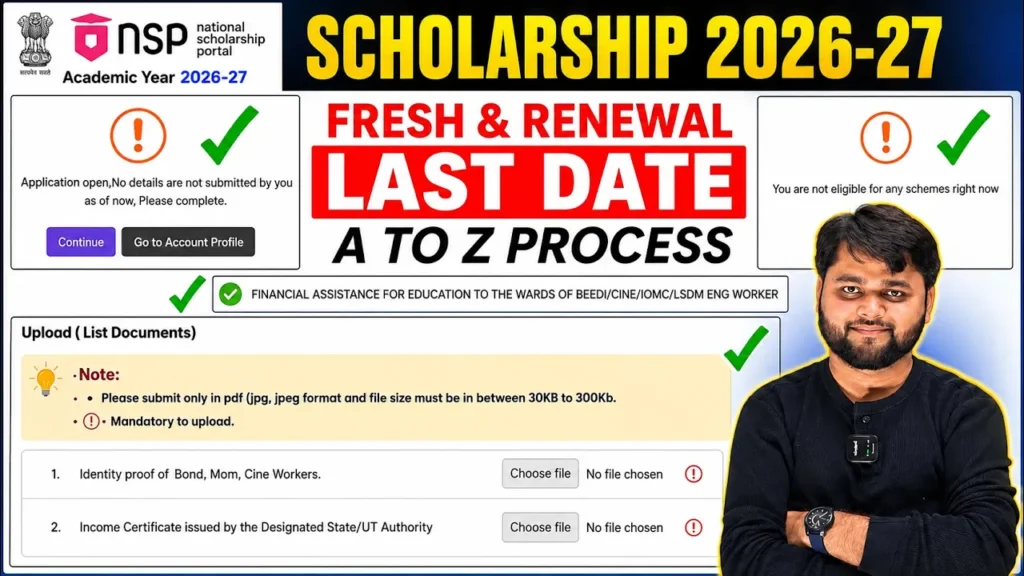
National Scholarship 2026-27 Apply for Renewal | NSP Renewal Form & Process
Introduction
If you are already receiving an NSP scholarship and need to continue it for the new academic year, National Scholarship 2026-27 Apply for Renewal is the process you need to follow. The renewal application is completed through the National Scholarship Portal, and the exact opening and closing dates depend on the scholarship scheme.
For the 2026-27 academic year, the National Scholarship Portal is open, and One Time Registration (OTR) is required for scholarship applications. The official NSP portal currently lists renewal applications for schemes including the PM-USP Central Sector Scheme of Scholarship for College and University Students (CSSS). For CSSS renewal, the student application closing date currently shown by NSP is 30 September 2026.
This guide explains the NSP Scholarship Renewal 2026-27 Apply Online process from login to final submission, along with important checks, documents, verification and common problems.
The step-by-step explanation below is also based on the supplied walkthrough, which demonstrates the renewal application journey, academic details, document upload, final submission and institute-level verification.
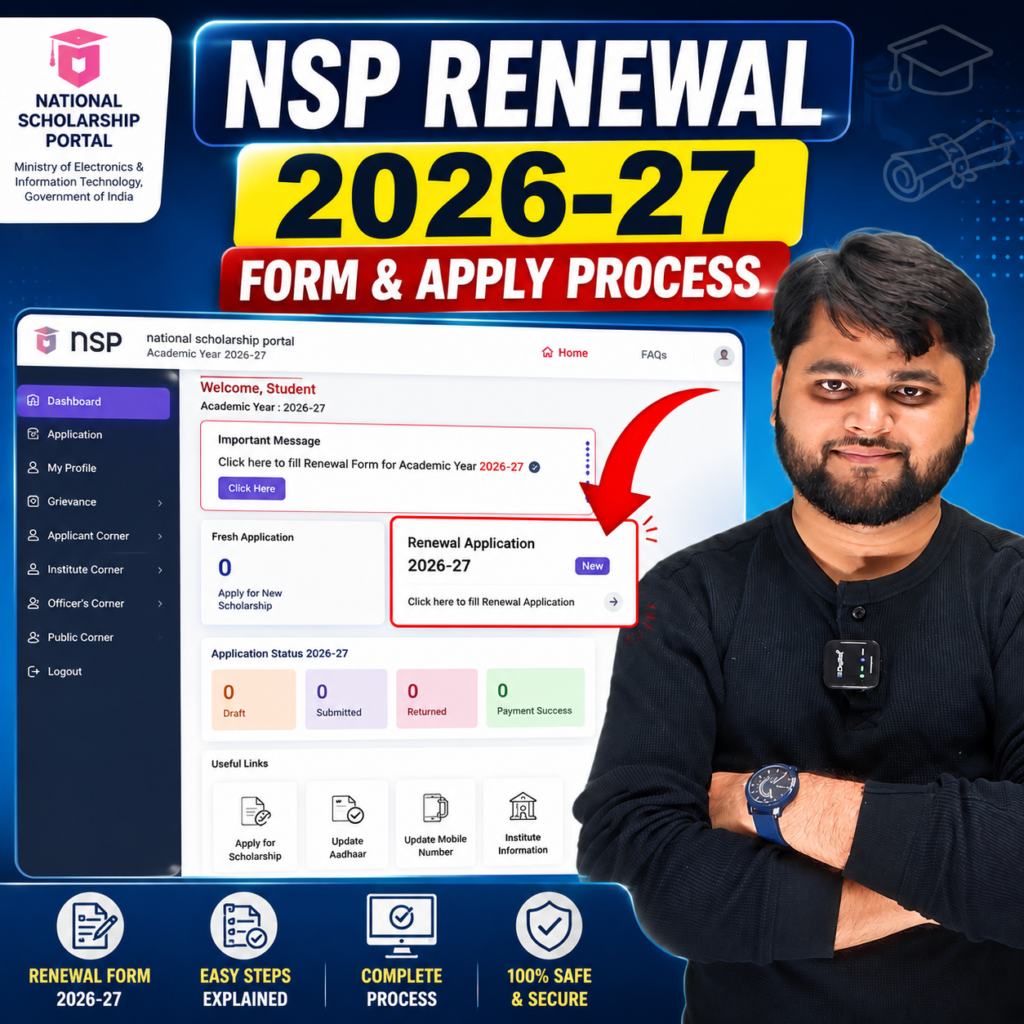
NSP Scholarship Renewal 2026-27: What You Need to Know
The renewal process is meant for students who are continuing an existing scholarship and remain eligible under the applicable scheme. It is different from applying as a completely new scholarship applicant.
Before starting, first check whether your scholarship scheme has opened its renewal window. This is important because NSP does not use one universal closing date for every scheme.
For example, the official NSP scheme listing currently shows the following for 2026-27:
- PM-USP Central Sector Scheme (CSSS): Renewal application open from 1 June 2026 to 30 September 2026.
- PM-USP Special Scholarship Scheme for J&K and Ladakh: Renewal application currently listed through 30 September 2026.
- Other schemes have their own application and verification schedules.
The safest approach is therefore to check your particular scheme on NSP before assuming that a particular date applies to you.
The official portal also states that OTR is mandatory for scholarship applications. OTR is a unique 14-digit number intended to remain applicable throughout the student’s academic career.
NSP Renewal 2026-27 Quick Summary
| Particular | Details |
|---|---|
| Academic Year | 2026-27 |
| Portal | National Scholarship Portal (NSP) |
| Application Type | Renewal |
| OTR | Required for NSP scholarship applications |
| Renewal availability | Depends on the scholarship scheme |
| CSSS renewal student deadline currently listed | 30 September 2026 |
| CSSS defective application verification | 15 October 2026 |
| CSSS institute verification | 15 October 2026 |
| CSSS L2 verification | 30 October 2026 |
| Final status after submission | Application moves through verification stages |
The dates above are based on the current official NSP scheme information and should be rechecked before submitting because scheme schedules can change.
How to Apply for NSP Scholarship Renewal 2026-27 Online
The NSP Scholarship Renewal 2026-27 Apply Online process starts with logging into the National Scholarship Portal using your OTR credentials.
Visit the official NSP website and choose the student login/application option. The current NSP student page provides access to Fresh and Renewal scholarship applications.
After logging in, make sure you select the correct academic year and scholarship/application category. If your existing scholarship is eligible for renewal, the dashboard should show the renewal application option.
Step 1: Log in with your OTR details
Use your OTR ID and password to access the scholarship application.
Do not create a duplicate fresh application simply because you are continuing your existing scholarship. First check whether the renewal option is available for your account and scheme.
Step 2: Select the Renewal Application
After login, look for the application displayed as Renewal and select Proceed.
The exact dashboard appearance can vary depending on the scheme and NSP interface, so focus on the application type and scheme name rather than relying only on the appearance of a particular button.
Step 3: Check Basic Details
The renewal application may already contain several details fetched from your previous application or Aadhaar-linked information.
Carefully check:
- Student name
- Date of birth
- Aadhaar-related details
- Address
- Category
- State
- Institute information
- Course details
- Other displayed personal information
If a field needs updating, correct it where the portal allows changes.
The walkthrough supplied for this article specifically recommends checking the pre-filled basic information before moving ahead.
Step 4: Update Academic Details
Academic information is particularly important in a renewal application.
You may need to enter or confirm details such as:
- Current course
- Current year/semester
- Previous academic performance
- Course start information
- Previous-year marks or percentage
- Other scheme-specific academic information
If your marks are represented as CGPA, use the conversion method required by your institution or scholarship scheme rather than blindly applying a formula. The supplied video discusses a CGPA conversion example, but students should follow the conversion rule applicable to their university/scheme.
Step 5: Save Your Application as Draft
If you cannot complete the form in one sitting, use Save as Draft where available.
This is useful because you can return later instead of starting the process again.
Before moving to the next section, review the information you entered.
Step 6: Upload Documents If the Portal Requests Them
The document section can vary according to the scholarship scheme and applicant profile.
Do not upload random documents simply because you think they might be required. Upload the documents specifically requested by the portal.
The supplied walkthrough highlights that students should check the required document fields and use an accepted file format and size. It also recommends opening the uploaded file through the portal’s view/download option to confirm that the correct document was uploaded.
Step 7: Final Review and Submission
Before clicking the final submission button, carefully review the complete application.
Pay special attention to:
- Bank details
- Academic information
- Institute details
- Category information
- Marks/percentage
- Uploaded documents
- Scholarship scheme
- Application type
Once everything is correct, complete the declaration and submit the application.
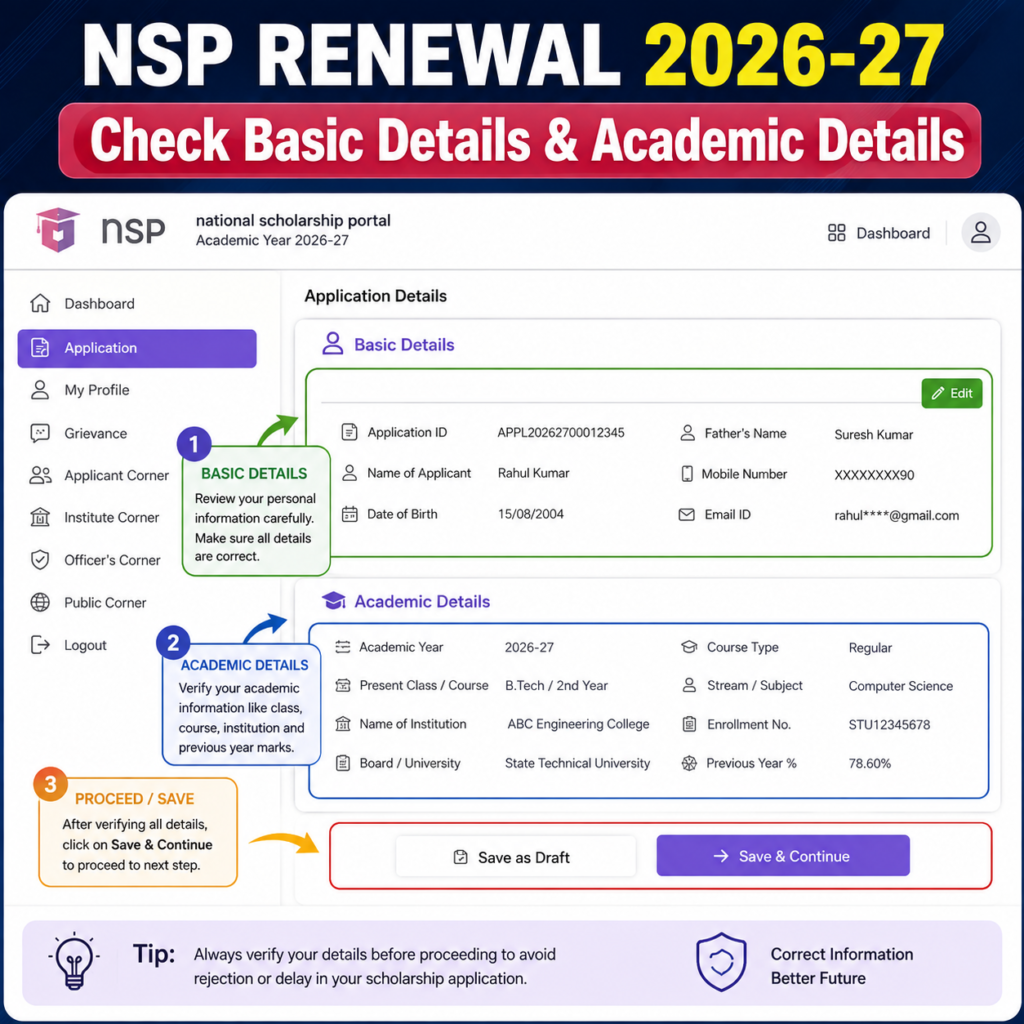
NSP Scholarship Renewal 2026-27 Apply: Step-by-Step Process
For students searching specifically for the nsp scholarship renewal process 2026-27, the complete journey can be understood in five broad stages:
Login → Select Renewal → Update Details → Upload/Review Documents → Final Submit → Institute Verification
The important point is that submitting the application is not necessarily the end of the scholarship process. After submission, the application can move to institutional and other verification stages according to the applicable scheme.
The official NSP portal currently lists separate deadlines for student application, defective application verification, institute verification and higher-level verification for different schemes.
NSP Renewal 2026-27 Step-by-Step Process
| Step | What to Do | Important Check |
| 1 | Open NSP | Use the official National Scholarship Portal |
| 2 | Login | Enter your OTR ID and password |
| 3 | Select Renewal | Choose the correct renewal application |
| 4 | Basic Details | Check pre-filled information carefully |
| 5 | Academic Details | Update current course/year and required marks information |
| 6 | Documents | Upload only documents requested by the portal |
| 7 | Save/Review | Use Save as Draft if you need more time |
| 8 | Final Submission | Accept declaration and submit |
| 9 | Print/Save | Keep a copy of the submitted application |
| 10 | Institute Verification | Follow up with your institute/INO if required |
| 11 | Track Status | Monitor the application after submission |
For the CSSS renewal route, NSP currently lists institute verification through 15 October 2026, but students under other schemes should follow their own scheme timeline.
What Happens After NSP Renewal Form Submission?
After you submit the renewal form, your application can move into the verification process.
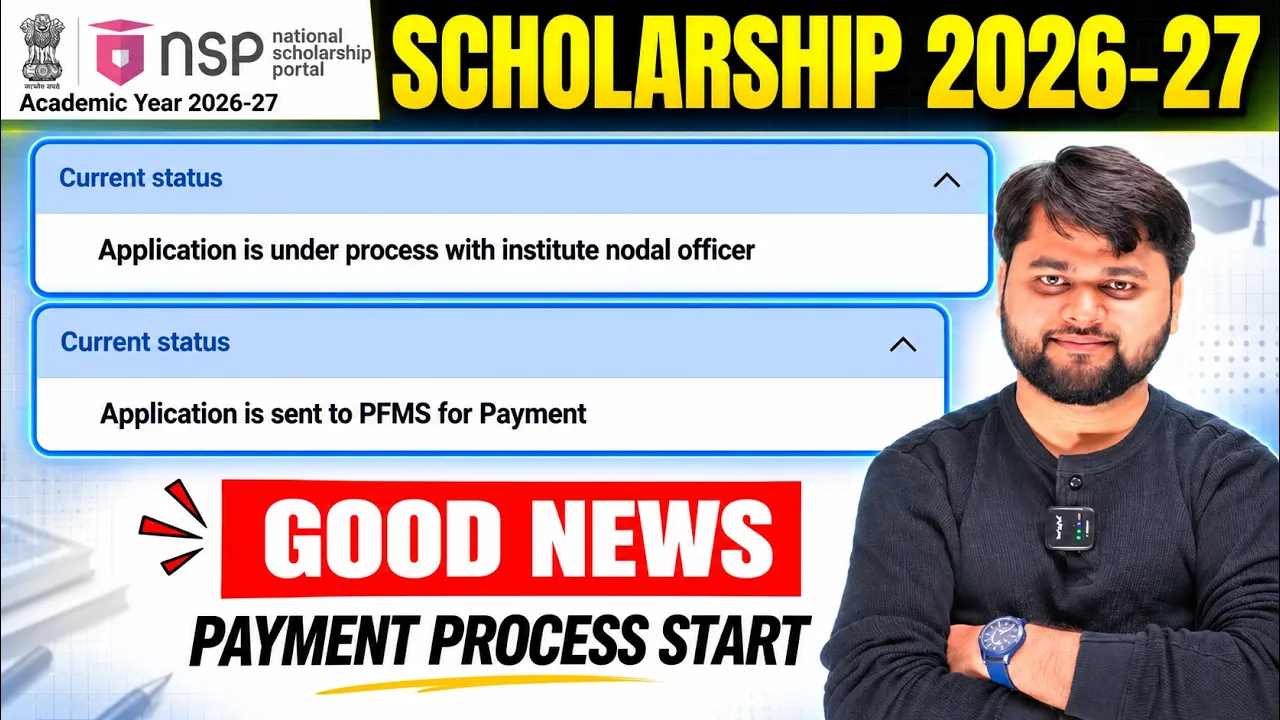
The supplied walkthrough shows an application reaching a status indicating that it is under process for verification at institute level. It also recommends taking a printout and submitting the required paperwork to the institute’s scholarship/nodal office when instructed.
This institute-level step matters because simply completing the online form does not mean that the scholarship has already been approved or paid.
Students should:
- Save the final application.
- Take a printout if required.
- Keep copies of uploaded documents.
- Follow the institute’s submission instructions.
- Contact the Institute Nodal Officer if verification remains pending.
- Continue checking the NSP application status.
If the application contains an error after submission, the supplied walkthrough advises students to contact the institute/nodal officer regarding the defect process rather than independently withdrawing the application. The exact action available to you depends on the application’s status and portal rules.
For readers who prefer a quick walkthrough, this video explains the full process step by step.
NSP Scholarship Renewal Problems and Their Solutions
Even when the renewal process is straightforward, students can encounter problems at different stages.
The first thing to remember is that not every issue means your scholarship has been rejected. A missing option, pending verification or defect status can have different meanings.
NSP Renewal Problem vs Solution
| Problem | What You Should Do |
| Renewal option is not showing | Check whether your scheme has opened renewal and whether you are eligible |
| OTR/login problem | Verify your OTR ID and password and use the official NSP portal |
| Details are already filled | Carefully review them and edit only where the portal permits |
| Document option is not showing | Check whether your particular scheme/application requires additional documents |
| Uploaded document is not accepted | Check the file type, size and portal instructions |
| Application is under institute verification | Contact your institute’s scholarship/nodal office if action is required |
| You notice a mistake after submission | Contact the Institute Nodal Officer about the available defect/correction process |
| Application is showing defective | Check the defect reason and correct the application within the permitted window |
| Printout has unexpected information | Compare the application with the portal information and contact your institute if something appears incorrect |
| Renewal deadline is unclear | Check your specific scheme on the official NSP scheme page |
One important point is that scheme-specific rules take priority. A document requirement, deadline or correction facility available for one scholarship may not be identical for another.
Students should use the official National Scholarship Portal to check their scheme, login, apply for renewal and verify the latest application schedule.
official National Scholarship Portal
HDFC Scholarship Interview Questions 2026-27
How to Apply for NSP Scholarship Renewal 2026-27?
To apply for NSP Scholarship Renewal 2026-27, log in to the National Scholarship Portal with your OTR details, select the Renewal application, verify basic and academic information, upload required documents, review the form, submit it and complete institute-level verification as required.
FAQ
Is NSP Scholarship Renewal 2026-27 open?
Yes, the NSP portal is open for the 2026-27 academic year. However, the renewal opening and closing dates depend on the individual scholarship scheme. The official portal currently lists several schemes with renewal applications open.
What is the last date for NSP Scholarship Renewal 2026-27?
There is no single last date for every NSP scholarship. For example, the official NSP listing currently shows 30 September 2026 as the student application deadline for PM-USP CSSS renewal. Always check your specific scheme.
Is OTR required for NSP Scholarship Renewal 2026-27?
Yes. NSP states that OTR is required to apply for scholarships on the portal from AY 2024-25 onward. OTR is a unique number associated with the student’s scholarship application journey.
Can I apply for NSP renewal from my mobile?
You can access NSP using a mobile device, but a desktop-style view may be easier for completing and reviewing a long application. For OTR and authentication-related activities, follow the current instructions provided by NSP.
What should I do if the NSP renewal option is not showing?
First check whether your particular scholarship scheme has opened its renewal window and whether you are eligible for renewal. If the scheme is open but the option is still unavailable, check your previous application details and contact your institute/nodal officer or the appropriate NSP support channel.
What if I make a mistake after submitting the renewal form?
Do not immediately withdraw the application on your own. Contact your institute’s scholarship/nodal officer and ask whether the application can be marked defective for correction. The supplied walkthrough specifically recommends using the defect route through the institute when an error needs correction.
Conclusion
The National Scholarship 2026-27 Apply for Renewal process is mainly about carefully continuing your existing scholarship rather than rushing through another fresh application. Start by checking whether your scheme’s renewal window is open, then log in with your OTR details, review every pre-filled field, update academic information, upload only the documents requested by NSP and submit the application after a final check.
For students applying under CSSS or another NSP scheme, remember that deadlines and verification stages can differ. The official NSP portal should always be treated as the final source for your scheme’s current schedule.
After submission, keep your application printout and monitor the status. If something is incorrect, contact your institute’s scholarship or nodal officer instead of taking an action such as withdrawal without understanding its effect.



One Response