
National Scholarship Portal 2026 – NSP Login, Check Status, Last Date
Introduction
If you are planning to apply for a scholarship through the National Scholarship Portal 2026 – NSP Login, Check Status, Last Date, knowing the latest application dates, login process, and application status is essential. Thousands of students miss scholarship opportunities every year simply because they are unaware of important deadlines or make mistakes during the application process.
The National Scholarship Portal (NSP) is India’s official online platform where students can apply for Central Government, State Government, and UGC/AICTE scholarship schemes using a single portal. Whether you are a fresh applicant or applying for renewal in the 2026-27 academic session, understanding the complete process can help you avoid unnecessary delays.
In this guide, you’ll learn:
- Latest NSP 2026 application updates
- National Scholarship Portal last date 2026
- NSP Login process
- How to check scholarship application status
- Important renewal dates
- Common issues and their solutions
- Official resources and helpful tips
Instead of searching different websites for separate information, this article brings everything together in one place with easy explanations and practical guidance.
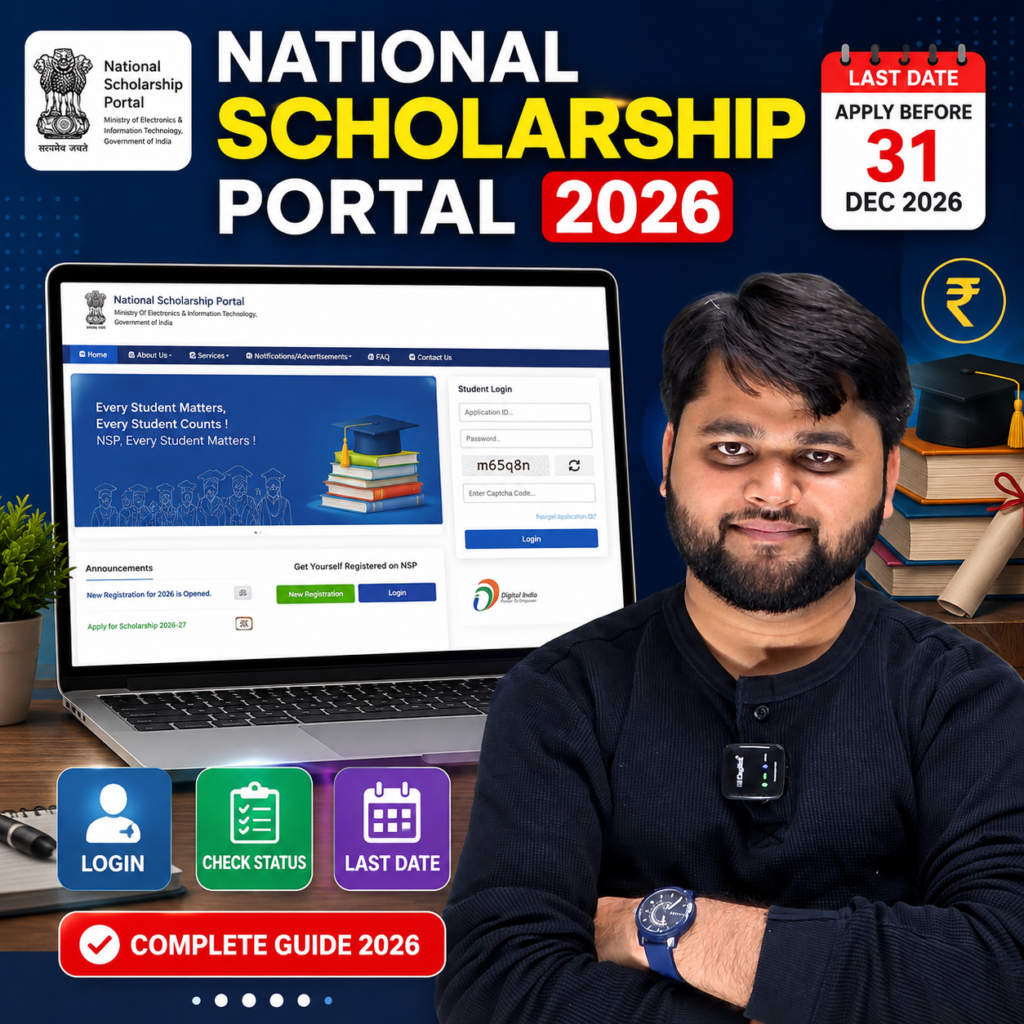
What is National Scholarship Portal (NSP) 2026?
The National Scholarship Portal (NSP) is the Government of India’s centralized digital platform created to simplify the scholarship application process for students across the country. Instead of applying separately for different scholarship schemes, students can use one portal to access multiple Central, State, and UGC scholarship programs.
Every year, lakhs of students use NSP to:
- Register online
- Complete scholarship applications
- Upload documents
- Track verification
- Check scholarship status
- Receive Direct Benefit Transfer (DBT) payments
For the 2026-27 academic session, the portal is expected to support both Fresh and Renewal applications under various scholarship schemes.
The biggest advantage of NSP is transparency. Every application passes through institute verification, district verification, state verification, and finally scholarship sanction before payment.
Students should regularly check the portal because important announcements, correction windows, and application deadlines are updated there.
Quick Summary
| Feature | Details |
|---|---|
| Portal Name | National Scholarship Portal (NSP) |
| Academic Session | 2026-27 |
| Application Mode | Online |
| Fresh Application | Available |
| Renewal Application | Available |
| Login Required | Yes |
| Status Check | Online |
| Official Portal | scholarships.gov.in |
| Payment Mode | Direct Benefit Transfer (DBT) |
| Main Users | School, College & University Students |
National Scholarship Portal 2026 Login Process
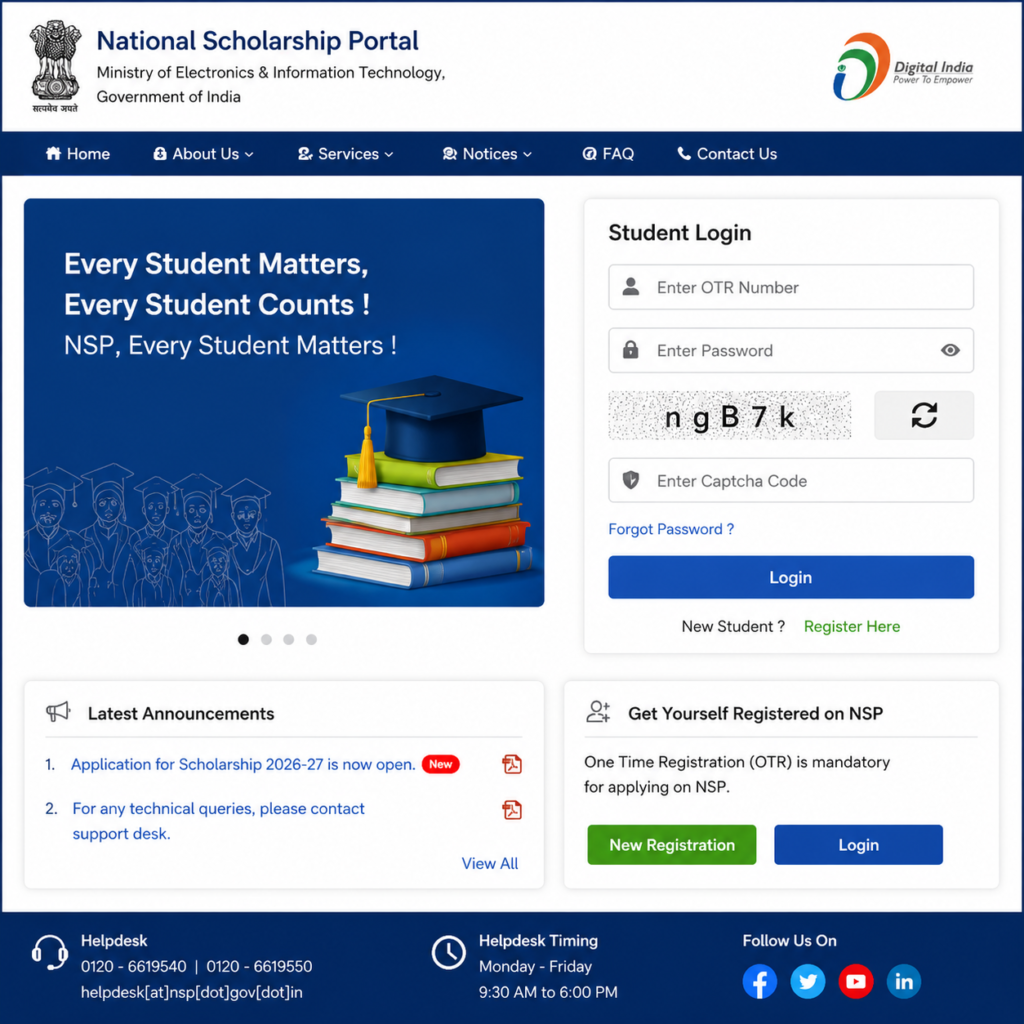
Logging into the National Scholarship Portal (NSP) is the first step to accessing your scholarship application. Whether you are a fresh applicant or renewing your scholarship for the 2026-27 academic session, you can use your registered credentials to access your dashboard.
Before logging in, keep the following details ready:
- OTR (One Time Registration) Number or Application ID
- Password
- Registered Mobile Number
- OTP (if required)
- Internet connection
Steps to Login to NSP 2026
- Visit the official National Scholarship Portal.
- Click on the Login option.
- Select the academic year (2026-27) if prompted.
- Enter your OTR Number or Application ID.
- Type your password correctly.
- Complete the CAPTCHA verification.
- Click on Login.
- After successful login, your scholarship dashboard will open.
From your dashboard, you can:
- View application details
- Edit information (if correction window is open)
- Upload pending documents
- Check verification status
- Download submitted application
- Track payment updates
Tips for Safe Login
- Never share your password with anyone.
- Always log in through the official NSP website.
- Change your password regularly.
- Avoid logging in from public computers.
How to Check National Scholarship Portal Application Status 2026
One of the most searched questions by students is how to check whether their scholarship application has been accepted, verified, or approved.
Fortunately, NSP allows applicants to monitor every stage of the application online.
After logging into your account, the portal displays your application’s current progress. This helps students identify whether their institute has verified the application or if any action is still pending.
You can check:
- Application Submitted
- Institute Verification
- District Verification
- State Verification
- Ministry Verification
- Scholarship Sanction
- Payment Status
If your application remains at one stage for several weeks, it may simply be waiting for verification by the concerned authority. Students should avoid submitting duplicate applications, as this may lead to rejection.
Step-by-Step Process to Check NSP Scholarship Status
| Step | Action | Expected Result |
|---|---|---|
| Step 1 | Open the National Scholarship Portal | Homepage opens |
| Step 2 | Click Login | Login page appears |
| Step 3 | Enter OTR Number/Application ID | User verification |
| Step 4 | Enter Password and CAPTCHA | Secure login |
| Step 5 | Open Dashboard | Scholarship details visible |
| Step 6 | Click “Application Status” | Current verification stage shown |
| Step 7 | Check Payment Section | Payment or DBT updates available |
| Step 8 | Download Application (Optional) | PDF copy saved |
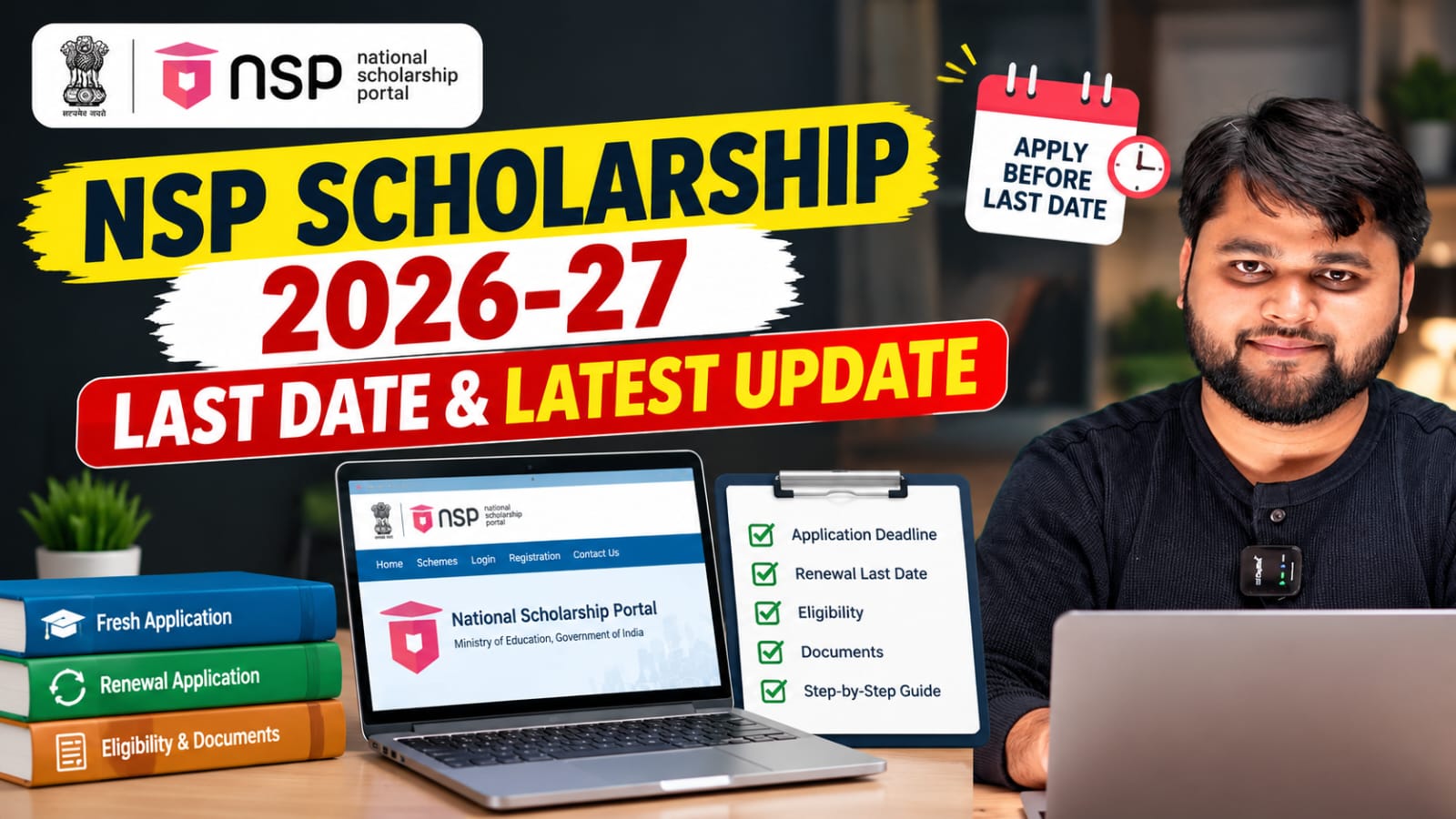
National Scholarship Portal Last Date 2026 (Expected)
One of the biggest concerns for students every year is the application deadline. Missing the last date can prevent you from applying or renewing your scholarship.
The National Scholarship Portal usually announces different schedules for Fresh and Renewal applications. While the official notification should always be considered final, students are advised not to wait until the last few days because heavy traffic on the portal may cause login or submission issues.
If you are searching for:
- national scholarship portal last date 2026
- national scholarship portal last date
- national scholarship portal check date
- national scholarship portal 2026-27 renewal last date
- check scholarship last date NSP
- NSP scholarship 2026 apply last date
- how to check NSP scholarship last date
the best approach is to regularly check the official NSP announcements from your dashboard and the notification section.
Generally, students should complete:
- Registration
- Application Form
- Document Upload
- Final Submission
well before the closing date to avoid technical problems.
For readers who prefer a quick walkthrough, this video explains the full process step by step.
Common National Scholarship Portal 2026 Problems and Their Solutions
While applying through the National Scholarship Portal (NSP), students may face technical or verification-related issues. Most of these problems can be resolved by checking the application details, uploading the correct documents, or waiting for the verification process to complete. Understanding the reason behind an issue can save time and help avoid unnecessary application rejection.
Some of the most common problems include login errors, pending verification, document mismatches, renewal issues, and payment delays. The table below provides quick solutions to these frequently reported problems.
NSP Problems vs Solutions
| Problem | Possible Reason | Recommended Solution |
|---|---|---|
| Unable to Login | Incorrect OTR Number or Password | Verify login credentials and use the Forgot Password option if required. |
| OTP Not Received | Network delay or incorrect mobile number | Wait a few minutes, check network coverage, and request OTP again. |
| Application Status Pending | Institute or authority verification is still in progress | Allow sufficient processing time and contact your institute if the delay is unusually long. |
| Renewal Option Not Showing | Renewal application not yet activated or eligibility issue | Check the renewal schedule and read the related renewal guide. |
| Documents Rejected | Blurred, incorrect, or expired documents | Upload clear, valid documents in the prescribed format and size. |
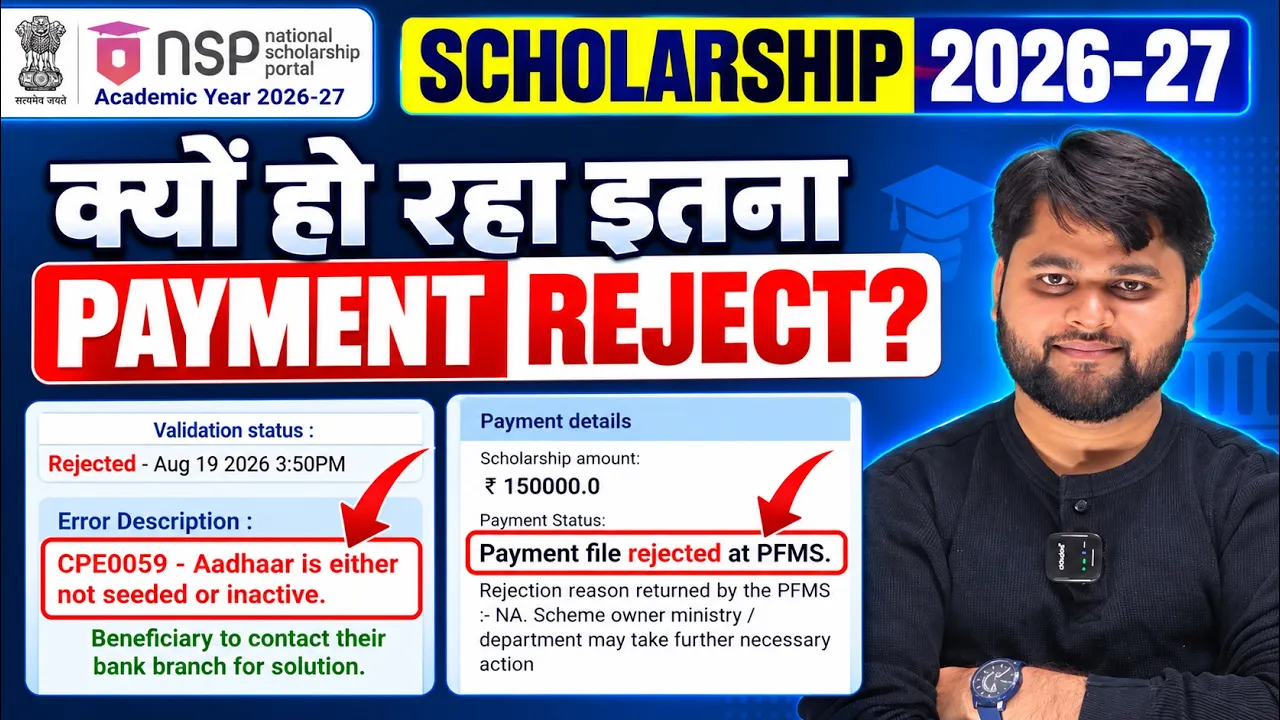
| Bank Account Not Verified | Name mismatch or bank details error | Ensure bank details match your Aadhaar and account records. |
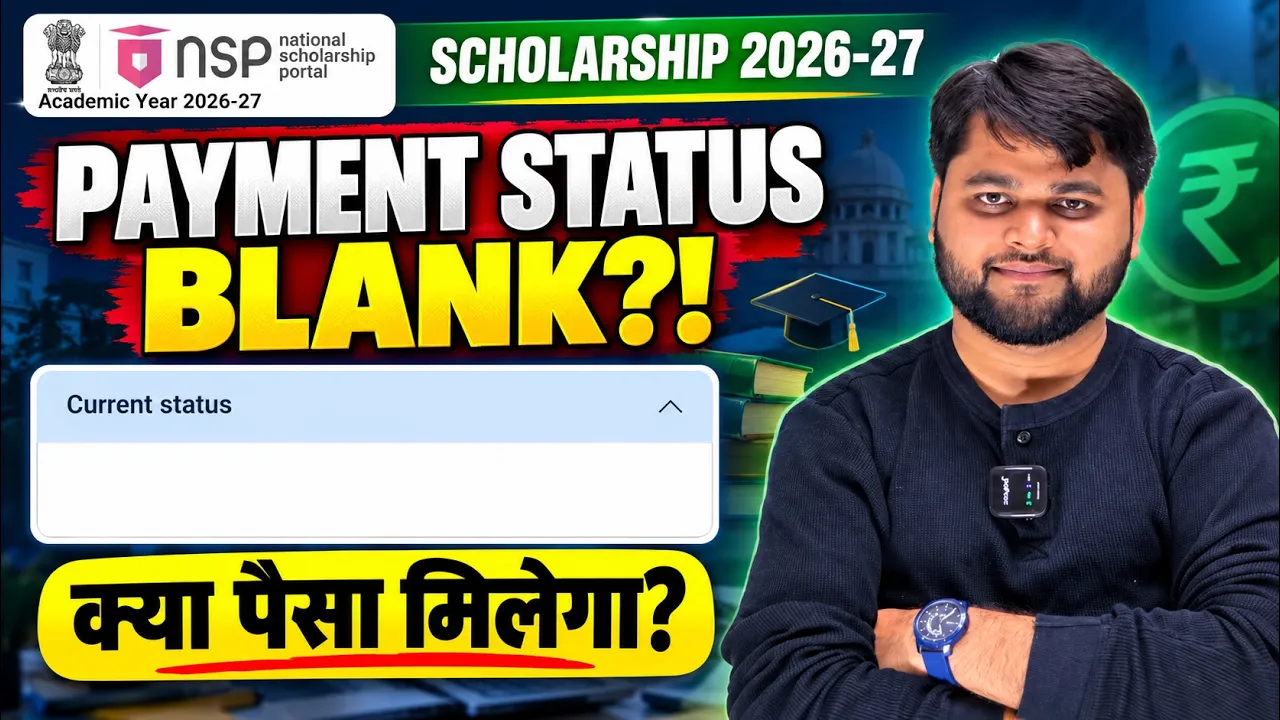
| Payment Not Received | Verification or DBT process incomplete | Track payment status and wait for the official payment cycle. |
| Application Rejected | Incorrect information or eligibility issue | Review the rejection reason and apply correctly if reapplication is allowed. |
Official National Scholarship Portal
NSP Scholarship Renewal Option Not Showing? 2026-27 Renewal Problem Solved
What is the National Scholarship Portal 2026 Last Date?
The National Scholarship Portal 2026 last date is the final deadline for submitting Fresh and Renewal scholarship applications. Students should regularly check the official NSP website for the latest notification, complete their application early, upload all required documents, and submit the form before the closing date to avoid missing the scholarship opportunity.
FAQs
What is the National Scholarship Portal (NSP)?
The National Scholarship Portal is the Government of India’s online platform where students can apply for various Central, State, and UGC scholarship schemes through a single portal.
How can I log in to the National Scholarship Portal 2026?
You can log in using your OTR Number or Application ID along with your password through the official NSP login page.
How do I check my NSP scholarship application status?
After logging into your account, open your dashboard and select the Application Status option to view the latest verification and processing updates.
What is the National Scholarship Portal last date for 2026?
The official last date is announced on the National Scholarship Portal. Students should frequently check the latest notifications and avoid waiting until the final day to submit their applications.
Can I apply for both Fresh and Renewal scholarships?
No. Students should apply under the category applicable to them. Existing scholarship holders generally need to submit a Renewal application instead of a Fresh application.
What should I do if my NSP renewal option is not visible?
First, confirm that the renewal application window has opened and that you meet the eligibility requirements. If the issue persists, refer to the detailed renewal troubleshooting guide on our website.
Why is my scholarship application showing “Pending”?
A pending status usually means your application is waiting for verification by your institute, district, state authority, or the concerned ministry. This is a normal part of the verification process.
Conclusion
The National Scholarship Portal 2026 is the easiest and most reliable platform for students to apply for government scholarships, complete renewal applications, track verification progress, and monitor payment status. By keeping your documents ready, checking important notifications regularly, and submitting your application before the deadline, you can avoid common mistakes and improve your chances of receiving the scholarship without delays.
If you experience issues such as login errors, pending verification, or renewal problems, don’t panic. Most of these issues have straightforward solutions, and staying updated through the official portal can help you resolve them quickly. We also recommend exploring our detailed guides on NSP renewal issues and other scholarship-related topics for additional support.





One Response