
NSP CSS Scholarship 2026-27 Fresh Apply Update: Apply Error Fix
Introduction
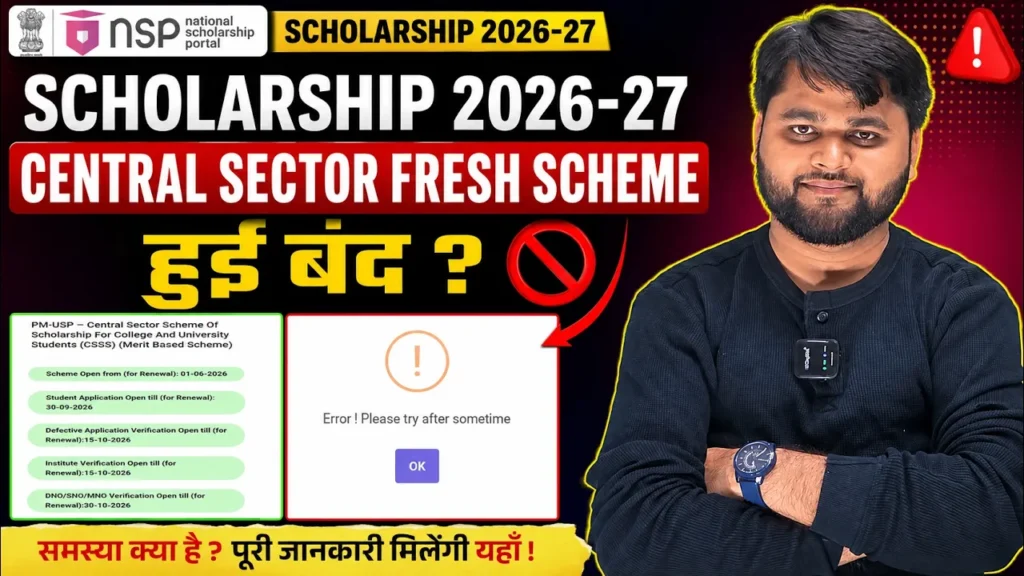
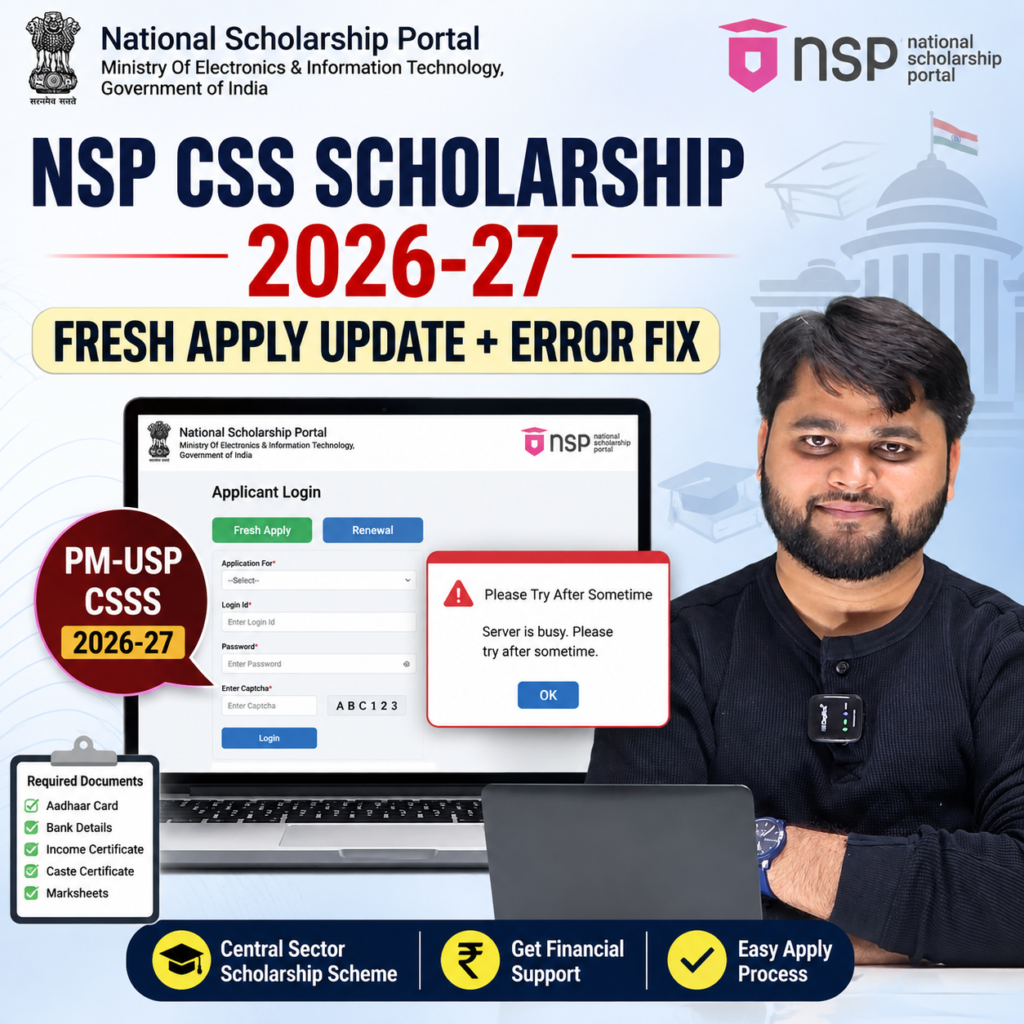
If you are trying NSP CSS Scholarship 2026-27 fresh apply but the portal is showing “Please try after sometime”, you are not alone. Many students are also confused because the PM-USP Central Sector Scheme of Scholarship for College and University Students (CSSS) can show different application options depending on whether the student is applying fresh or renewing an existing scholarship.
The most important point is this: do not assume that seeing a CSSS option in your NSP login automatically means that fresh applications are currently enabled for you. The application status, scheme window and eligibility shown on the NSP portal should be checked before submitting the form.
This guide explains the NSP CSS Scholarship 2026-27 fresh apply update, renewal process, “apply error after sometime” problem, possible reasons, what to do if the application gets stuck in draft, and where to report the issue.
The official NSP portal lists the PM-USP Central Sector Scheme under the Department of Higher Education.
NSP CSS Scholarship 2026-27 Fresh Apply: What Is the Latest Update?
The first thing students should understand is that fresh application and renewal application are not the same process.
The Central Sector Scheme of Scholarship for College and University Students is administered by the Department of Higher Education under the PM-USP framework. The scheme is intended to provide financial assistance to eligible meritorious students pursuing higher education.
The NSP portal’s scheme listing is the best place to verify whether the CSSS application window is currently available and whether the displayed option is applicable to fresh applicants, renewals, or both.
This distinction matters because some students may already see Renewal in their account from an earlier scholarship year. That does not automatically mean that a new student can submit a fresh CSSS application through the same option.
The official NSP listing currently identifies the scheme as PM-USP – Central Sector Scheme of Scholarship for College and University Students (CSSS) under the Department of Higher Education.
Important clarification for fresh applicants
If you are a first-time applicant, don’t select a renewal application simply because a renewal option appears in your dashboard.
For a fresh application, first make sure:
- You have completed the required OTR process.
- Your basic student information is correct.
- You are eligible under the CSSS guidelines.
- The scheme is accepting fresh applications.
- The application window displayed by NSP is valid.
- Your college/course information is available correctly.
- You submit the application only after checking all details.
The CSSS has historically used Class XII performance, board-wise allocation and income/other eligibility conditions as part of its selection framework. Official government information describes the scheme as merit- and means-based.
NSP CSS Scholarship 2026-27 Quick Summary
| Particular | Details |
|---|---|
| Scholarship | PM-USP Central Sector Scheme of Scholarship for College and University Students |
| Short Name | CSSS / NSP CSS Scholarship |
| Department | Department of Higher Education |
| Portal | National Scholarship Portal |
| Application Types | Fresh and Renewal, subject to the applicable scheme window |
| Fresh Applicant | Eligible new beneficiary applying for the scholarship |
| Renewal Applicant | Existing beneficiary continuing the scholarship |
| Main Problem Discussed | “Please try after sometime” / application submission error |
| First Check | Current scheme status on NSP |
| Error Solution | Check application window, draft status, details and report technical issue if required |
| Official Portal | National Scholarship Portal |
Why Is NSP Scholarship 2026-27 Showing “Please Try After Sometime”?
This is the issue that has created the most confusion among students.
A student may log in successfully, open the CSSS application, enter or edit basic information and then receive a message similar to:
“Please try after sometime.”
This does not necessarily mean that your scholarship has been rejected.
It can be a temporary portal problem, an application-state issue, a scheme-window mismatch, or a problem with an application that was previously opened and saved.
One important situation is when students enter the renewal section before the applicable application window or before the portal has fully enabled the required workflow. If an application is opened, edited or saved during such a period, the student may later encounter difficulty while trying to continue it.
What should you do first?
Don’t repeatedly click the submit/save button for several minutes.
Instead:
- Take a screenshot of the error.
- Take a screenshot of the scheme page showing its current application status.
- Check whether your application is in Draft.
- Log out and log in again after some time.
- Check whether the correct Fresh/Renewal option is being used.
- Try again during normal working hours.
- If the error continues, contact the relevant official helpdesk/nodal authority with screenshots.
The important point is to document the problem instead of repeatedly attempting the same action without checking the application status.
NSP CSS Scholarship 2026-27 Apply Fresh or Renewal: How to Proceed?
Students often search for “nsp css scholarship 2026-27 apply kaise kare” because they are unsure whether they should select Fresh or Renewal.
The answer depends on your scholarship history.
If you are applying for the first time
You generally need to proceed through the fresh applicant workflow, provided the CSSS fresh application window is open and you meet the scheme requirements.
If you received CSSS previously
You should normally use the renewal workflow if the scholarship is available for renewal and you continue to satisfy the applicable conditions.
Official CSSS material describes renewal as a continuation process for existing beneficiaries, rather than a completely new scholarship application.
Do not confuse these two options
Suppose a student received CSSS earlier and sees:
Renewal → PM-USP Central Sector Scheme
That is different from a new student asking:
Can I submit a fresh CSSS application?
The second question depends on whether fresh applications are enabled for the relevant academic cycle and whether the student meets the selection requirements.
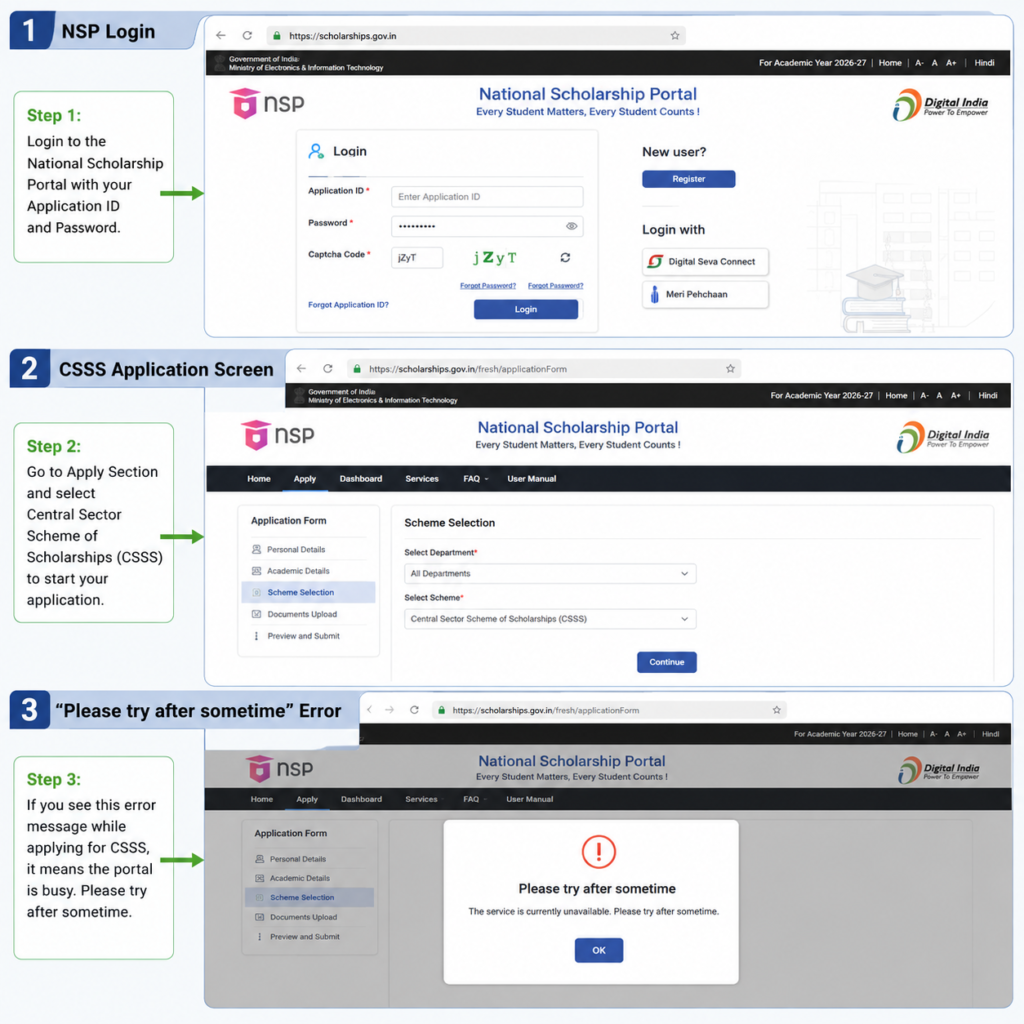
Step-by-Step NSP CSS Scholarship Application Process
| Step | What to Do | What to Check |
| 1 | Open NSP | Use the official portal |
| 2 | Complete/login with OTR | Verify your applicant details |
| 3 | Open Apply for Scholarship | Check available schemes |
| 4 | Find PM-USP CSSS | Confirm current application status |
| 5 | Select Fresh or Renewal | Choose the correct category |
| 6 | Enter academic details | Match your official records |
| 7 | Enter bank details | Verify account information |
| 8 | Review application | Check every field |
| 9 | Save/Submit | Watch for errors |
| 10 | Track status | Keep the application/ID details safely |
What If the NSP CSSS Application Is Already in Draft?
A draft application is not the same as a successfully submitted application.
This is especially important for students who previously opened their renewal form and started entering information.
If you can see a draft application, first check whether you can reopen it normally. If the portal allows editing, complete the required information and submit it within the applicable application period.
If the portal repeatedly displays “Please try after sometime”, don’t delete the application blindly.
Instead, preserve evidence.
Keep these screenshots
Take screenshots of:
- Your NSP dashboard.
- CSSS scheme name.
- Application type — Fresh/Renewal.
- Application status.
- Error popup.
- The scheme/application deadline shown on the portal.
- Any application or reference number visible on the screen.
This information will make your complaint much easier to understand.
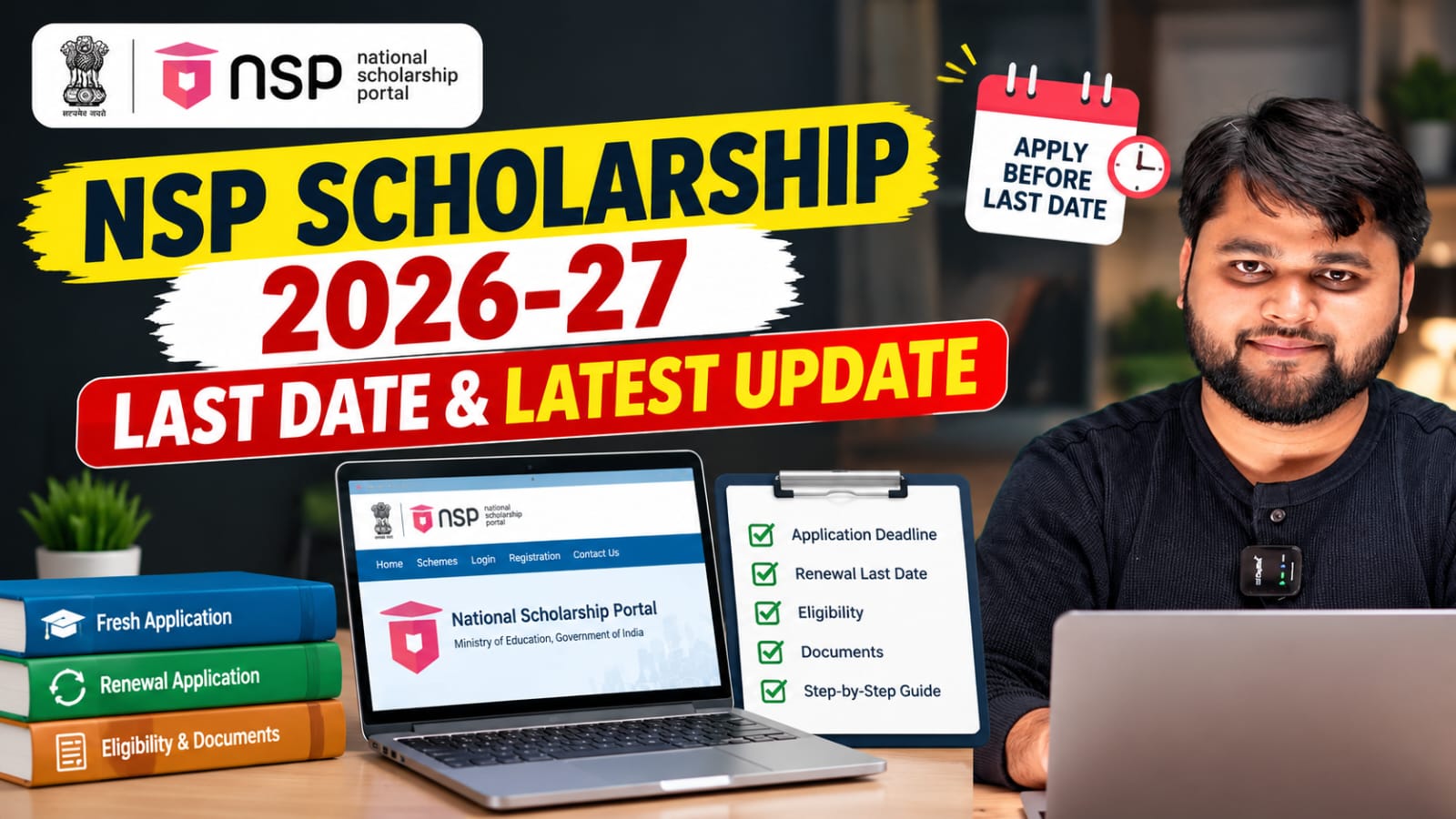
For readers who prefer a quick walkthrough, this video explains the full process step by step.
NSP Scholarship 2026-27 Apply Error After Sometime: Problem vs Solution
If your form is showing an error after you have already entered the details, don’t immediately conclude that the scholarship has been cancelled.
There can be several reasons for an application error.
1. Temporary NSP server issue
Government portals can occasionally experience technical problems, particularly when large numbers of students are accessing the same service.
2. Application opened during the wrong stage
If you accessed an application before the relevant application workflow was fully available, the application may not behave normally later.
3. Draft application problem
An earlier draft may need to be reopened and completed instead of starting another application.
4. Fresh/Renewal mismatch
A student trying to use a renewal workflow as a fresh applicant can face problems because the two workflows are not identical.
5. Incorrect or incomplete information
A mismatch in academic, bank, Aadhaar/OTR or institute information can also prevent successful processing.
6. Scheme window confusion
Seeing a scheme listed on NSP does not mean every application category is necessarily available at that exact moment. Always check the current status shown for the particular scheme.
NSP CSSS Problem vs Solution
| Problem | What It May Mean | What You Should Do |
| “Please try after sometime” | Temporary/technical/application-state issue | Wait, retry and document the error |
| Renewal option visible | Existing beneficiary workflow | Check whether you are actually a renewal student |
| Fresh option unavailable | Fresh application may not currently be enabled | Check the live scheme status |
| Application stuck in Draft | Form was saved but not submitted | Reopen and complete it |
| Details not saving | Technical or data-validation issue | Check all fields and retry |
| Scheme not visible | Eligibility/window/profile issue | Check OTR and available schemes |
| Repeated error | Issue may require official intervention | Contact the relevant helpdesk/nodal authority |
| Unsure about deadline | Dates can change | Verify the live NSP scheme page |
Check the latest CSSS application status on the official National Scholarship Portal.
NSP Scholarship 2026-27 Withdrawn Application Revoke Fix
Can I apply fresh for NSP CSS Scholarship 2026-27?
Fresh applicants can apply for the NSP CSS Scholarship only when the CSSS fresh application window is enabled for the relevant academic session and they meet the scheme eligibility conditions. If only renewal is available in your NSP account, do not submit a renewal form as a fresh applicant.
FAQ
What is NSP CSS Scholarship 2026-27?
NSP CSS Scholarship refers to the PM-USP Central Sector Scheme of Scholarship for College and University Students (CSSS), administered through the Department of Higher Education.
Is NSP CSS Scholarship 2026-27 available for fresh applicants?
Fresh applications depend on the application window enabled by NSP for the relevant academic year. Check the live CSSS scheme listing before submitting a fresh application.
Why does NSP Scholarship 2026-27 say “Please try after sometime”?
It can be caused by a temporary technical problem, application-state issue, incorrect workflow, incomplete information or heavy portal traffic. Check the application status and try again later.
Can I apply for CSSS through the renewal option if I am a fresh student?
No. A fresh student should not use the renewal workflow simply because the renewal option is visible. Fresh and renewal applications are different.
What should I do if my CSSS application is stuck in Draft?
First try reopening the existing draft. Check your details and attempt to complete it. If the error continues, take screenshots and contact the appropriate official support channel.
What is the NSP CSS Scholarship 2026-27 apply last date?
The applicable deadline should be checked on the live NSP scheme listing, because application and verification dates can be revised. Do not rely only on an old screenshot or social-media post.
Conclusion
The NSP CSS Scholarship 2026-27 fresh apply issue needs to be handled carefully because Fresh and Renewal applications are not interchangeable. If you are seeing “Please try after sometime,” don’t assume that your scholarship has been rejected or cancelled.
First check whether you are using the correct application type, whether the CSSS application window is currently available, and whether an earlier draft already exists. If the same error continues, take clear screenshots and report the problem through the appropriate official support channel.
Most importantly, use the official NSP portal for the latest application status and deadline rather than relying on an old screenshot or an unverified social-media update. The CSSS remains an important PM-USP scholarship scheme administered through the Department of Higher Education.
For students facing the error right now, the best approach is simple: check the application status, don’t create unnecessary duplicate applications, document the error, and follow the official resolution route.





2 Responses
Finally a place that treats players like family rather than just numbers. I appreciate the fair terms and the daily promotions keep the excitement alive. My withdrawals always land on time and I never have to chase support tickets. Give this one a try at sg777onlinecasino