NSP Portal 2026-27 Institute Registration Process: Complete New Update Guide
Introduction
Many students complete the National Scholarship Portal form without checking whether their institute or course is actually registered on the NSP portal. This creates major problems later during scholarship verification and approval. In this detailed guide on the NSP Portal 2026-27 Institute Registration Process: Complete New Update Guide, you will learn how to check institute registration status, verify courses, understand HOI and bio-authentication approval, and complete the NSP registration process step by step.
If you are searching for the national scholarship portal 2026-27 new registration, nsp scholarship otr registration process, or the latest nsp scholarship portal update, this article covers everything in simple language with screenshots, tables, and practical tips.
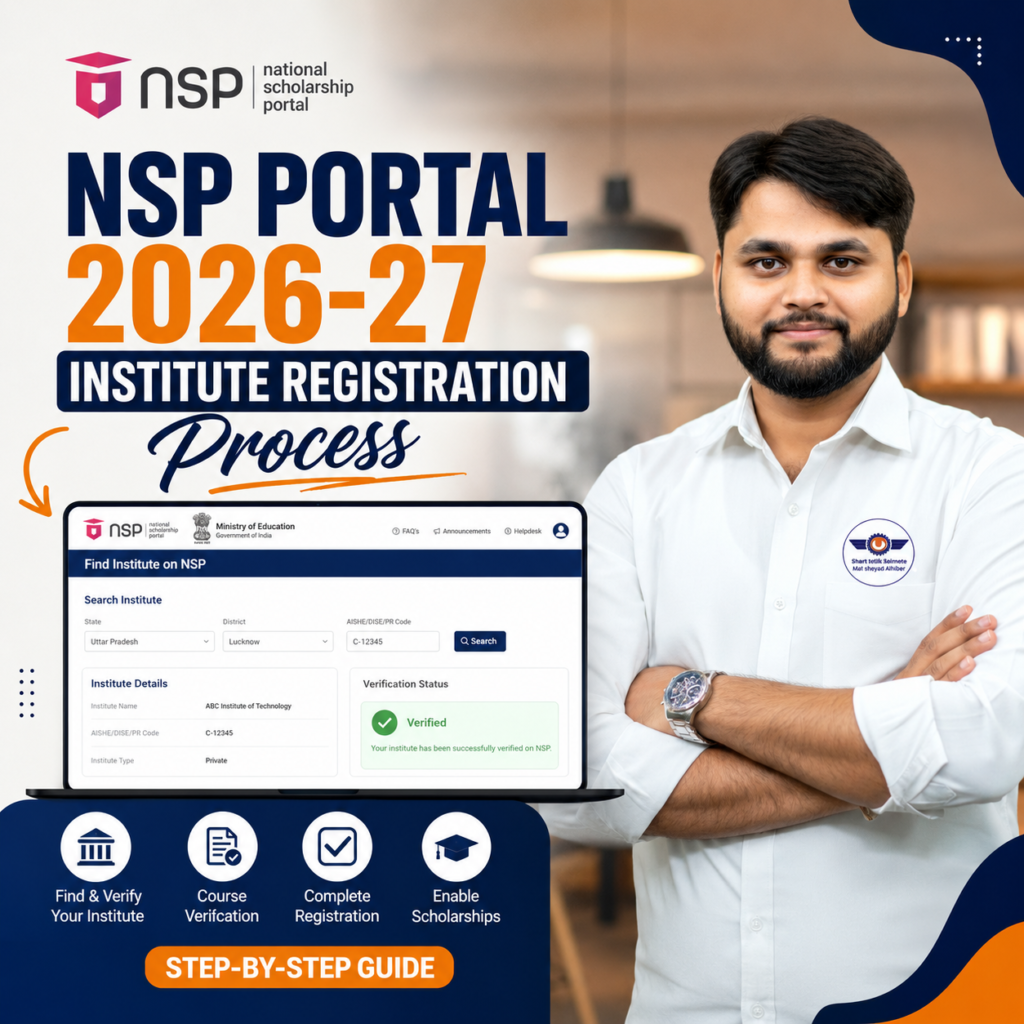
What Is NSP Portal 2026-27 Institute Registration Process?
The NSP Institute Registration Process allows colleges, universities, schools, and ITIs to officially register on the National Scholarship Portal so students can apply for scholarships.
Before filling any scholarship form, students must verify:
- Institute registration status
- Course availability on NSP
- HOI verification status
- Bio-authentication approval
- NSP eKYC status
If your institute or course is not listed, your scholarship application may get rejected even after submission.
The latest nsp scholarship 2026-27 new update focuses heavily on verification and authentication to reduce fake registrations and incorrect applications.
Quick Summary of NSP Institute Verification
| Verification Item | Why It Matters | Status Required |
|---|---|---|
| Institute Registration | Confirms college is approved on NSP | Registered |
| Course Availability | Ensures your degree is eligible | Available |
| eKYC Approval | Required for verification | Approved |
| Bio Authentication | Validates institute authority | Done |
| HOI Verification | Confirms Head of Institution approval | Verified |
| Nodal Officer Status | Required for scholarship processing | Active |
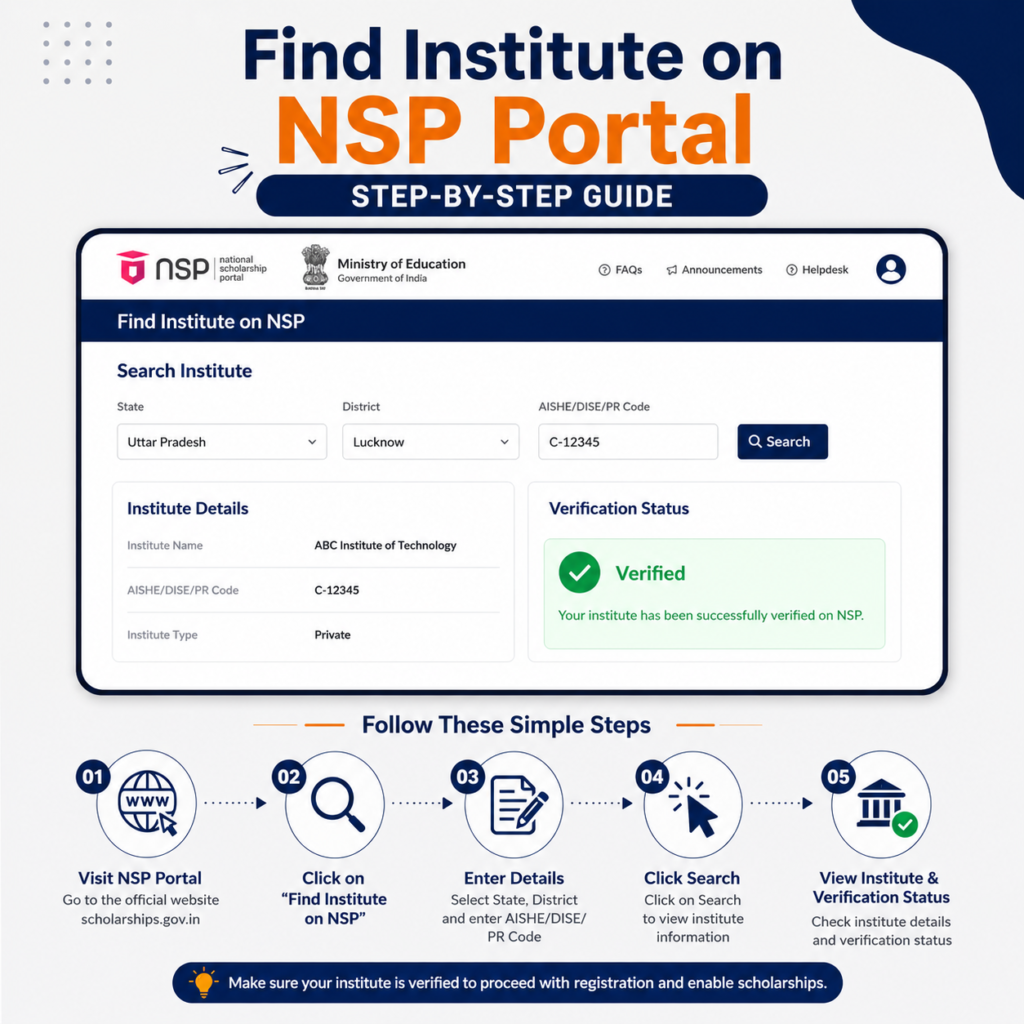
How to Check Whether Your Institute Is Registered on NSP
Students can easily verify their institute through the official NSP portal before starting the application process.
Step-by-Step Process
- Visit the official National Scholarship Portal
- Open the “Public Corner” section
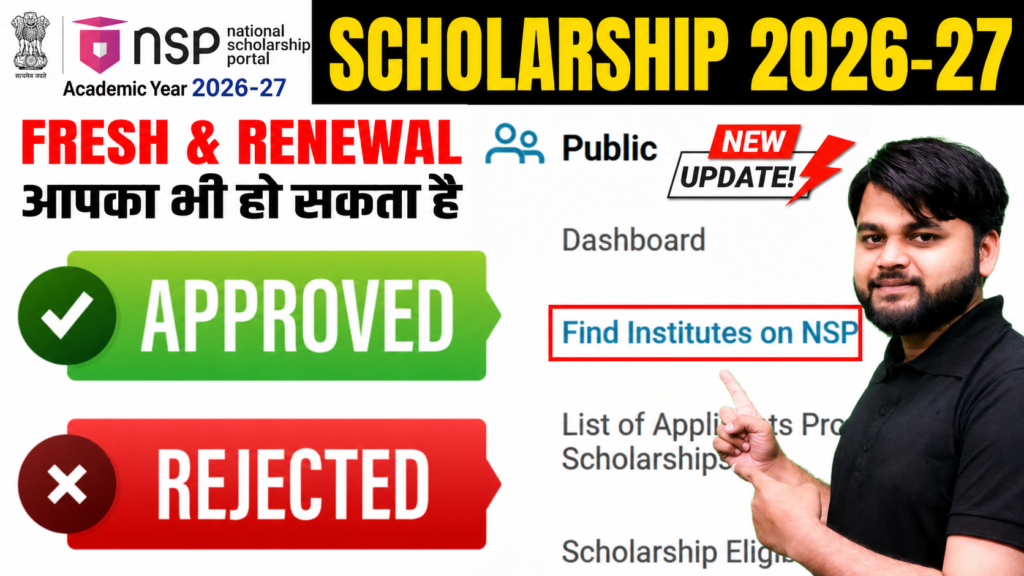
- Click on “Find Institute on NSP”
- Select your state
- Choose district
- Select institute type
- Enter your college name
- Fill captcha carefully
- Click “Get Institution List”
After submission, the portal will display:
- Institute ID
- UDISE code
- District name
- eKYC status
- Bio-authentication status
- Registered courses list
This is the safest way to confirm eligibility before spending time and money on form filling.
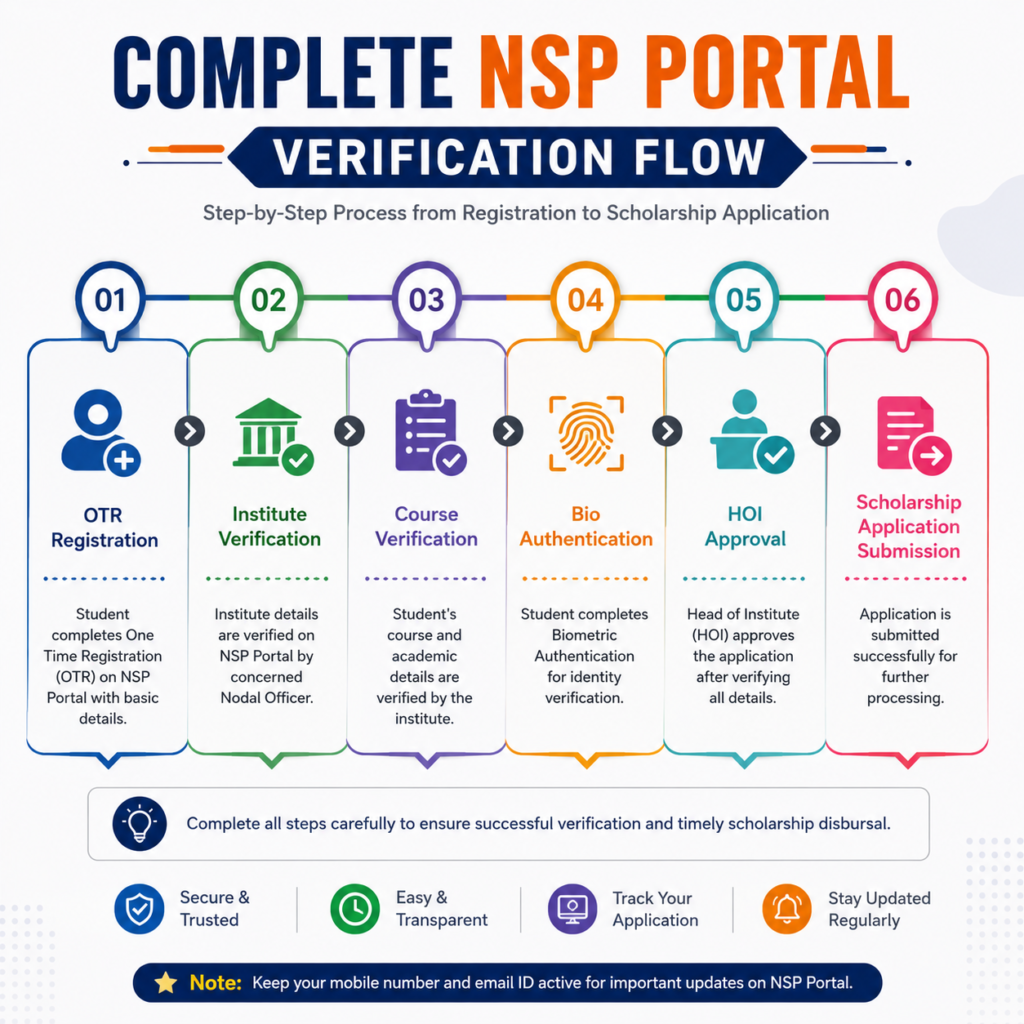
NSP Registration and Application Process Step by Step
The updated nsp registration process now includes OTR verification, institute authentication, and course-level validation.
Important Tip
Always verify your course before completing the OTR registration process.
NSP Scholarship OTR Registration Process
| Step | Process | Important Note |
|---|---|---|
| 1 | Visit NSP Portal | Use official website only |
| 2 | Create OTR ID | Aadhaar details required |
| 3 | Complete eKYC | Mobile number must be linked |
| 4 | Login to Portal | Use generated credentials |
| 5 | Search Institute | Verify institute listing |
| 6 | Verify Course | Ensure exact course name exists |
| 7 | Fill Scholarship Form | Enter correct academic details |
| 8 | Upload Documents | Upload clear scanned copies |
| 9 | Final Submission | Double-check before submit |
| 10 | Institute Verification | Done by nodal officer |
Why Many NSP Scholarship Applications Get Rejected
A large number of students face rejection because they directly apply without verifying eligibility.
Common Reasons
- Institute not registered on NSP
- Course not added by university
- Incorrect course selection
- Pending HOI verification
- Failed bio-authentication
- Aadhaar mismatch during OTR registration
Some universities add new courses recently but fail to update them on NSP. In such cases, students should contact their institute nodal officer immediately.
For readers who prefer a quick walkthrough, this video explains the full process step by step.
Why This Placement Works
At this stage, users are actively trying to verify their institute. A video walkthrough improves understanding, increases time on page, and reduces bounce rate.
NSP Portal Problems and Their Solutions
Students often face technical or verification-related issues during registration.
NSP Problem vs Solution Table
| Problem | Possible Reason | Solution |
|---|---|---|
| Institute name not showing | Institute not registered | Contact college nodal officer |
| Course missing | Course not updated on NSP | Ask institute to add course |
| OTR verification failed | Aadhaar mismatch | Correct Aadhaar details |
| Bio-authentication pending | Institute verification incomplete | Wait for nodal officer approval |
| HOI verification not approved | Head of institution pending | Contact administration |
| Captcha error | Case-sensitive mismatch | Refresh captcha and retry |
| Scholarship rejected | Wrong course/institute selection | Reapply with correct details |
How to Check Whether Your Institute Is Registered on NSP
official National Scholarship Portal
How can students verify their institute on NSP Portal?
Students can verify their institute on the NSP Portal by visiting the Public Corner section and clicking “Find Institute on NSP.” After selecting the state, district, and institute type, students can search their college name and check course registration, eKYC approval, and verification status.
FAQ
What is NSP Portal 2026-27 new registration?
It is the updated scholarship registration process for students applying through the National Scholarship Portal for the 2026-27 academic session.
How can I check if my college is registered on NSP?
Visit the official NSP portal and use the “Find Institute on NSP” option under the Public Corner section.
What is OTR in NSP scholarship?
OTR stands for One Time Registration. It creates a unique student ID for future NSP scholarship applications.
Why is my course not showing on NSP Portal?
Your university may not have updated the course on NSP yet. Contact your institute nodal officer for assistance.
Is bio-authentication mandatory for NSP?
Yes, bio-authentication and eKYC verification are important for institute and scholarship validation.
Can I apply if my institute is not registered on NSP?
No. Students can apply only if their institute and course are officially available on the portal.
Conclusion
The updated NSP Portal 2026-27 process has made institute and course verification extremely important for scholarship approval. Before applying, every student should carefully check institute registration, course availability, eKYC approval, and HOI verification status.
A few minutes of verification can save you from rejection, payment delays, and unnecessary document expenses later. Always use the official NSP portal and stay connected with the latest scholarship updates to avoid mistakes during the application process.