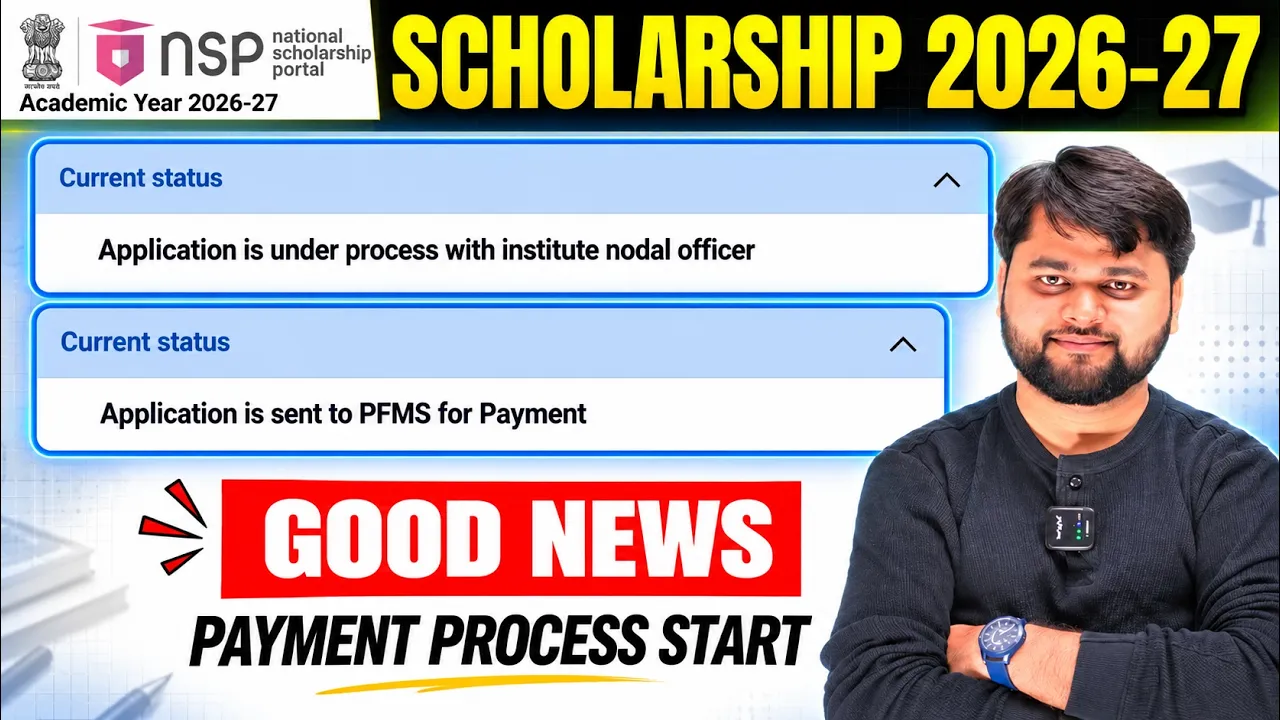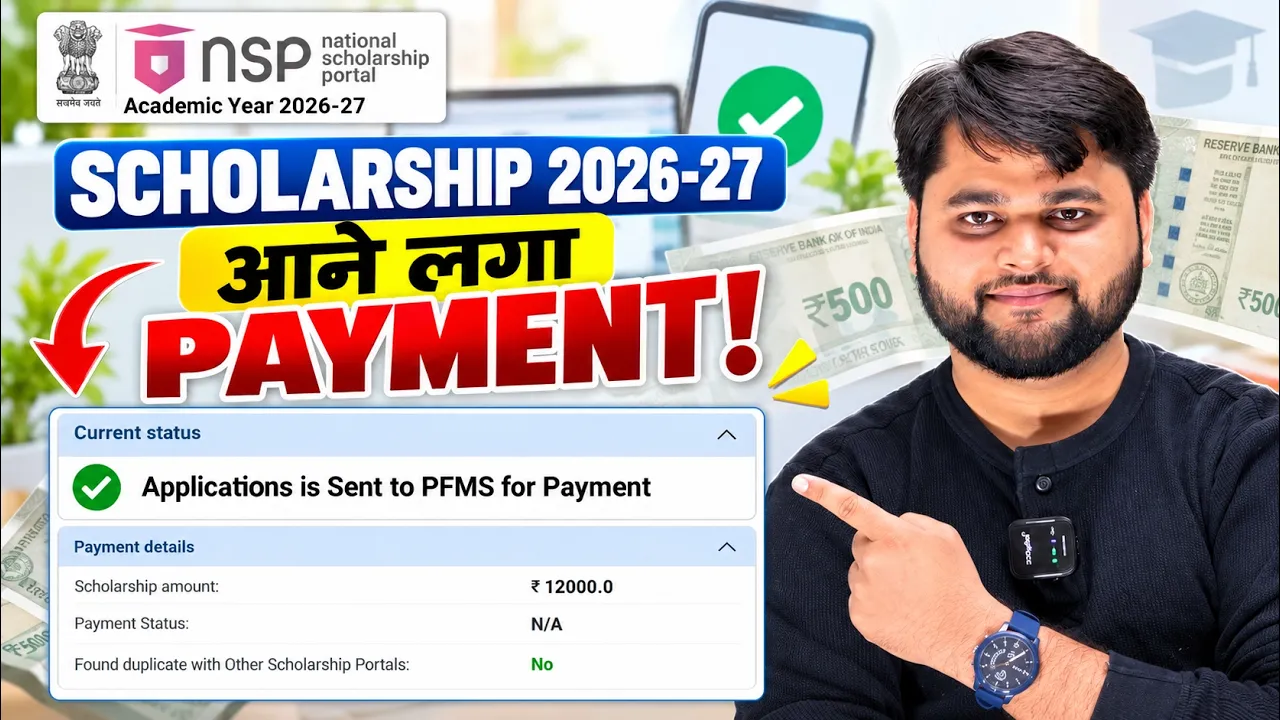
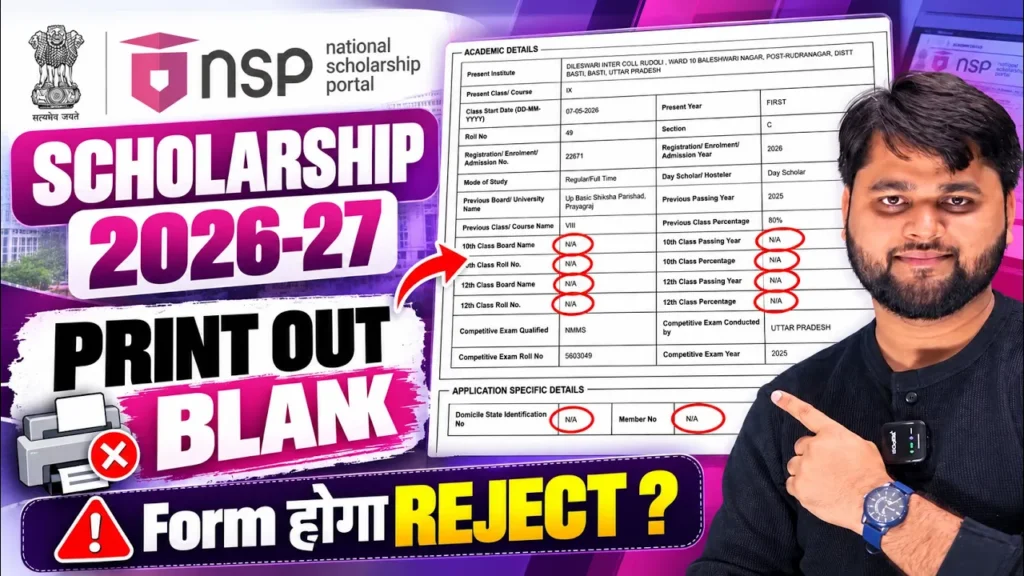
NSP Scholarship 2026-27 Final Print Out Blank | NSP Scholarship New Update
Introduction
If your NSP Scholarship 2026-27 Final Print Out is Blank, don’t panic. A blank or incomplete printout does not always mean that your scholarship application has been rejected. In many cases, the issue can be related to the application status, portal processing, browser/cache problems, incomplete submission or a technical issue.
Before trying to submit the form again, students should first check whether the application was successfully submitted and whether the application details are visible on the NSP portal.
In this article, we explain the possible reasons behind the NSP Scholarship 2026-27 Final Print Out Blank problem, what students should check, how to troubleshoot the issue and what to do if the printout remains blank
NSP Scholarship 2026-27 Final Print Out Blank: Why Is This Happening?
The Final Print Out is important because students normally use the submitted application details for their records and, where required, further verification.
If the printout is appearing completely blank, partially blank or some information is missing, first do not submit another application immediately.
Check these things first:
- Is your application successfully submitted?
- Is an application ID/registration number visible?
- Does the application status show submitted?
- Are your basic details visible on the application page?
- Are you using the correct NSP login?
- Is the problem occurring only while downloading/printing?
- Have you tried another browser or device?
A blank printout can sometimes be different from a rejected application. Therefore, students should first identify whether the problem is with the application itself or only the print/download page.
Quick Summary
| Problem | What You Should Check |
|---|---|
| Final Print Out completely blank | Check application status first |
| Some details missing | Reopen application details |
| PDF is blank | Try another browser/device |
| Print preview is blank | Check browser print settings |
| Application ID missing | Verify whether final submission was completed |
| Page not loading properly | Refresh and clear browser cache |
| Problem continues | Check official NSP support/instructions |
NSP Scholarship 2026-27 Final Print Out Blank Kaise Fix Kare?
If your NSP Final Print Out is blank, follow the troubleshooting steps one by one instead of repeatedly submitting the application.
1. Check Your Application Status
First, log in to the NSP portal and check whether your application has actually been submitted.
If your application status is showing a successful submission, the blank printout may be a display or PDF-generation issue rather than a fresh application problem.
2. Open the Application Again
After login, check whether your submitted application details are visible.
Look for important information such as:
- Student name
- Application details
- Scholarship scheme
- Institute information
- Academic details
- Application/registration number
- Submission status
3. Try Another Browser
If the application details are visible but the printout is blank, try opening the portal using another updated browser.
You can also try the process from a computer if you were previously using a mobile phone.
4. Clear Browser Cache
An outdated browser cache can sometimes cause pages or documents to load incorrectly.
Clear the browser cache, reopen the NSP portal and log in again.
5. Try Downloading Instead of Printing Directly
If the print preview is blank, try downloading the application document/PDF first, if the portal provides that option.
Then open the downloaded file separately and check whether the information is visible.
6. Check Your Internet Connection
A weak or interrupted connection can cause a page or PDF to load incompletely.
Use a stable internet connection and allow the complete page to load before selecting the print option.
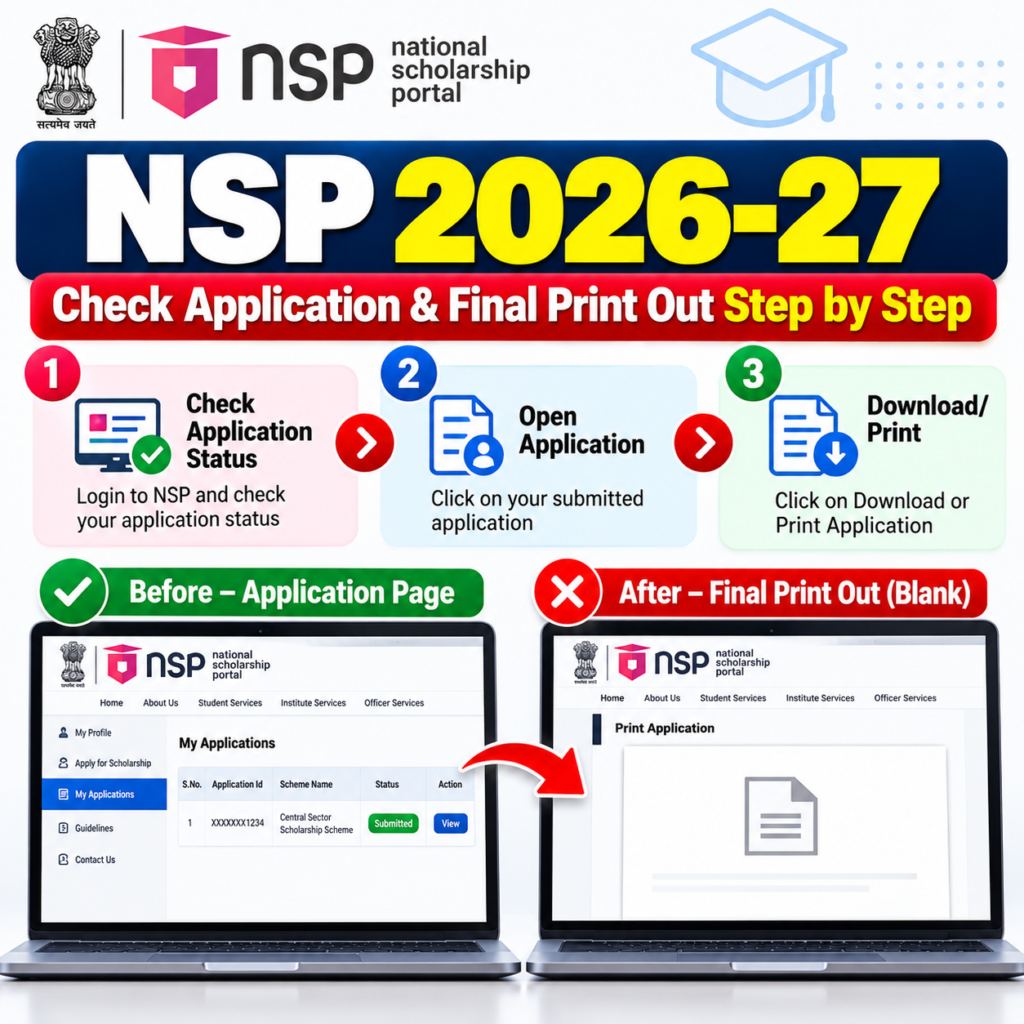
NSP Final Print Out Blank But Application Submitted: What To Do?
This is one of the most important situations for students.
If your application is showing as successfully submitted, but the Final Print Out is blank, don’t immediately assume that the application has been cancelled.
First, check whether your application information is available inside your NSP account.
If the application details are visible, take a screenshot of the relevant status and keep your application number or other available reference details safely.
You can then try:
- Logout from NSP.
- Close the browser.
- Clear browser cache if necessary.
- Open NSP again.
- Login using your correct credentials.
- Open the submitted application.
- Check the application details.
- Try the print/download option again.
If the problem continues, students should use the official NSP support/help facilities rather than creating duplicate applications without confirmation.
L. Table 2 — Step-by-Step Fix
| Step | Action |
|---|---|
| 1 | Login to the NSP portal |
| 2 | Check application status |
| 3 | Confirm whether the application is submitted |
| 4 | Open application details |
| 5 | Check application number/details |
| 6 | Try another browser |
| 7 | Clear cache and reload |
| 8 | Try from a computer if possible |
| 9 | Download the application instead of direct printing |
| 10 | Save screenshots/details |
| 11 | Contact official support if the problem remains |
NSP Scholarship 2026-27 Final Print Out Not Showing Properly on Mobile
Many students complete scholarship-related work using their mobile phone. If the Final Print Out appears blank on mobile, try opening the same application from a desktop or laptop.
Also check whether your mobile browser is loading the complete page.
Before trying again:
- Turn on a stable internet connection.
- Update your browser.
- Reopen the NSP website.
- Login again.
- Try desktop mode if appropriate.
- Check the application status.
- Try downloading the document.
- Keep screenshots of important information.
If the application information is visible but only the print preview is blank, the issue may be related to the browser or print-rendering process rather than the submitted application itself.
For readers who prefer a quick walkthrough, this video explains the full process step by step.
NSP Scholarship Final Print Out Blank: Common Problems and Solutions
A blank Final Print Out can happen for different reasons, so the solution depends on what exactly is happening on your screen.
Do not confuse a blank printout with an application rejection.
Similarly, if your application is showing as submitted, don’t create a new application simply because the print page is not loading correctly.
Always check the application status first.
Problem vs Solution
| Problem | Possible Solution |
|---|---|
| Final Print Out completely blank | Check submitted application status |
| Application details visible but print blank | Try another browser/device |
| PDF opens blank | Download again or use another browser |
| Print preview not loading | Refresh page and check browser settings |
| Mobile print not working | Try desktop/laptop |
| Application status unclear | Login again and check application dashboard |
| Application ID not visible | Verify whether final submission was completed |
| Page loading incomplete | Use stable internet and reload |
| Same issue after multiple attempts | Contact official NSP support |
| Thinking of submitting again | Check existing application before creating duplicate |
checking application status and verifying the submitted application.
official National Scholarship Portal
NSP CSS Scholarship 2026-27 Apply Date | Fresh Apply Guide
Why Is My NSP Scholarship 2026-27 Final Print Out Blank?
An NSP Scholarship 2026-27 Final Print Out may appear blank because of a temporary portal, browser, PDF or print-preview problem. First check whether your application is successfully submitted and whether its details are visible. Then try another browser or device, clear cache and download the application again.
FAQ
Why is my NSP Scholarship 2026-27 Final Print Out blank?
It may be due to a temporary portal, browser, PDF or print-preview issue. First check your application status.
Does a blank Final Print Out mean my NSP application is rejected?
Not necessarily. A blank printout and an application rejection are different issues. Check the actual application status.
What should I do if my NSP application is submitted but the printout is blank?
Check whether your application details are visible. Then try another browser, device or download option.
Can I check the NSP Final Print Out on mobile?
Yes, but if the printout is not displaying properly on mobile, try opening the application on a laptop or desktop.
Should I submit a new NSP application if my Final Print Out is blank?
No. First verify the status of your existing application. Creating another application without checking may cause unnecessary confusion.
Why is my NSP print preview blank?
The issue may be related to the browser, PDF generation or print-preview process. Try refreshing the page or using another browser/device.
What if my application details are visible but the Final Print Out is empty?
Save the visible application details and try downloading/printing again from another browser or computer.
What should I do if the NSP Final Print Out problem continues?
Check the official NSP support/help information and contact the appropriate official support channel if necessary.
Is Final Print Out necessary for NSP Scholarship?
Students should follow the requirements shown for their particular application and institution. Keep a copy of submitted application details safely for future reference.
Where can I check the latest NSP Scholarship update?
Check the official National Scholarship Portal for the latest application status, scheme information and official updates.
Conclusion
If your NSP Scholarship 2026-27 Final Print Out is Blank, don’t panic or immediately submit another application. First check whether your application has been successfully submitted and whether the application details are visible in your NSP account.
If the application is submitted but only the printout is blank, try another browser, clear the cache, use a laptop or desktop and try downloading the application again. Keep your application number and important screenshots safely.
Most importantly, verify your application status through the official NSP portal before taking any further action. This can help you avoid unnecessary duplicate applications and confusion.