

UP Scholarship 2026-27 Apply Renewal Kaise Kare
Introduction
If you received the UP Scholarship in the previous academic year and want to continue it in 2026-27, you need to submit a renewal application instead of filling a completely new application as a fresh candidate. In this guide, we explain UP Scholarship 2026-27 Apply Renewal Kaise Kare, including the login process, required details, important documents, submission steps and common problems.
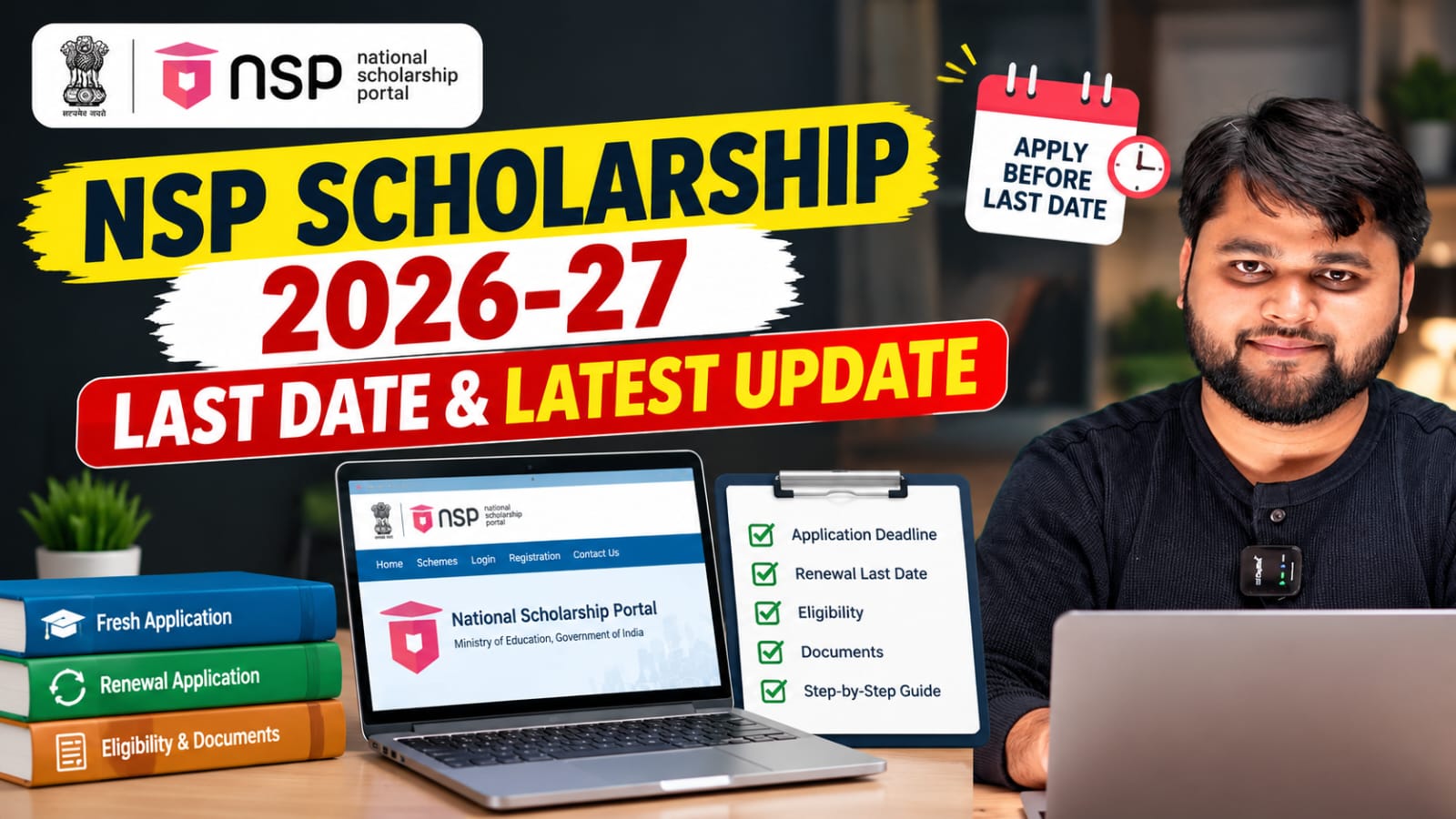
For 2026-27, the renewal schedule is different for school students and students studying beyond Class 12. For Classes 9–12, the renewal application window was scheduled from August 11 to August 25, 2026. For Dashmottar courses such as graduation, postgraduation, diploma and other courses beyond Intermediate, renewal applications are scheduled from September 15 to October 15, 2026.
The application should be completed through the official Uttar Pradesh scholarship portal.
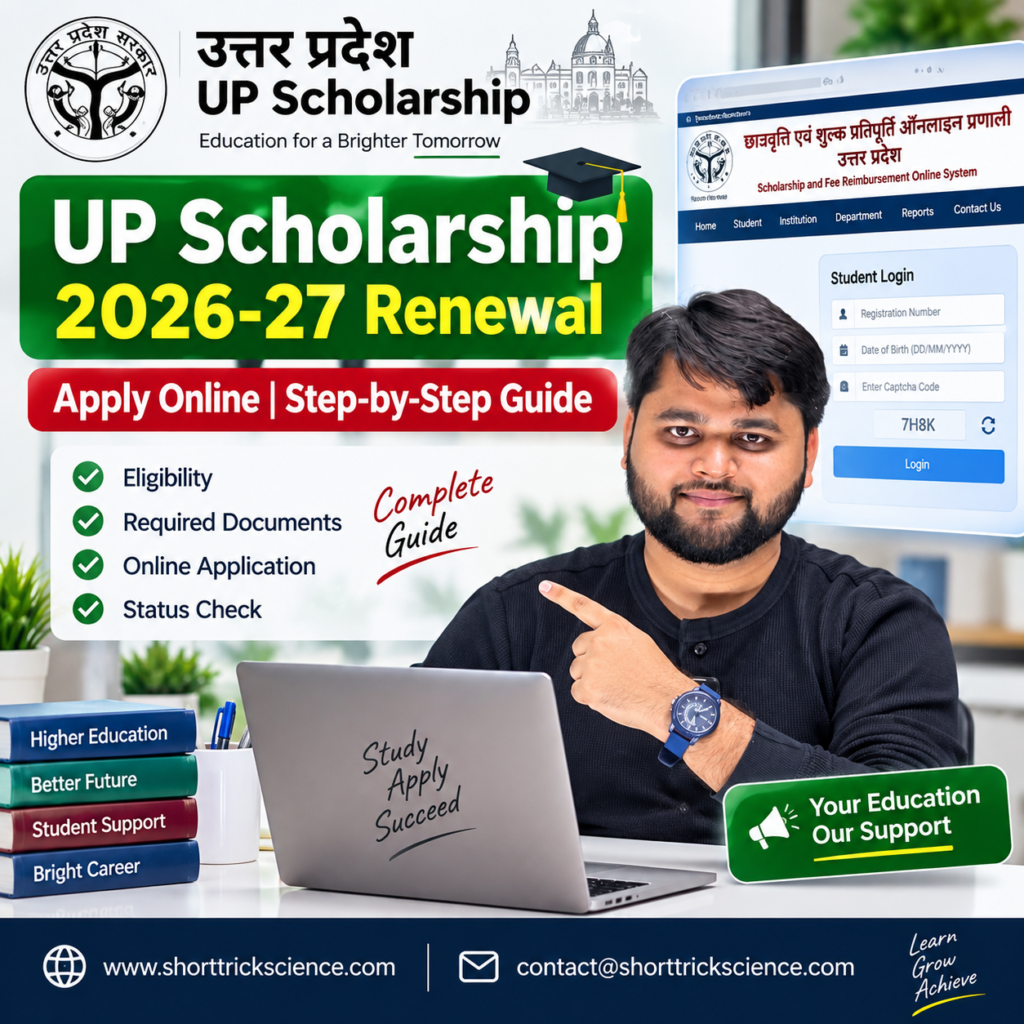
UP Scholarship Renewal 2026-27 Kaise Kare?
If you are already receiving the UP Scholarship and your course is continuing in the new academic year, you generally need to apply through the Renewal option. You should log in to the UP Scholarship portal using the details applicable to your previous application and complete the renewal form with your updated academic and other required information.
The basic process is:
- Visit the UP Scholarship official portal.
- Select the appropriate student login.
- Choose the Renewal application option.
- Log in using the required credentials.
- Check your previous application details.
- Update the information required for the new academic year.
- Upload or provide the required documents/details.
- Review the complete application carefully.
- Submit the renewal form.
- Take a printout/final copy if required and submit it to your institution within the applicable schedule.
The UP government scholarship system covers different categories and course levels, so the exact login and verification process can vary according to the student’s class, course and scholarship category.
UP Scholarship Renewal 2026-27 Quick Summary
| Details | Information |
|---|---|
| Scholarship | UP Scholarship 2026-27 |
| Application Type | Renewal |
| Official Portal | scholarship.up.gov.in |
| School Renewal | Classes 9–12 |
| Higher Education Renewal | Dashmottar / UG / PG / Diploma and other eligible courses |
| Class 9–12 Renewal Window | August 11–25, 2026 |
| Dashmottar Renewal Window | September 15–October 15, 2026 |
| Application Mode | Online |
| Previous Application | Required for renewal |
| Final Authority | UP Scholarship official portal |
The dates above are based on the 2026-27 schedule reported from the government scholarship timetable; students should verify the latest schedule on the official portal before submission.
UP Scholarship Renewal Form Ke Liye Kya Chahiye?
Before starting the renewal application, keep your previous scholarship details and current academic information ready.
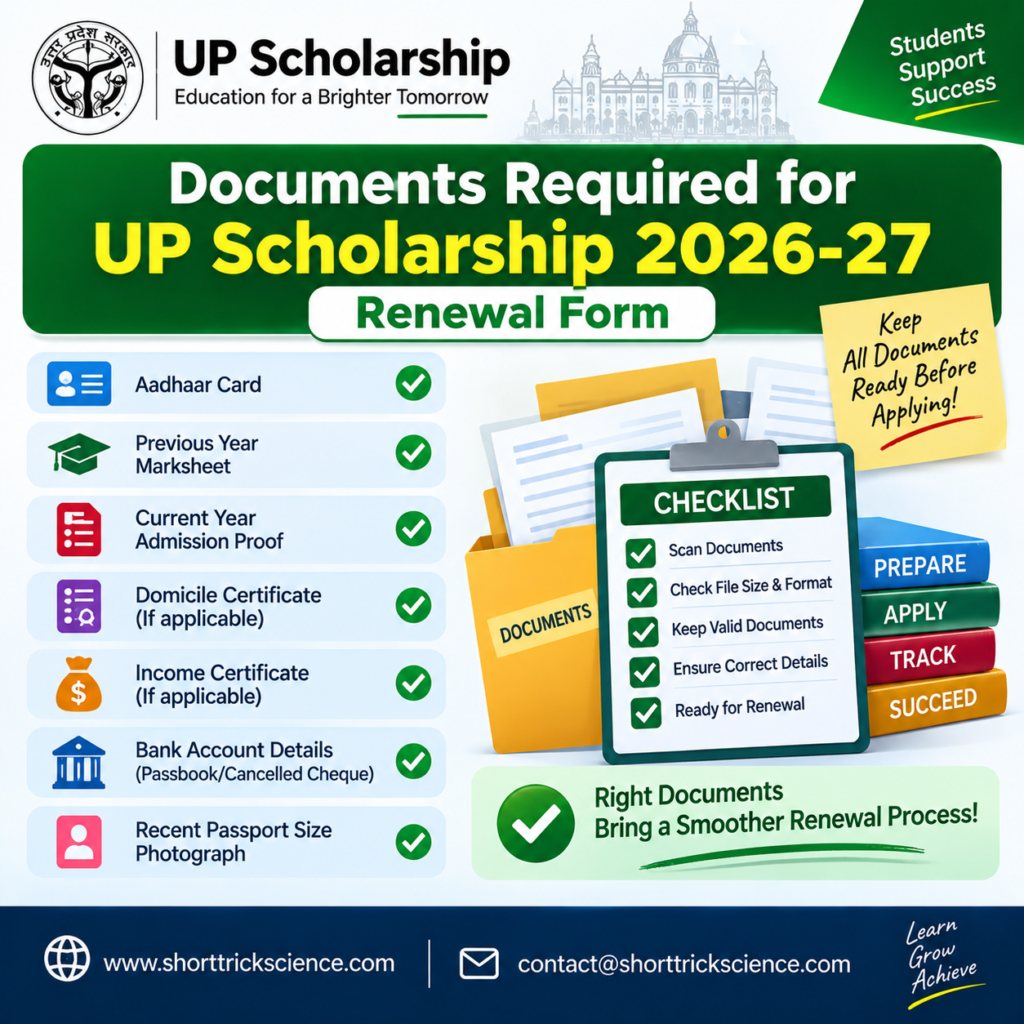
Depending on your course and category, you may need details such as:
- Previous UP Scholarship registration/application details
- OTR details, wherever applicable
- Aadhaar details
- Bank account information
- Previous year’s marks/details
- Current course and class details
- Fee-related information
- Income/caste/category information where applicable
- Passport-size photograph or other required information
- Institution and course details
- Required supporting documents
It is important that the information entered in the renewal form matches your actual records. A mismatch in name, Aadhaar, bank account, academic details or other information can create verification problems.
UP Scholarship Renewal Kaise Kare 2026-27 Step by Step
Step 1: Visit the Official UP Scholarship Portal
Start by opening the official UP Scholarship website. Avoid using unofficial websites for submitting your application.
Step 2: Select the Correct Student Login
Choose the login option according to your class or course. Students applying for different scholarship categories may see separate options.
Step 3: Choose Renewal
Since you have already applied for the scholarship in the previous year, select the Renewal option rather than registering as a fresh candidate.
Step 4: Enter Your Login Details
Enter the required registration/login details carefully. Keep your previous application information available so you do not accidentally select the wrong application.
Step 5: Check Previous Details
Once logged in, carefully check the information already available in the application. Do not assume that every old detail should remain unchanged.
Step 6: Update Current Academic Information
Enter your current class/course, year, institution and other required academic information for 2026-27.
For example, if you were studying in the previous year and have now moved to the next year of the same eligible course, make sure the new academic details are correct.
Step 7: Check Bank and Aadhaar Details
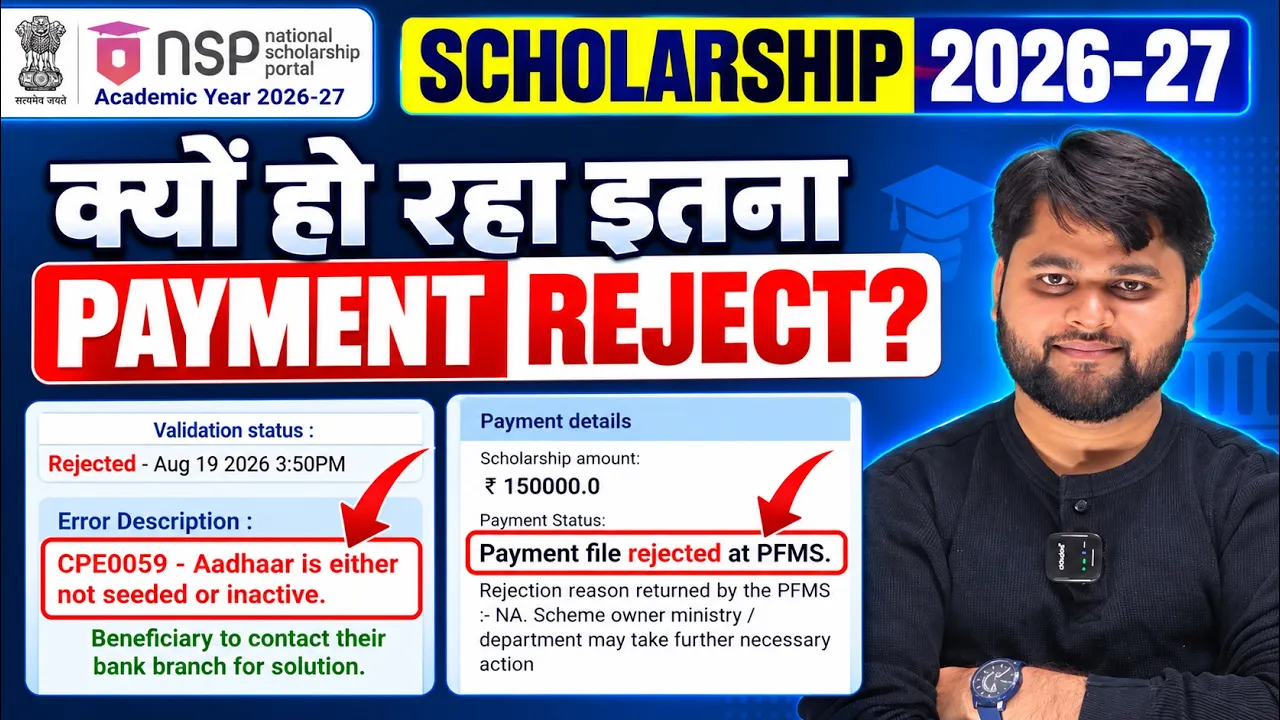
Check your bank account and Aadhaar-related information carefully. Scholarship payments depend on successful verification, so incorrect or mismatched information can cause delays.
Step 8: Submit the Renewal Form
Before final submission, review the entire application. Check spelling, academic information, category, bank details and other important fields.
Step 9: Save the Final Application
After submission, save the application details and print the final application if the process requires you to submit a hard copy to your school, college or institution.
Step 10: Track Verification and Status
After submission, your application may go through institutional and other verification stages. Keep checking the application status for any issue, correction requirement or further instruction.
UP Scholarship Renewal Step-by-Step Process
| Step | What You Need to Do |
|---|---|
| 1 | Open the official UP Scholarship portal |
| 2 | Select the correct student login |
| 3 | Choose the Renewal option |
| 4 | Enter required login details |
| 5 | Check previous application information |
| 6 | Update current academic details |
| 7 | Verify bank/Aadhaar-related information |
| 8 | Review the complete application |
| 9 | Submit the renewal form |
| 10 | Save/print the final application |
| 11 | Submit documents to institution if required |
| 12 | Track application and verification status |
UP Scholarship Renewal Form Mein Common Problems
Many students complete the online form but later face problems because of incorrect information or incomplete verification.
Some common issues include:
- Renewal option not appearing
- Wrong academic year selected
- Previous application details not matching
- Incorrect bank account information
- Aadhaar-related mismatch
- Institution or course information appearing incorrectly
- Application not being forwarded by the institution
- Document-related issues
- Application remaining pending during verification
- Missing the applicable deadline
If an issue appears, do not immediately create another application. First check the instructions shown on the portal and contact your school, college or the relevant scholarship authority where necessary.
UP Scholarship Renewal Mein Problem Aaye To Kya Kare?
If your renewal application is not progressing, first identify exactly where the problem is occurring. Avoid repeatedly submitting forms without understanding the issue.
For example, if the renewal option is missing, check whether you are using the correct login category and whether your previous scholarship record is available.
If your bank information is incorrect, verify the account details and Aadhaar-related information before proceeding.
If your application has been submitted but is pending verification, contact your institution and check whether the application has been verified or forwarded.
UP Scholarship Renewal Problems vs Solutions
| Problem | Possible Solution |
|---|---|
| Renewal option not showing | Check correct login category and previous application details |
| Wrong academic details | Review and correct the applicable information |
| Bank details issue | Verify account and Aadhaar-linked information |
| Application pending | Contact institution and check verification stage |
| Document issue | Recheck the required document/information |
| Application rejected | Read the rejection reason and follow the correction process if available |
| Login problem | Recheck credentials and use the appropriate student login |
| Deadline missed | Check the official portal for any revised schedule or correction window |
For UP Scholarship 2026-27 application, renewal, status checking, and other important scholarship-related services, students should always use the official portal. To apply online or check the latest updates related to your scholarship application, visit the Official UP Scholarship Portal using the link given below.
Aditya Birla Capital Scholarship 2026-27: Apply & Eligibility
UP Scholarship Renewal 2026-27 Kaise Kare?
To renew UP Scholarship 2026-27, visit the official UP Scholarship portal, select the appropriate renewal login, enter your previous application details, update current academic information, verify required details, submit the form and complete any institution-level verification or document submission required.
FAQ
UP Scholarship renewal kaise kare 2026-27?
Visit the official UP Scholarship portal, select the appropriate renewal login and complete the renewal application using your previous scholarship details and updated academic information.
UP Scholarship 2026-27 renewal last date kya hai?
For Classes 9–12, the 2026-27 renewal window was scheduled from August 11 to August 25, 2026. For Dashmottar courses, the renewal window is scheduled from September 15 to October 15, 2026. Always verify the latest schedule on the official portal.
UP Scholarship renewal form kaise kare 2026-27?
Log in through the appropriate renewal option, check your previous application details, update your current academic information, verify the required details and submit the application.
BA scholarship renewal kaise kare 2026-27?
BA students can apply under the applicable UP Scholarship Dashmottar category if they meet the scheme’s eligibility requirements. They should select the appropriate post-matric/higher-education renewal login and complete the application.
Kya renewal students ko fresh registration karna hota hai?
Generally, students who are continuing their eligible scholarship/course should use the renewal process rather than applying as a fresh candidate. The exact process depends on the applicable scholarship category.
UP Scholarship renewal ke liye kaun se documents chahiye?
The requirements can vary by course and category. Students should keep previous application details, Aadhaar-related information, bank details, academic information and other required supporting documents ready.
UP Scholarship renewal ka status kaise check kare?
After submitting the application, use the relevant status/login option on the UP Scholarship portal to check the current application and verification stage.
Renewal form submit karne ke baad kya kare?
Save or print the final application if required and follow your institution’s instructions regarding hard-copy submission or verification. Continue checking the portal for status and correction-related updates.
Renewal application pending ho to kya kare?
First check the reason and current verification stage. If the application is waiting for institutional verification, contact your school or college and ask them to check the application.
Kya NSP Scholarship aur UP Scholarship same hain?
No. The National Scholarship Portal (NSP) is a separate central scholarship platform, while the UP Scholarship is the Uttar Pradesh state scholarship system. Students should apply through the portal specified for their particular scheme.
Conclusion
Applying for the UP Scholarship renewal becomes easier when you follow the correct login process and carefully check your academic, bank and personal information before final submission. If you are a continuing student, make sure you use the Renewal option applicable to your course instead of unnecessarily starting a fresh application.
For 2026-27, remember that the schedule is different for school-level and Dashmottar students. Most importantly, always check the official UP Scholarship portal for the latest deadline, instructions, verification updates and any changes to the application process.
If you are preparing your renewal form, keep your previous application details and current academic documents ready before you begin. This can help you avoid common mistakes and make the application process smoother.



One Response