

How to Register Institute in NSP Portal 2026-27 | How to Add Course in NSP Portal
Introduction
Many students applying for NSP Scholarship 2026-27 face a common problem—their school, college, or course does not appear on the National Scholarship Portal. In most cases, the issue occurs because the institute is not registered on NSP or the required verification process is incomplete.
If you are searching for how to register institute in NSP Portal 2026-27, how to register school in NSP Portal 2026-27, or how to add courses in NSP Portal, this guide explains the complete process step by step. You will also learn how to check institute approval status, course registration status, and avoid scholarship application rejection.
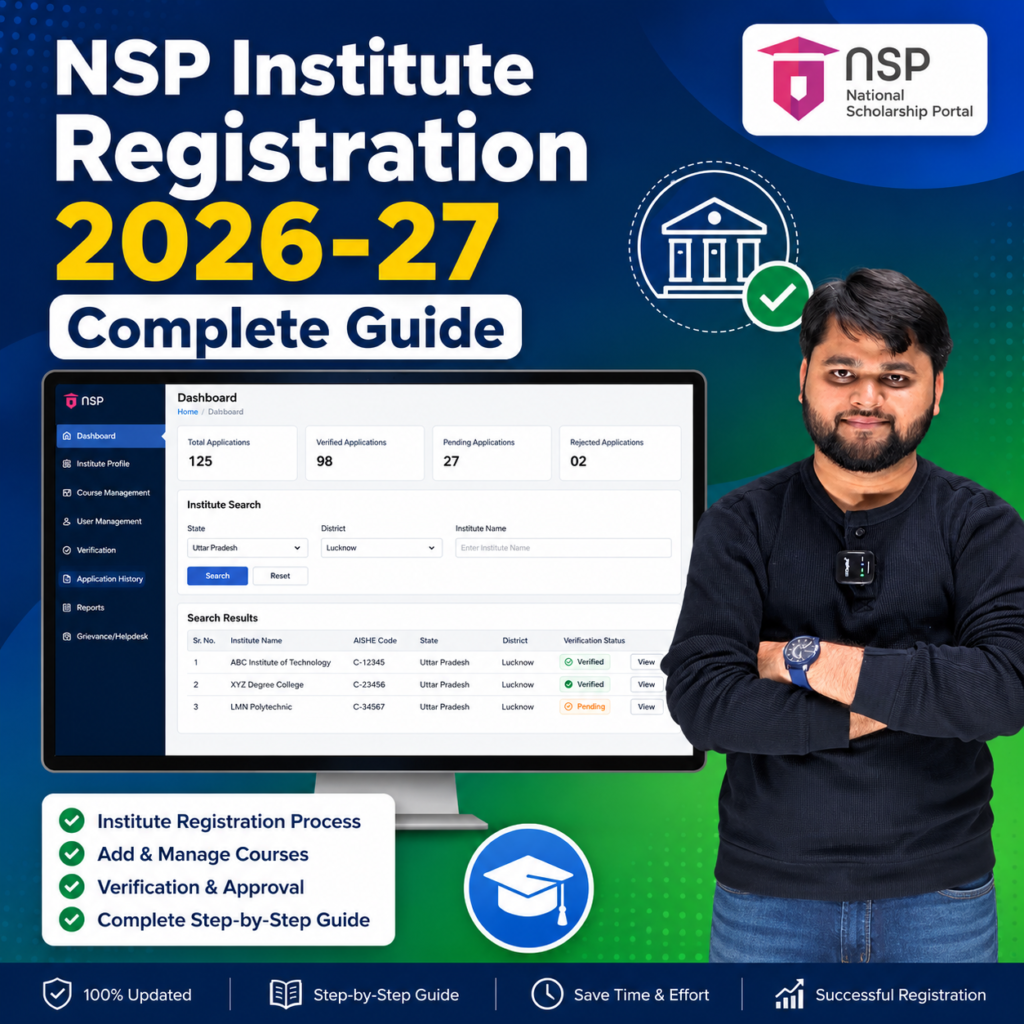
Why Your Institute or Course Is Not Showing on NSP Portal?
One of the biggest reasons students cannot complete the NSP Scholarship application is that their institution has not completed NSP registration requirements.
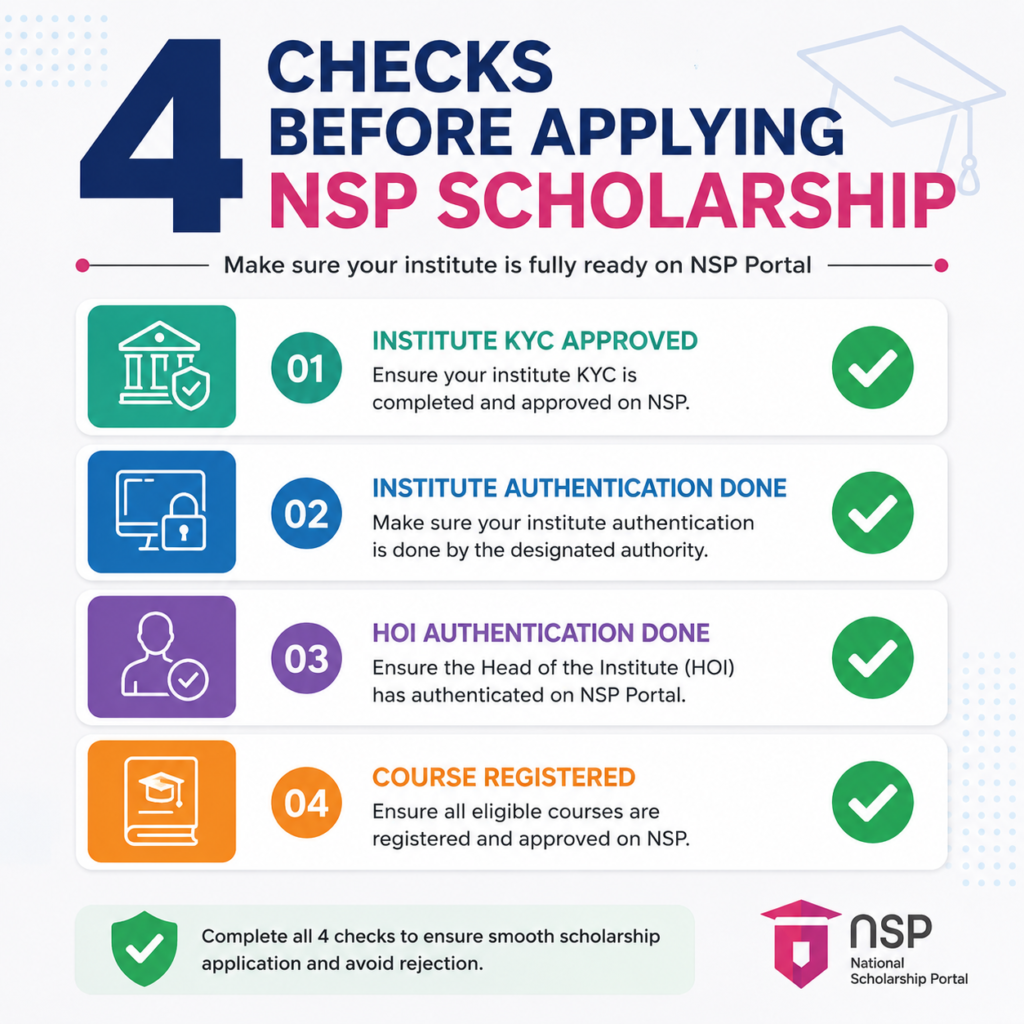
Before filling out any scholarship application, students should verify four important conditions:
- Institute KYC Status must be Approved.
- Institute Biometric Authentication must be Done.
- Head of Institution (HOI) Biometric Authentication must be Done.
- Your course must appear in the Registered Courses list.
If any of these requirements are missing, scholarship verification may fail later.
Quick Summary
| Requirement | Required Status |
|---|---|
| Institute Registration | Approved |
| Institute KYC | Approved |
| Institute Biometric Authentication | Done |
| HOI Authentication | Done |
| Course Registration | Available in NSP List |
| Scholarship Verification | Eligible |
How to Check Whether Your School or College Is Registered on NSP Portal?
Students can easily verify their institute details through the NSP portal.
Steps:
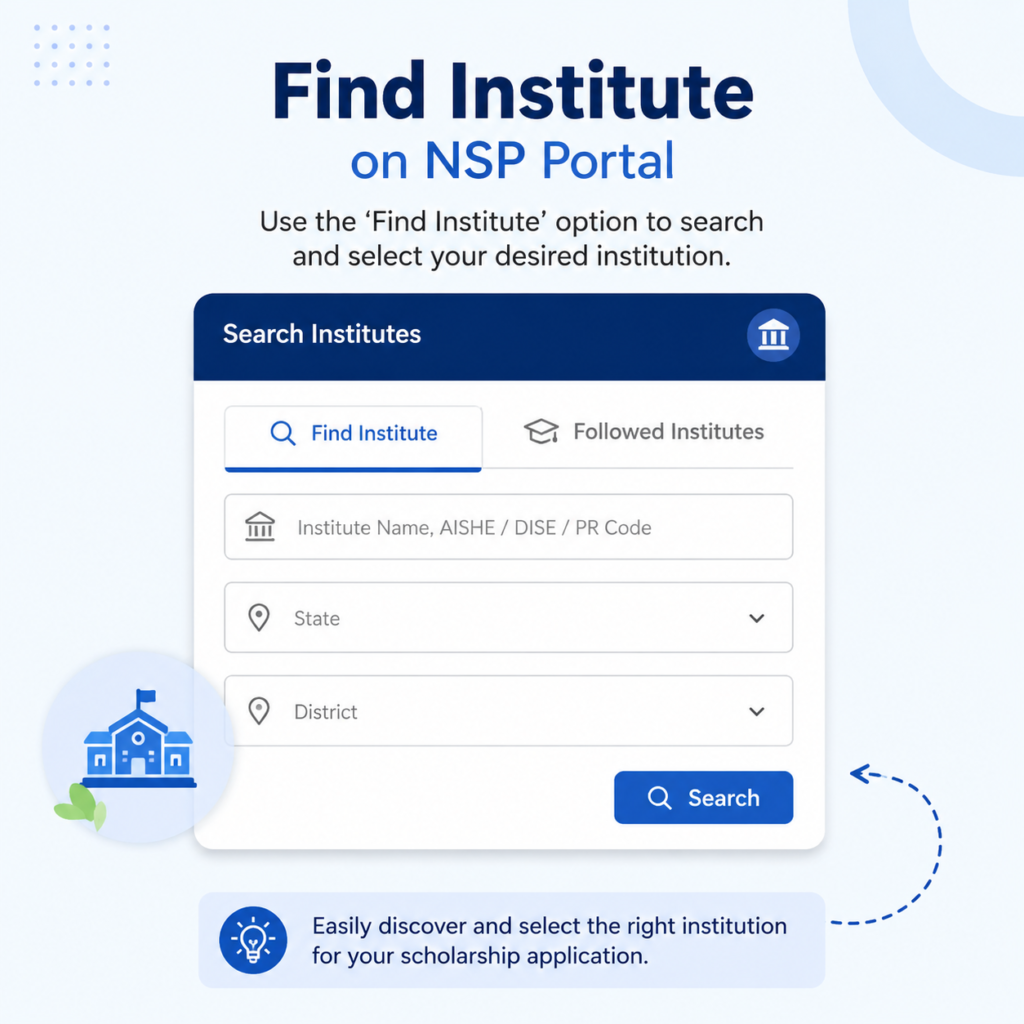
- Open the National Scholarship Portal.
- Click on “Find Institute on NSP”.
- Select State.
- Select District.
- Choose School or College category.
- Enter institute name.
- Complete captcha verification.
- Click “Get Institution List”.
The system will display the institute status along with verification details.
To check whether your school or college is registered on NSP Portal, visit the NSP website, open “Find Institute on NSP”, select your state and district, enter the institute name, complete the captcha, and view the registration status along with KYC, authentication, and approved course details.
How to Register Institute in NSP Portal 2026-27?
If your school or college is not appearing in NSP records, the institution must complete registration through the official NSP process.
The registration process generally includes:
- Filling the institute registration form.
- Submission of institutional documents.
- Verification by district authorities.
- Biometric authentication.
- Approval of Head of Institution.
- Appointment of Institute Nodal Officer.
- Course registration approval.
Once these steps are completed, the institution becomes eligible for scholarship verification activities.
Institute Registration Process
| Step | Action |
| Step 1 | Fill Institute Registration Form |
| Step 2 | Submit Required Documents |
| Step 3 | District Verification |
| Step 4 | Institute Biometric Authentication |
| Step 5 | HOI Authentication |
| Step 6 | Create Nodal Officer |
| Step 7 | Register Courses |
| Step 8 | NSP Approval |
How to Add Course in NSP Portal 2026-27?
Adding courses is equally important because students can only apply for scholarships if their enrolled course appears in the registered course list.
Examples:
- B.Tech Mechanical Engineering
- B.Tech Civil Engineering
- B.Sc
- M.Sc
- BA
- MA
- Diploma Courses
Institutions should verify that every approved course is listed in NSP before students submit applications.
Students should search their exact course name inside the institute profile. If the course is missing, they should immediately contact the college administration.
For readers who prefer a quick walkthrough, this video explains the full process step by step.
Why Here?
At this point readers already understand the registration process and are looking for practical guidance. The video reinforces the steps visually and increases dwell time by encouraging users to stay longer on the page.
Common NSP Registration Problems and Their Solutions
Students often face registration-related issues that can delay scholarship verification.
Problem vs Solution
| Problem | Solution |
| Institute Not Found | Contact college administration for NSP registration |
| Course Not Showing | Request institute to add course |
| KYC Pending | Institute must complete verification |
| HOI Authentication Pending | Head of Institution must complete biometric verification |
| Scholarship Verification Delayed | Contact NSP Nodal Officer |
| Application Rejected | Correct issue and reapply if allowed |
National Scholarship Portal Official Website
FAQ Section
How to register institute in NSP Portal 2026-27?
Institutions must submit registration details, complete biometric verification, and obtain NSP approval through authorized officials.
How to register school in NSP Portal 2026-27?
Schools must complete NSP registration, KYC approval, and Head of Institution authentication before becoming eligible.
How to register college in NSP Portal 2026-27?
Colleges can register through the NSP institutional registration process and complete verification requirements.
How can students check if their institute is registered on NSP?
Students can use the “Find Institute on NSP” feature available on the NSP portal.
Why is my course not showing on NSP Portal?
The course may not have been registered or approved by the institution on NSP.
Can scholarship applications be rejected because of institute verification issues?
Yes. Applications may be rejected if KYC, biometric authentication, or course registration is incomplete.
Conclusion
Before applying for NSP Scholarship 2026-27, every student should verify that their school, college, or university is properly registered on the National Scholarship Portal. Checking institute KYC, biometric authentication, HOI verification, and course registration can save students from application rejection later. A few minutes of verification today can prevent scholarship delays and ensure a smoother application process.






One Response