
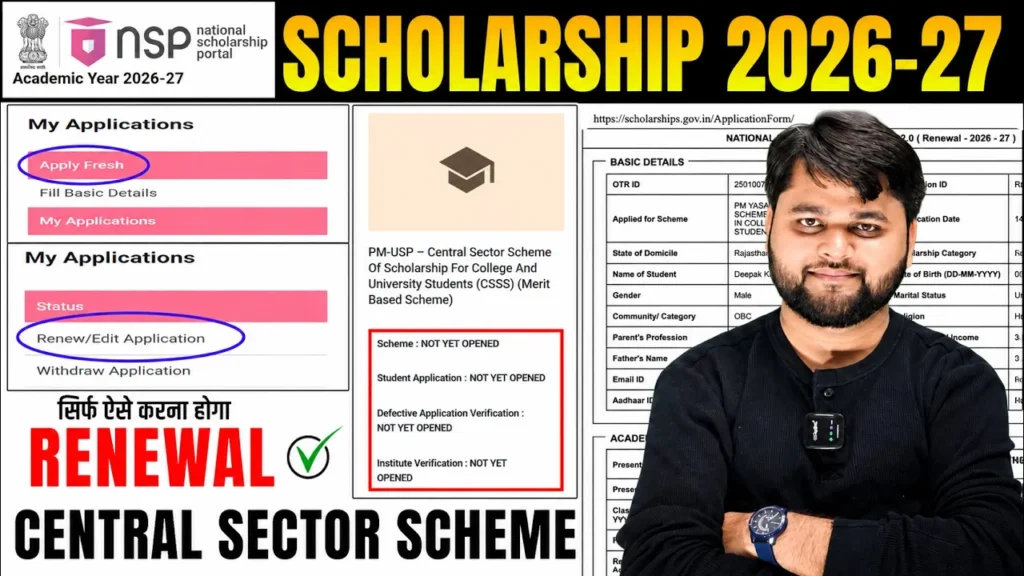
NSP CSS Scholarship 2026-27 Apply Online | National Scholarship Portal 2026-27 Renewal Kaise Kare?
Introduction
Students applying for the NSP CSS Scholarship 2026-27 Apply Online | National Scholarship Portal 2026-27 Renewal Kaise Kare? process must be careful before submitting any application on the National Scholarship Portal. Many students are currently facing confusion regarding CSS (Central Sector Scheme) renewal because the renewal option has not yet appeared for some eligible candidates.
If you are wondering whether you should apply as a fresh candidate, wait for the renewal option, or fix an application mistake, this guide explains everything in simple language. You will learn the latest renewal status, common errors, step-by-step renewal instructions, eligibility checks, and solutions to avoid losing your scholarship benefits.
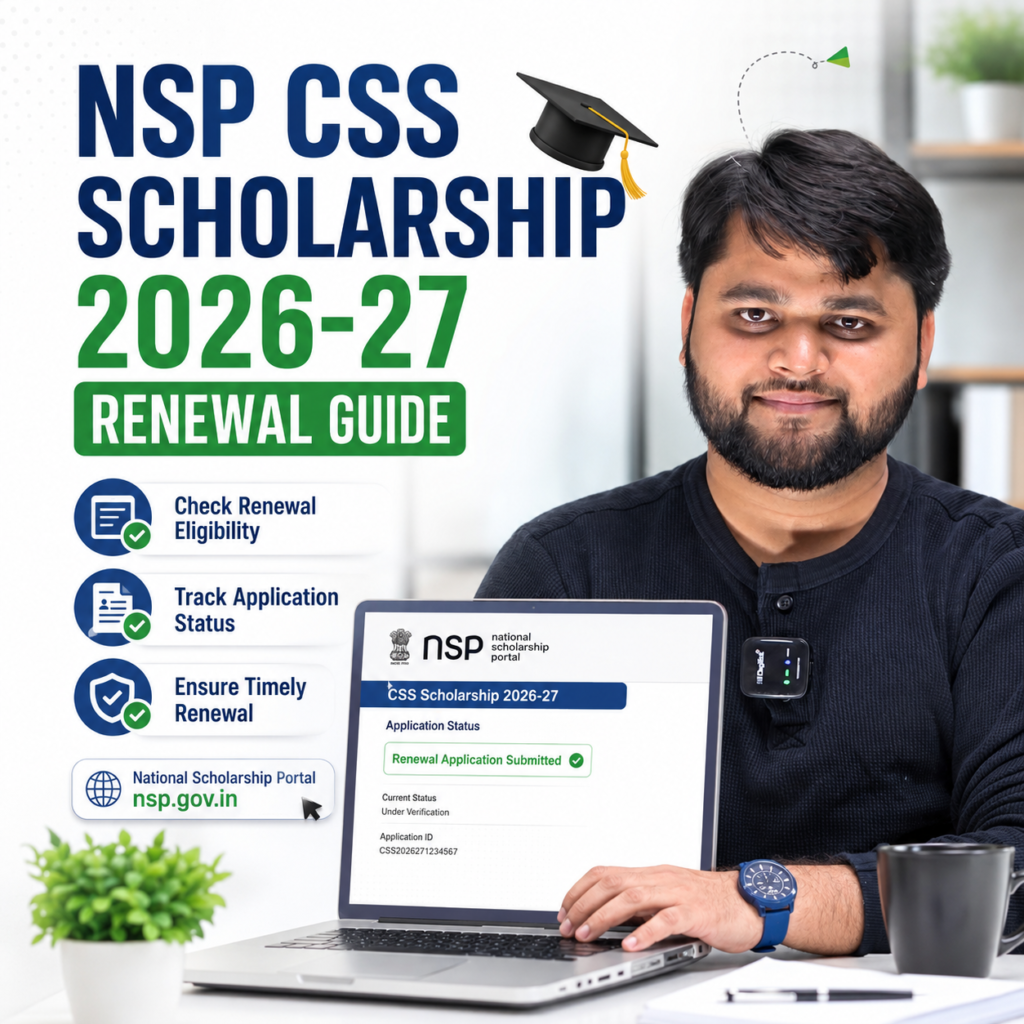
Latest Update on NSP CSS Scholarship 2026-27 Renewal
Many students who received benefits under the Central Sector Scheme of Scholarship for College and University Students (CSSS) are unable to see the renewal option for the academic year 2026-27.
Based on recent student cases, the biggest mistake being observed is that students are selecting another scheme and submitting a fresh application because the CSS renewal option is not yet available.
This can create serious problems because:
- Your original scholarship record may get affected.
- Fresh applications under different schemes can create eligibility conflicts.
- Future renewal eligibility may become complicated.
- Incorrect submissions often require withdrawal requests later.
Students who already received CSS Scholarship benefits in previous years should wait for the official renewal window unless the portal specifically instructs otherwise.
Quick Summary
| Topic | Current Status |
|---|---|
| CSS Scholarship Renewal 2026-27 | Opening in phases |
| Fresh Application Required? | No, for existing CSS beneficiaries |
| Common Student Mistake | Applying under another scheme |
| Recommended Action | Wait for official CSS renewal option |
| Official Portal | National Scholarship Portal |
| Risk of Wrong Application | Renewal complications |
Why Many Students Are Facing Renewal Problems in 2026-27
The primary issue is that students expect the renewal option to appear immediately after logging into NSP.
However, scholarship schemes are activated separately by different ministries and departments. In several cases, students reported:
- Renewal option not visible.
- Academic year 2026-27 not appearing.
- Only Fresh Application option available.
- Application status showing previous academic years only.
Because of this confusion, many students visit cyber cafes and submit fresh applications under unrelated schemes.
This is not recommended unless officially instructed by the scholarship authority.
Students should always verify:
- Previous scholarship scheme name.
- Scholarship department.
- Renewal eligibility status.
- Official NSP announcements.
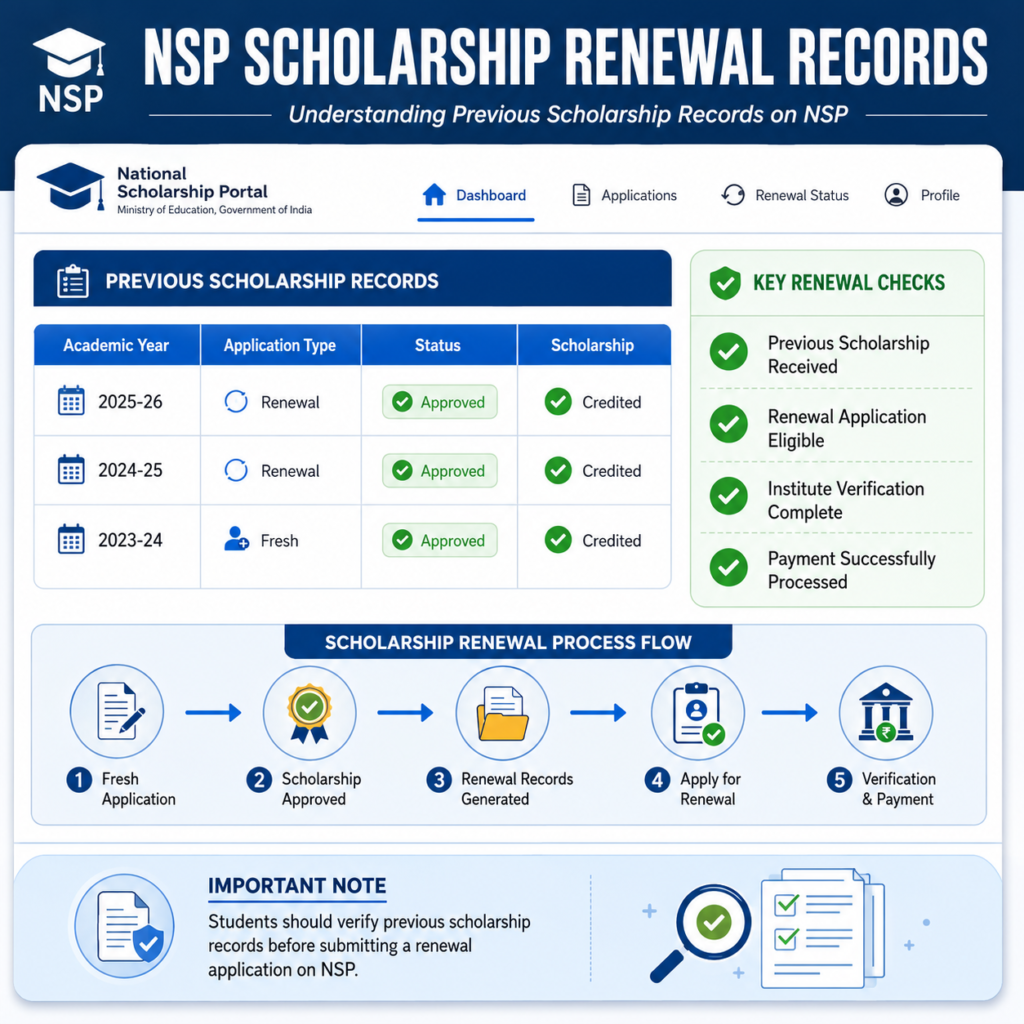
How to Apply for NSP CSS Scholarship 2026-27 Renewal
If your renewal option becomes available, follow the process carefully.
Step-by-Step Renewal Process
NSP CSS Scholarship Renewal Process
| Step | Action |
|---|---|
| 1 | Visit the National Scholarship Portal |
| 2 | Login using Application ID and Password |
| 3 | Verify profile details |
| 4 | Check whether Renewal Application option is available |
| 5 | Click Renewal Application |
| 6 | Update academic details |
| 7 | Upload required documents if requested |
| 8 | Verify bank account information |
| 9 | Review all information carefully |
| 10 | Submit application and save acknowledgment |
Important Renewal Tips
- Use the same scholarship category as previous years.
- Do not create duplicate applications.
- Avoid applying under another scheme simply because renewal is not visible.
- Check NSP notifications regularly.
- Keep your Aadhaar and bank details updated.
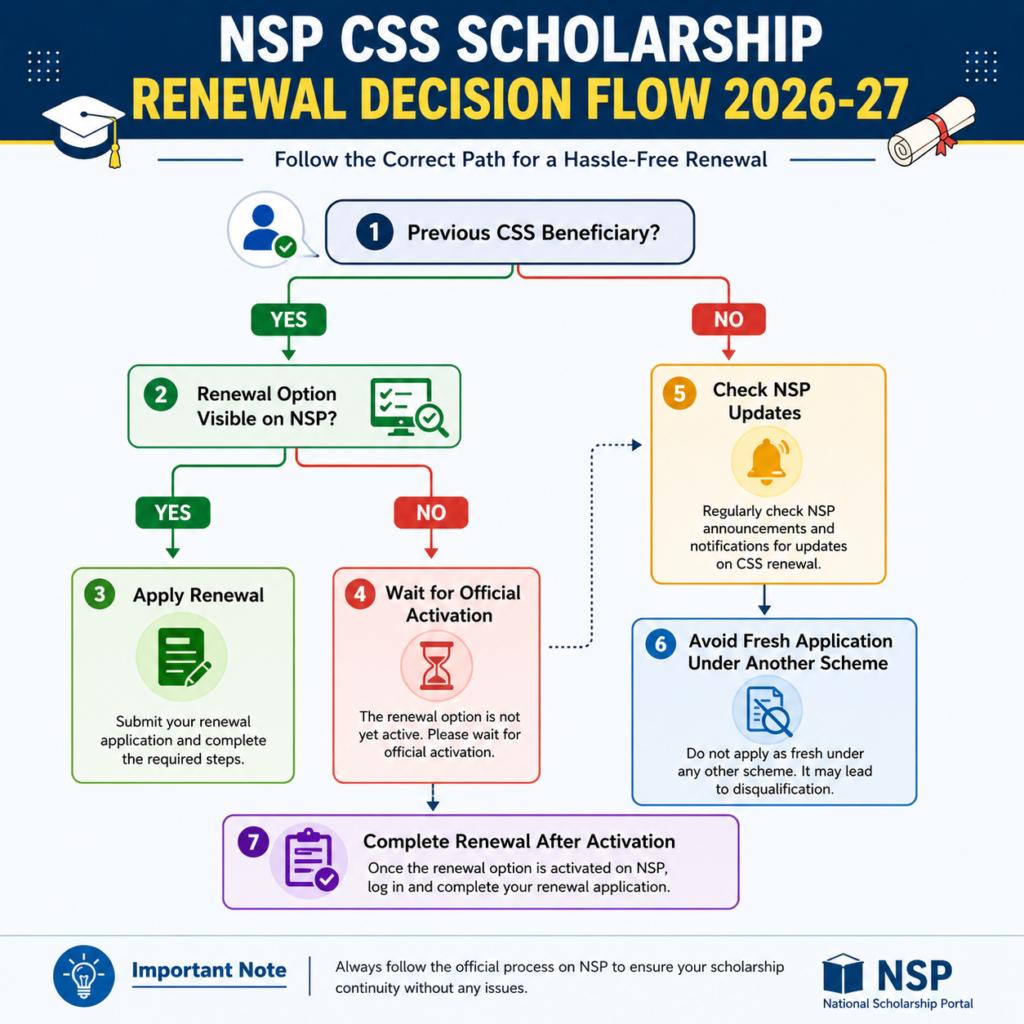
What Should CSS Scholarship Students Do If Renewal Option Is Missing?
If your renewal option is not showing, do not panic.
In many cases:
- Previous payments are still under processing.
- Scheme activation has not started.
- Department-level updates are pending.
- Renewal windows are released in phases.
The safest approach is to wait for official activation rather than submitting a fresh application under another scheme.
If the NSP CSS Scholarship 2026-27 renewal option is not visible, students should wait for the official renewal activation and avoid applying under a different scholarship scheme. Applying incorrectly may affect future renewal eligibility and create application conflicts.
For readers who prefer a quick walkthrough, this video explains the full process step by step.
What Should CSS Scholarship Students Do If Renewal Option Is Missing?
Common NSP CSS Scholarship Renewal Issues and Solutions
Students often encounter technical and application-related errors during renewal.
Problem vs Solution
| Problem | Solution |
|---|---|
| Renewal option not visible | Wait for official scheme activation |
| Applied under wrong scheme | Withdraw application if possible and follow official instructions |
| Academic year not showing | Check portal updates regularly |
| Bank account mismatch | Update correct bank details |
| Aadhaar verification pending | Complete Aadhaar authentication |
| Document upload error | Compress files and follow prescribed format |
| Application not submitted | Recheck mandatory fields |
| Payment delayed | Monitor NSP payment status dashboard |
Visit the official National Scholarship Portal for latest scholarship updates and renewal notifications.
Official Portal:
https://scholarships.gov.in/
NSP Scholarship Document Upload Problem 2026-27: Complete Fix Guide
FAQ
Can I apply as a fresh candidate if my CSS renewal option is not visible?
No. Existing CSS Scholarship beneficiaries should wait for the official renewal option unless NSP specifically instructs otherwise.
Why is the NSP renewal option not showing for 2026-27?
The scheme may not have been activated yet, or departmental updates may still be pending.
Can applying under another scheme affect my CSS Scholarship?
Yes. Incorrect applications can create conflicts and may complicate future renewals.
How can I check whether my renewal is available?
Login to NSP regularly and check the Renewal Application section under your student dashboard.
Do I need to upload documents again during renewal?
Only if NSP requests updated documents or verification records.
What should I do if I accidentally submitted a fresh application?
Check whether the application can be withdrawn and follow official NSP guidelines.
Conclusion
The NSP CSS Scholarship 2026-27 renewal process requires patience and careful verification. The biggest mistake students are making this year is submitting fresh applications under different schemes simply because the CSS renewal option is not yet visible. If you are already a CSS Scholarship beneficiary, wait for the official renewal activation, monitor NSP notifications regularly, and avoid unnecessary application changes. Following the correct process will help ensure uninterrupted scholarship benefits and prevent future eligibility issues.




One Response